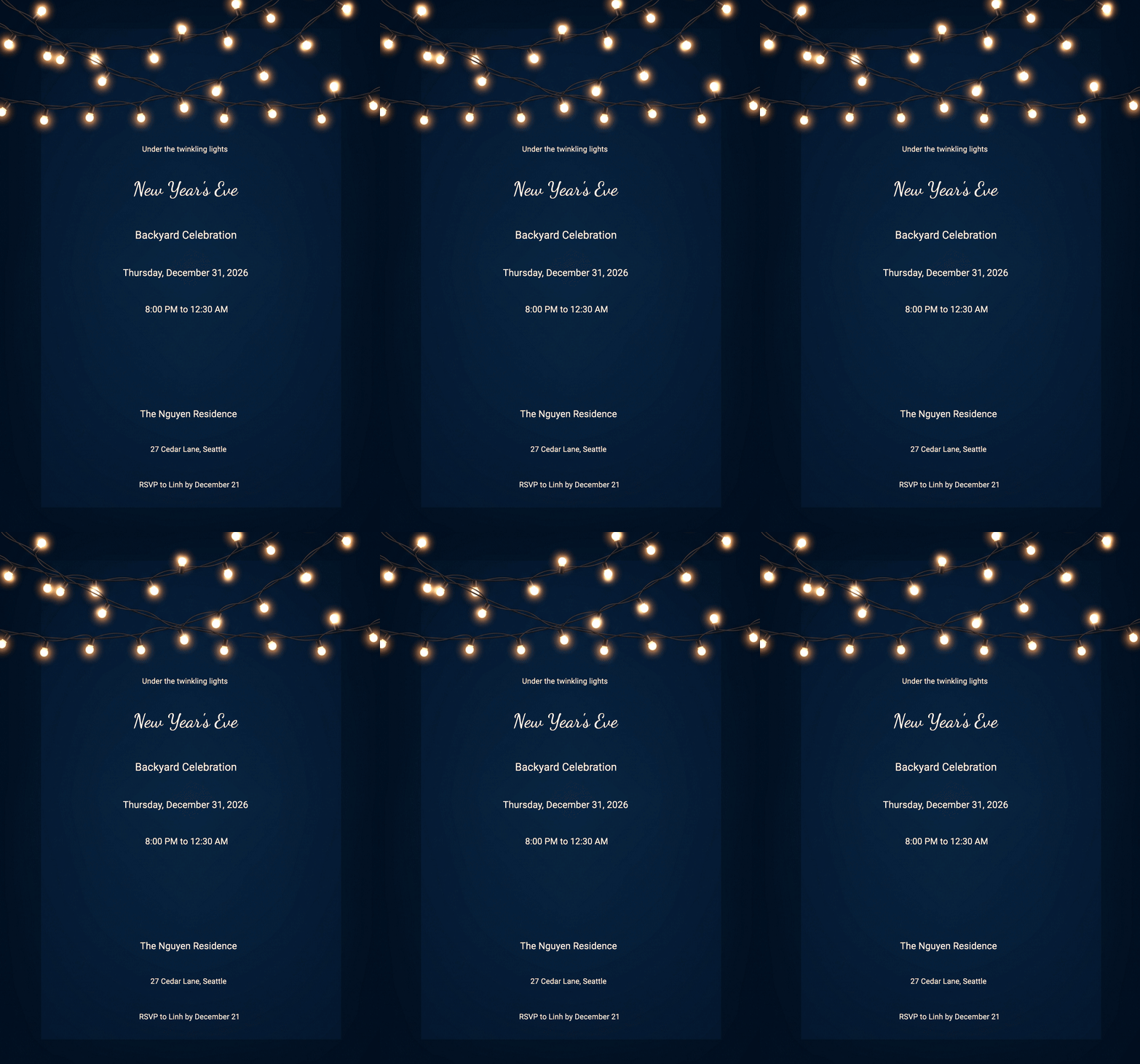
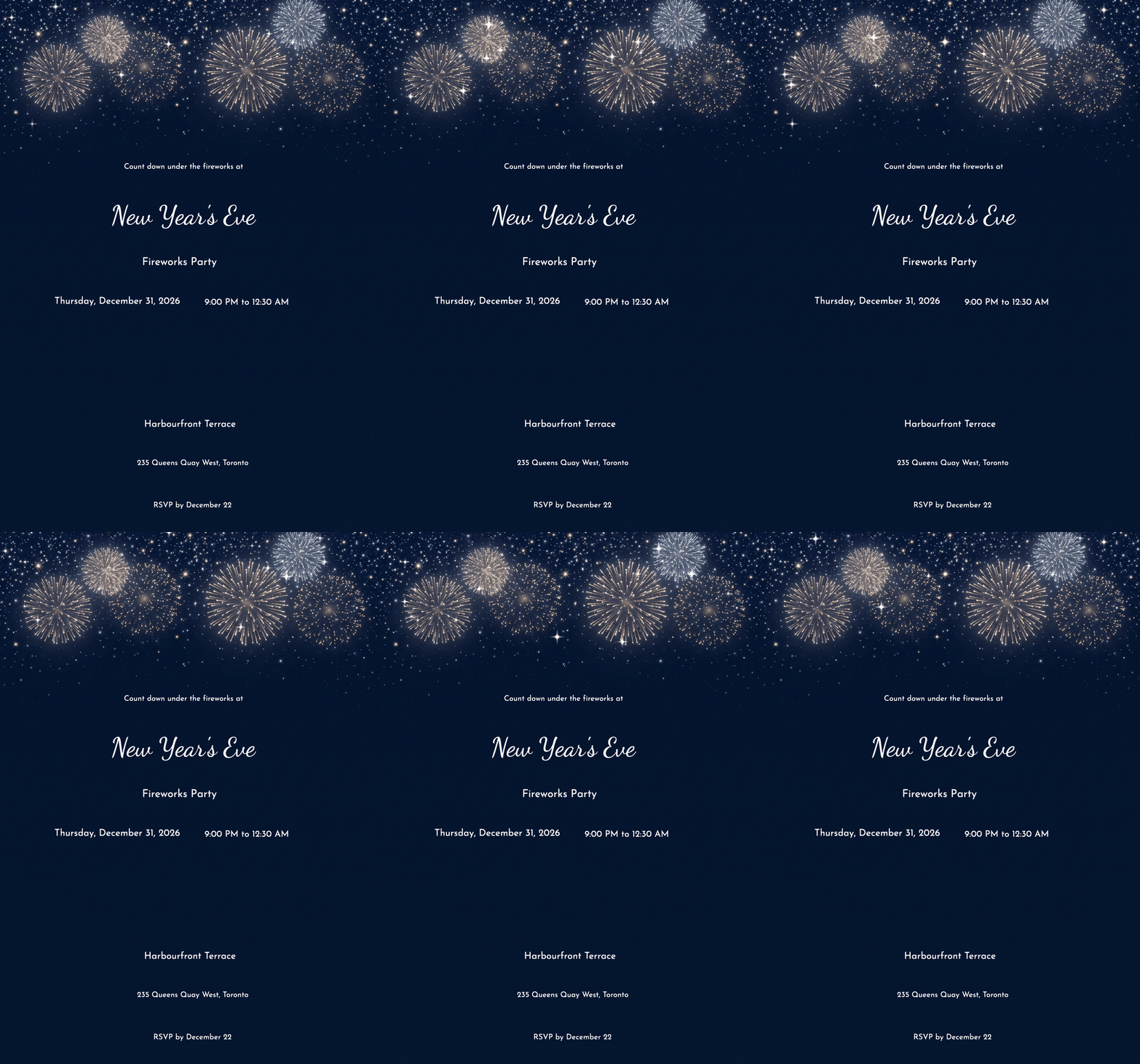
Are you planning a birthday party, wedding, baby shower, anniversary, house-warming, or a simple get-together? The decorations are ready, the cake is ordered, and the guest list is prepared. But the celebration is incomplete without one important thing: the invitation.
Creating an invitation doesn’t have to be complicated. You don’t need to learn complicated design software, buy an expensive template, or spend hours putting together a single card. With a free online invitation maker, you can create a beautiful digital invite, personalise it with your event details, and share it with your guests in just minutes.
Traditional invitations meant choosing a design, getting cards printed, and then personally delivering them to friends, family, and guests, or using a postman to deliver them. Online invitations make things much simpler. You can create and customise your invitation, add all the important event details, and share it with your guests in just a few clicks.
Many modern invitation tools offer unique features beyond just designing an invitation, such as guest management, RSVP tracking and instant sharing. Whether you want to create invitations online, make a birthday invite, or find an online invitation maker with no download required, the right tool can make the entire process quick, convenient and hassle-free.
And if you’re seeking a simple option that also includes an RSVP feature, InviteFlare can be a great choice. It is a digital invitation platform where you can choose and customise your templates, share them online, and track guest responses in real time. It can also be a free evite alternative for those looking for a simple way to send invitations online.
What is a free online invitation maker?
A free online invitation maker is a web application that enables you to create attractive designs and customise invitations without having to install complex software. These tools create invitations for many occasions, from birthdays and weddings to baby showers and housewarming parties.
With a free online invitation maker, you don’t need to spend hours creating layouts; instead, you can choose from free digital invitation templates and customise them for your event. After choosing the template, you need to include important event details, such as the names, date, time, venue information, and RSVP instructions. You can also customise the colours and fonts, add personal photos, and edit the wording to make the invitation feel more personal.
Most of the online invitation makers function directly in your browser, eliminating the need to download additional software or apps. Once your invitation is ready, you can share the link via email, WhatsApp or any other messaging app, depending on the platform you use. Some websites, such as InviteFlare, include RSVP functions, allowing you to collect responses and keep track of your guest list in one place.
Why choose an online invitation over printed cards?
No matter how big or small the function is, people rarely forget the invitation. An invitation is the first step in a celebration, letting guests know the host wants them to share in their happiness.
Printed invitations still have their charm, especially for weddings, engagements and big celebrations. But for smaller events like birthday parties, the process of designing, printing, delivering and following up with the guest can be quite a hassle.
That’s where online invitations make things easier. With just a few clicks, you can choose a template, add your event details and personal wording, generate a share link, and send it to your guests through WhatsApp, email, or any messaging app. The following are some of the best reasons to choose an online invitation over printed cards:
They Save Time
Well, time is money. And creating a digital invitation is effortless. You need to choose a template, edit the details, and add the venue, date, and time. Get the shareable link and send it through email, Facebook, or WhatsApp. All of this can be done within a few minutes. On the other hand, traditional cards have many steps, like designing, printing, checking copies, and then delivering them one by one.
Easy to Personalise
After traditional invitations are printed, you cannot edit them; whatever changes you need to make must be completed before printing. However, that’s not the case with digital invitations. A good digital invitation maker lets you create custom online invitations free while giving you control over the details that matter. You can add your event name, personalise the wording, change colours and fonts, and sometimes include photographs or other design elements.
Easy to make changes anytime
What if the venue changes, or the time you’ve chosen earlier has some problem, or the date clashes with another important date? All this can be solved with the digital invitation; you can easily change the details rather than printing a whole new set of cards.
Easy to Share
You can send an online invitation through WhatsApp, email, SMS, social media, or a shareable link, depending on the platform.
Easy to Manage Guests’ Responses
Managing guests, or finding out who is and is not attending, is a big challenge for any celebration. But with built-in RSVP functionality, you can see who is attending, who has declined, and who has not responded.
This is one of the biggest advantages of using an invitation platform instead of simply sending an invitation image.
How to Make Invitations Online Free
The best thing about digital invitations is that you don’t need professional design skills to create a polished digital invitation. Modern invitation tools keep the process simple, and you can make invitations online free using an invitation design tool online by following these steps:
Choose the Event Type
Start by selecting the occasion. It could be where an online invitation maker for birthday events can help you create a suitable design, or for a:
- Wedding
- Engagement
- Birthday
- Save the date
- Housearming
- Anniversary
- Dinner Party
- Holiday celebration
- Corporate event
- Graduation
Choosing the occasion first helps you find the designs that already match the mood of your events.
Select a template
Don’t start directly with a blank canvas; choose from different free digital invitation templates. Look for a design that suits your event, rather than simply choosing one because it looks attractive. For example, a colourful cartoon invitation may work perfectly for a child’s birthday, but it may not be the right choice for a traditional wedding.
Add the event details.
Add the event information so that guests don’t have any confusion. Here are the event details your invitation should include:
- Host or celebrant’s name
- Event name (e.g., birthday, engagement, wedding, etc.)
- Date
- Time
- Venue
- RSVP instruction
- Dress code
- Other important information
Customise the design.
Customisation is an important part of creating an invitation, as it gives the invitation a personal touch. You can easily customise fonts, colours, and backgrounds; add photos; and edit the wording with a text invitation maker free to make the invitation feel more personal. You can also add some decorative elements, but to keep the design visually balanced, try not to use every customisation option available.
Preview before sending.
Always preview your invitation before sending it out. Look for spelling mistakes, incorrect dates, missing venue details and outdated information. If possible, open the invitation on a mobile device too, since many guests will view it on their phone.
Share your invitation.
After reviewing all the information and once everything looks right, send it to your guest. A modern online invitation maker no download approach can make this whole process, especially, convenient. You can easily create and share the invite directly from your browser.
Ready to create yours? Create a free invitation with InviteFlare and start with an editable template on your own invitation design.
Features to Look for in an Online Invitation Maker
When you search for a free online invitation maker, you’ll find hundreds of options, and each platform offers different features. So, how do you know which one is actually worth using? A good platform should make the entire process simple, from designing the invitation to sharing it and managing guest responses. If you’re looking for an online party invitation maker, here are some useful features to consider.
1. Easy customisation
Customising an invitation should be simple, even if you don’t have professional design skills. You should be able to change the text, colors, fonts, images, and other details without getting confused.
2. Mobile-friendly design
Most people open invitations on their phones rather than on a laptop or computer. That’s why your invitation should look clear and attractive on smaller screens as well. Choose a platform that creates mobile-friendly invitations that are easy for guests to view.
3. Different invitation categories
A good online party invitation maker should have templates for different types of events. You might find fun and colourful designs for birthdays, elegant templates for weddings, cute themes for baby showers, and dinner-themed invitations for parties or family gatherings.
4. Easy sharing
Once your invitation is ready, sharing it should take just a few clicks. Look for a platform that allows you to send invitations through WhatsApp, email, SMS, social media, or a simple invitation link.
5. RSVP management
If you need to keep track of who is attending your event, an RSVP feature can make things much easier. It allows you to see confirmed, declined, and pending responses in one place, so you can manage your guest list without keeping track of everything manually.
6. Upload your own design.
Some platforms also allow you to upload your own invitation design. This is useful if you’ve already created an invitation and simply want to add event details, share it with guests, or manage RSVPs through the platform.
7. No download required
An online invitation maker with no download option lets you create and edit invitations directly in your browser. You don’t need to install any software or app, making the whole process quicker and more convenient.
Free Online Invitation Maker vs. Traditional Invitation Cards
Still wondering whether digital invitations are really better than traditional cards? Both options have their own place, depending on the type of event and what works best for your guests. Printed cards feel more personal and traditional, while digital invitations are quicker to create, easier to update, and simple to share. Let’s compare both options to see which one suits your needs better.
Feature | Digital Invitation | Printed Invitation |
Creation time | Mainly quick | It can take several days |
Customisation | Easy to customise | Reprinting may be needed. |
Sharing | Instantly via link | Physical delivery required |
Cost | Budget-friendly | Includes printing and delivery costs |
RSVP tracking | Available on some platforms | Usually manual |
Update | Easy; it can be done anytime. | Difficult to update after printing |
Best for | Any events, especially birthdays, engagements, get-togethers | Big celebrations like weddings |
InviteFlare’s Unique RSVP Feature
A beautiful invitation is not just about presenting all the event details in a clear and concise way. A truly useful invitation should also help you keep track of your guests who is attending, who cannot make it, and who is still deciding. This is where an RSVP feature can make a real difference, and not every invitation website offers one.
With InviteFlare’s RSVP feature, hosts can share an invitation link and collect guest responses in one place. Guests can simply open the invitation in their browser and submit their response without downloading an app or creating an account.
From the RSVP dashboard, hosts can quickly see who is attending, who has declined, and who hasn’t responded yet. You can share the invitation through WhatsApp, email, SMS, or any link, making the entire process simple, organised, and much easier to manage.
Already have a finished design? Follow our guide to uploading your own invitation and adding an RSVP link, including file preparation and sharing steps.
Conclusion
Crafting an invitation doesn’t need to take hours; a few clicks and you’re there. With a free online invitation maker, you can choose a ready-made design, personalise it with your event details, and share it with guests in minutes.
Digital invitations give you the freedom to be creative in ways traditional cards often cannot. You can edit them anytime, personalise every detail, share them instantly, and even track guest responses through RSVP, making the whole process easier to manage. The key is not to choose a template simply because it looks attractive, but to find a platform that is mobile-friendly, easy to customise and share, and simple to manage without complicated software.
If you want to create invitations online for free while keeping your guest responses organised, give InviteFlare a try and create a beautiful invite in just a few minutes.
FAQs
- Is an online invitation better than printed cards?
Online invitations are quicker to create, easier to customise, and can be shared instantly with guests. They also make it easier to update event details and manage RSVPs.
- Can I create an invitation without downloading an app?
Yes, you can easily create, customise, and share your free online invitation through your web browser, without downloading an app.
- Can I make my birthday invitation for free?
Yes, you can create a birthday invitation for free using platforms that offer free digital invitation templates and basic customisation options. You can add your party details, personalise the design, and share it digitally with your guests.
- Which is the best platform to create online invitations?
InviteFlare is one of the best platforms to create online invitations. You can easily create, customise, and share instantly. The best thing is that it has a built-in RSVP tracking function.
- Can I send a digital invitation through WhatsApp?
Yes, you can easily send digital invitations on WhatsApp using an image or invitation link. It is a quick and convenient way to invite guests without printing cards.
InviteFlare has hundreds of free, customisable templates. Send digitally in seconds — no printing, no hassle.
Free Party Invitations to Customise
Beautiful templates — personalise and send in minutes, no design skills needed.