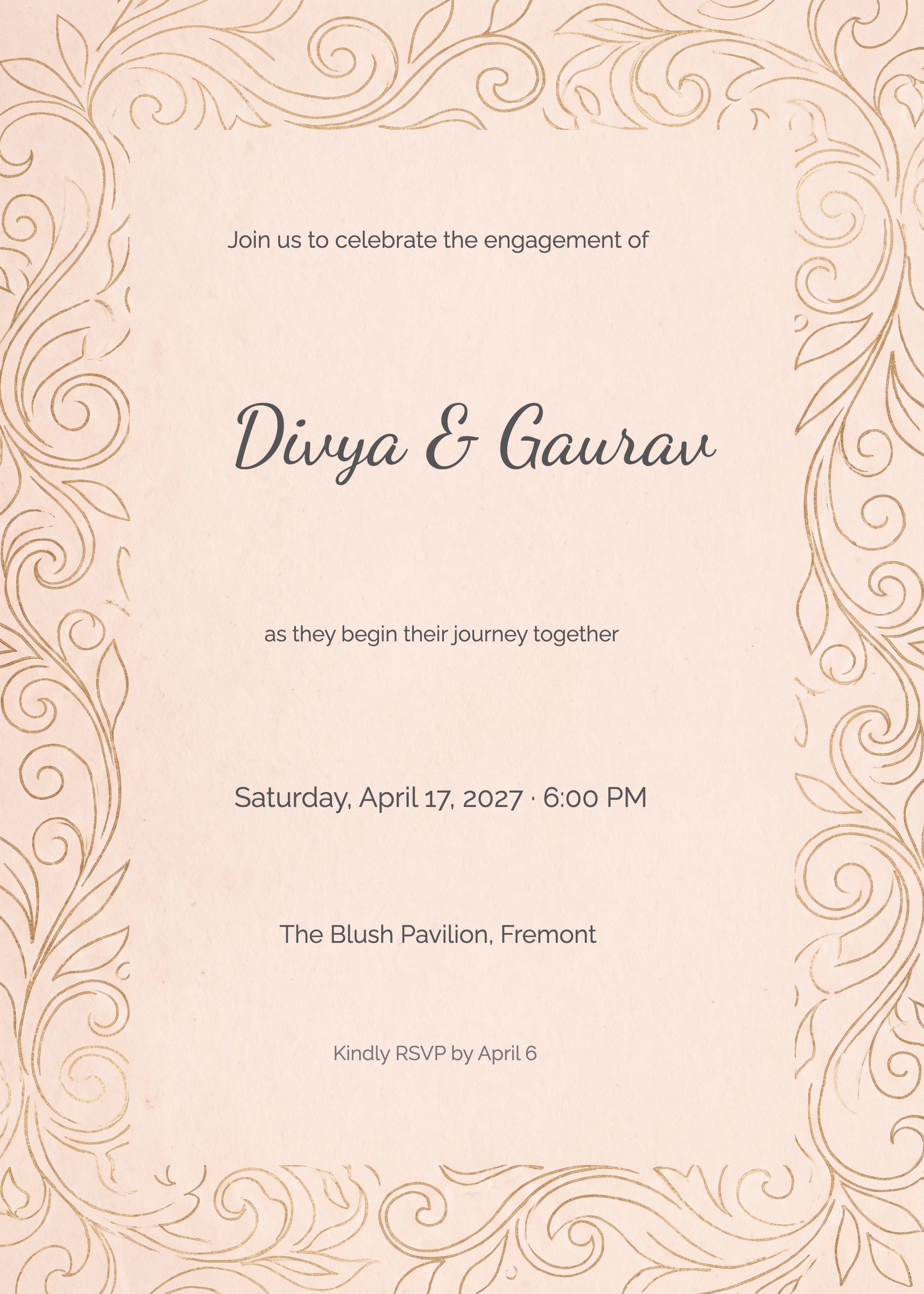





Make it yours
Choose a card and personalize it, or upload an invitation you already have. Add your event date, venue and RSVP deadline.
Celebrate together, wherever you call home
Personalize a design or upload your invitation, share a link on WhatsApp, and keep guest replies organized—whether you are hosting in India or abroad.
See a guest RSVP exampleFree templates available · Paid options and branding vary by design

Your card, event details and RSVP link work together.
From invitation to attendance
Choose a card and personalize it, or upload an invitation you already have. Add your event date, venue and RSVP deadline.
Copy the link into WhatsApp chats or family groups. Guests open the invitation and event details in their browser.
Review submitted replies in your dashboard. Compare them with your invited-guest list to decide who needs a follow-up.
Find your starting point
Explore the existing collections, then choose a design that fits your occasion. Each collection includes its own mix of styles and access options.
Try it with fictional details
Choose a response for our sample guest, then see the example host summary update.
This is an interactive example. Nothing is sent or saved. Real shared-link RSVPs require a name and email address.
Fictional wedding reception
A celebration with family and friends
Sample guest: Priya · priya@example.com
Already have the perfect card?
Bring an invitation from your designer or a tool such as Canva. Upload a JPG, PNG or WebP image, add your event details, and share the invitation link with your guests.
Text inside your uploaded image stays part of the artwork. Make spelling or language changes in the original design before uploading.
A shared link does not identify everyone who received it. Keep your invited-guest list so you can follow up with people who have not replied.
Upload your invitationSet the event’s venue and timezone, include arrival instructions, and share the same invitation link with family near and far.
Create separate invitations for your wedding, reception or other functions. Share each link with its guests and manage replies for each invitation.
Preview the invitation before sharing to check the details your guests will see.
Free templates are available and may include InviteFlare branding. Premium designs, branding removal and some guest or sending options require paid access. Review current prices and limits before publishing.
View pricing and limitsYes. You can create an invitation for a celebration in India or abroad. Add the venue and select the event timezone so guests have the right details, even when you are planning from another country.
Guests can open a shared invitation link in their browser without installing an app or creating an account. The current shared-link RSVP form asks for a name and email address. Email is required to submit that response.
Yes. Export your design as an image and use the upload invitation flow. JPG, PNG and WebP are supported. Text already inside the image stays part of the artwork; change it in the original design before uploading. You can add event details and RSVP separately.
For finished Hindi or other Indian-language artwork, upload an image exported from your design tool. When adding text in the editor, check the chosen font, character rendering and final output before sharing. Font support varies; the editor interface is in English.
You can create a separate invitation for each function and share its link with the appropriate guests. Replies are managed for each invitation. A combined wedding website with private function lists and one family response is not currently part of this flow.
Free templates are available and can include InviteFlare branding. Premium designs, branding removal and some guest or sending options require paid access. Check the selected design and pricing page for current prices and limits before publishing.
Hosts can configure additional-guest options in event settings, subject to their access and limits. Tell guests how you would like them to respond and review the invitation preview before sharing.
No. The RSVP example uses fictional details and only changes the sample counts on this page. It does not send a reply, email or WhatsApp message, and resets when you reload the page.
Start with a card. Add the details. Give every guest a place to reply.