





Online Invitations for Every Occasion
Customize, share on WhatsApp, and track RSVPs
Invitation templates for weddings, birthdays, baby showers, housewarmings, and more.
Birthday
See all
Wedding
See all


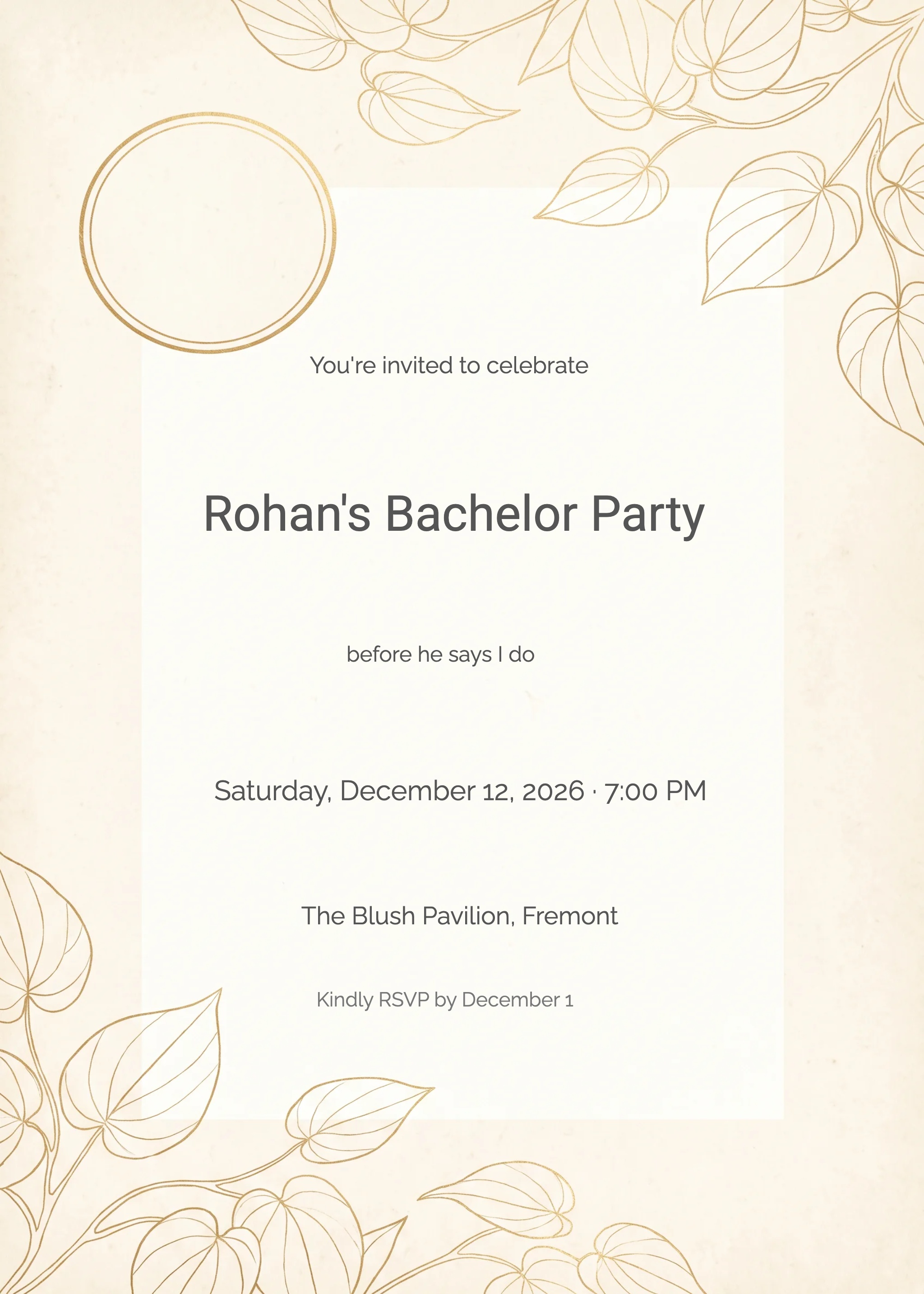
Baby Shower
See all

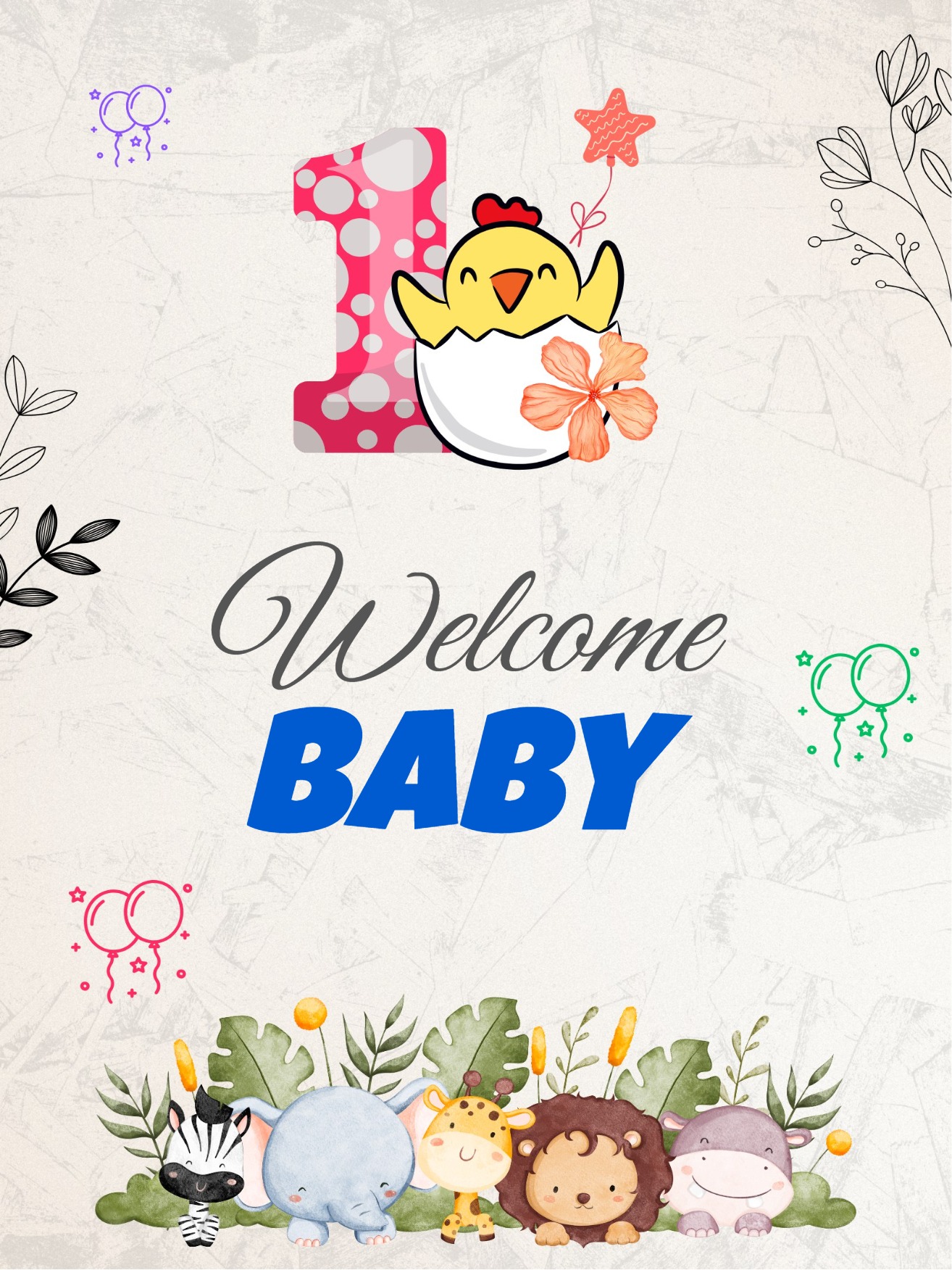
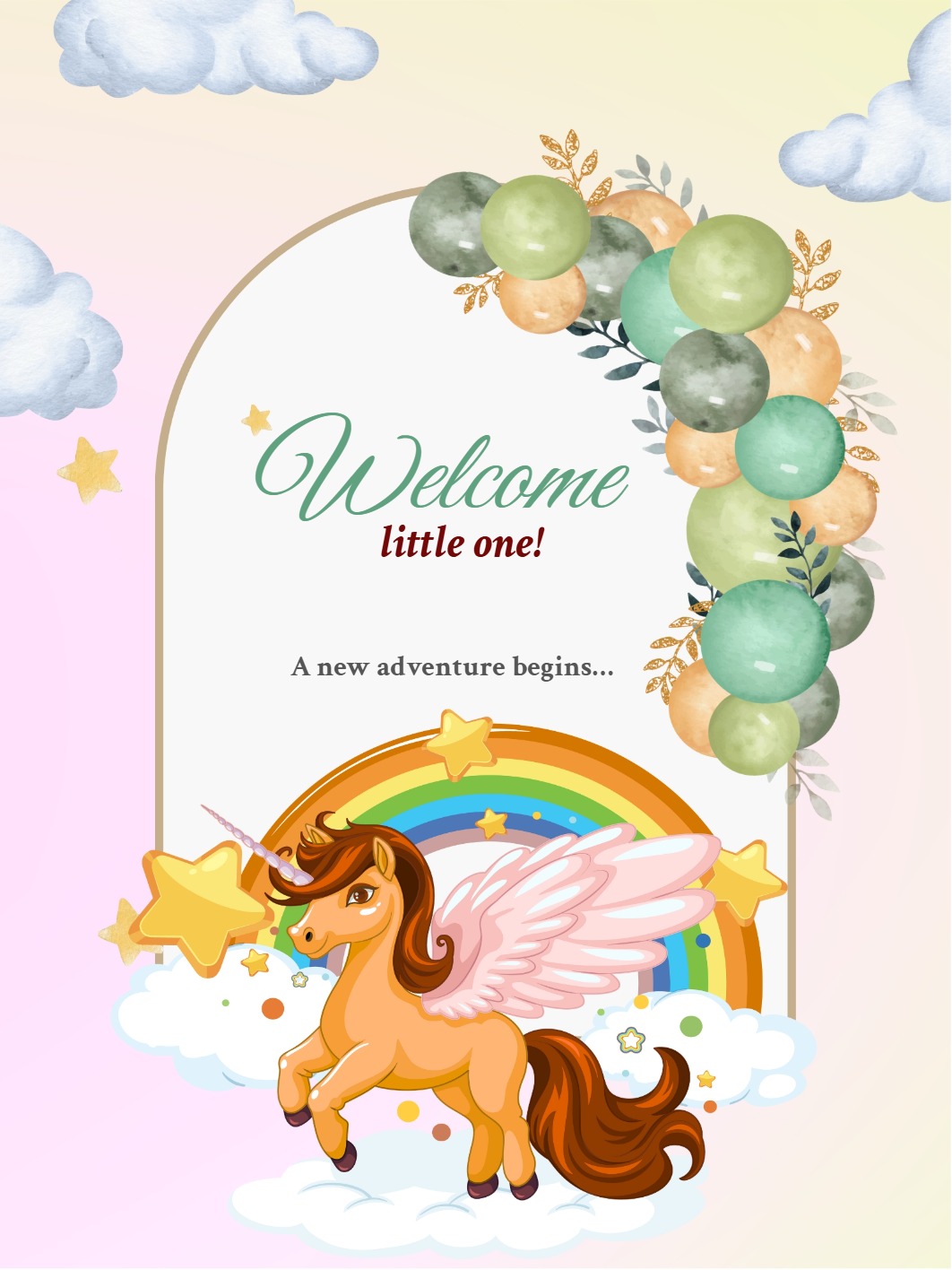
Parties
See allAnniversary
See all



Retirement
See all



Create Digital Invitations for Any Occasion
InviteFlare makes it simple to create professional digital invitations without any design skills. Browse templates across dozens of event categories — from intimate birthday gatherings to large wedding celebrations, baby showers, housewarming parties, naming ceremonies, anniversary dinners, and corporate events. Every template is fully customizable: change the text, colors, fonts, and photos in minutes using our browser-based editor, on any device, anywhere in the world.
Once your invitation is ready, share it as a link directly on WhatsApp, copy it into any message, or embed it on a website. Guests complete an RSVP form — no app download required. All responses are tracked in your dashboard, giving you a live headcount without any back-and-forth. InviteFlare is used by families and event planners globally, with a strong community of users across India, the Middle East, Southeast Asia, and beyond.
Share on WhatsApp
Generate a link and send it to any contact or group in one tap. Guests open the invite directly in their browser.
Live RSVP tracking
See exactly who has confirmed, declined, or not yet replied — updated in real time as guests respond.
Edit anytime
Update your event details after sharing and all guests see the latest version automatically — no resending needed.
How it works
- Choose a template — Browse categories and pick a design that fits your event style and mood.
- Customize it — Add your event name, date, venue, and a personal message. Upload a photo if you'd like.
- Share the link — Send it via WhatsApp, email, or copy and paste it anywhere. No printing required.
- Track replies — Watch RSVPs come in from your dashboard and follow up with guests who haven't responded.
Frequently asked questions
- Are InviteFlare invitation templates free?
- InviteFlare includes free templates you can browse and customize. Free templates may include InviteFlare branding and standard plan limits. Access to a paid design and account subscription benefits are separate; check the design and pricing details for included features.
- How do I share my invitation on WhatsApp?
- Once you've finalized your design, InviteFlare generates a unique shareable link. Tap the WhatsApp button to send it to contacts or paste the link into any group chat. Guests don't need to download anything — they open the link in their browser to view your invite and complete the RSVP form with their name and email address for shared links.
- How does RSVP tracking work?
- When guests receive your link, they complete an RSVP form with Attending, Not Attending, or Maybe. Shared WhatsApp or QR links require a name and email address. Submitted replies appear in your dashboard. Compare them with your invited-guest list before following up; a shared link does not identify everyone who received it. Export and reminder options depend on your setup and plan.
- Can I edit my invitation after sharing it?
- Yes — update the venue, date, time, or any detail at any time, even after sending the link. Changes reflect instantly for everyone who opens the invite. There is no need to create a new invitation or resend anything.
- What events can I create invitations for?
- InviteFlare has templates for birthdays, weddings, baby showers, housewarming (griha pravesh), naming ceremonies, anniversary celebrations, engagement parties, Diwali and Eid gatherings, Christmas parties, corporate events, and more. New designs are added regularly across all categories to cover occasions celebrated around the world.