
Digital Invitation Etiquette: What to Include Before You Send Guests the Link

Quick answer: A good digital invitation should include the host, event name, date, time, location, RSVP deadline, dress code, guest rules, and any special instructions. The goal is simple: guests should know exactly where to go, when to arrive, and how to reply.
Why digital invitation etiquette matters
Digital invitations are convenient, but they can feel careless if important details are missing. A clear invitation reduces guest confusion, avoids awkward follow-up messages, and helps the host get accurate RSVPs.
Digital invitation checklist
- Event name: make the occasion obvious.
- Host name: tell guests who is inviting them.
- Date and time: include time zone for virtual or travel events.
- Location: add the full address or online meeting link.
- RSVP deadline: give guests a clear date to respond.
- Dress code: include it only if it helps guests prepare.
- Plus-one policy: be clear if guests can bring someone.
- Kids or siblings: mention whether children are included.
- Food notes: tell guests if a meal, snacks, or drinks are planned.
- Gift note: add registry, no-gift, or contribution details if relevant.
- Contact person: include a name for questions.
Useful wording examples
RSVP deadline
“Please RSVP by July 15 so we can finalize food and seating.”
Adults only
“We love your little ones, but this celebration will be adults only.”
No gifts
“Your presence is the only gift we need.”
Dress code
“Dress code: garden party casual. Comfortable shoes recommended.”
Etiquette for WhatsApp invitations
When sending an invitation through WhatsApp, include one short personal note and the invitation link. Avoid sending too many separate messages. If the invite has RSVP tracking, ask guests to reply through the link so your count stays organized.
Etiquette for QR code invitations
If you use a QR code on printed material, include a short URL as backup. Make sure the QR code is large enough to scan and has enough contrast from the background.
Common mistakes to avoid
- Sending an invitation without an RSVP deadline.
- Leaving out the full venue address.
- Not saying whether plus-ones or children are included.
- Using vague wording such as “evening” instead of a real start time.
- Forgetting to test the invitation link before sending.
FAQ
Is it okay to send invitations by WhatsApp?
Yes, especially for family, friends, school groups, and casual events. For formal events, use a polished invitation link and clear RSVP instructions.
Should every digital invitation include RSVP?
If the host needs a headcount, yes. RSVP tracking makes planning easier and reduces follow-up messages.
Create a clear invitation: Use InviteFlare to make a digital invitation with RSVP tracking, WhatsApp sharing, QR code sharing, and guest-friendly event details.
Image credit: Photo by thecactusena on Pexels.
Where to build a clear digital invitation on InviteFlare
To create a clear invitation, start from InviteFlare invitation templates. Pick the category that matches your event, such as wedding, birthday, or baby shower. Then add the event details before sharing by WhatsApp, QR code, email, or link.
If you are sending the invite mainly through WhatsApp, use the WhatsApp invitation maker. It helps you create a shareable invite link while keeping RSVPs organized.
Digital invitation examples by event type
Birthday invitation
Include the birthday person’s name, age if relevant, party theme, start and end time, venue address, RSVP deadline, and whether parents or siblings should stay. For kids’ birthdays, make pickup and drop-off details clear.
Wedding invitation
Include the couple’s names, ceremony time, venue address, reception details, RSVP deadline, dress code, wedding website or registry if relevant, and plus-one rules. For destination weddings, mention travel planning details early.
Baby shower invitation
Include the parent or parents being celebrated, shower date, time, location, registry note, host contact, RSVP deadline, and any theme or dress suggestion. If the shower is a surprise, say that clearly.
Before you send: final review checklist
- Open the invitation on your phone.
- Check that the date and time are correct.
- Check map/address details.
- Confirm RSVP deadline and guest instructions.
- Test the RSVP form or reply button.
- Send a test link to yourself before sending it to guests.
A polished digital invitation does not need to be formal. It needs to be clear, complete, and easy for guests to act on. If guests understand the details and can RSVP quickly, the invitation has done its job.
Message templates for sending a digital invitation
WhatsApp invitation message
“Hi everyone! We’re excited to invite you to [event name] on [date]. Please open the invitation link for details and RSVP by [deadline]: [link]”
Wedding invitation message
“We would be honored to celebrate our wedding with you. Please view the invitation and RSVP by [deadline]: [link]”
Birthday invitation message
“You’re invited to celebrate [name]’s birthday! Party details and RSVP are here: [link]. Please reply by [deadline].”
Baby shower invitation message
“Please join us to celebrate [parent/name] and the little one on the way. Invitation details and RSVP: [link]”
Etiquette for reminders
One reminder is normal. Two reminders may be appropriate for weddings, catered events, or office events where the host needs a final count. Keep reminders polite and useful. Mention the deadline and why the response matters, such as food, seating, venue capacity, or planning.
- Send reminders only to guests who have not replied if your tool supports it.
- Do not shame guests for missing the first message.
- Use the same invitation link again so guests do not search for it.
- Give a clear final date instead of saying “soon.”
Accessibility and guest comfort
A digital invitation should be easy to read on mobile. Avoid tiny text in the design, low color contrast, or important details hidden only inside an image. Put the essential event details in readable text on the invitation page, not only in the artwork.
Digital invitation etiquette for formal vs casual events
For casual events, a friendly message and a clear RSVP link are usually enough. A birthday party, picnic, housewarming, or small dinner can use warm wording and simple details. The invitation should still include the exact time, place, and RSVP deadline.
For formal events, the invitation should feel more complete. Weddings, milestone anniversaries, company events, and large showers need clearer language around guest names, plus-ones, dress code, venue details, and RSVP expectations. A formal digital invitation can still be sent by link, but the wording should be polished and complete.
What guests should be able to answer after opening your invite
- What is the event?
- Who is hosting it?
- When does it start and end?
- Where should I go?
- Do I need to RSVP?
- Can I bring someone?
- What should I wear?
- Who should I contact if I have a question?
If a guest can answer those questions without messaging the host, the invitation is doing its job.
Free Party Invitations to Customise
See all →Beautiful templates — personalise and send in minutes, no design skills needed.

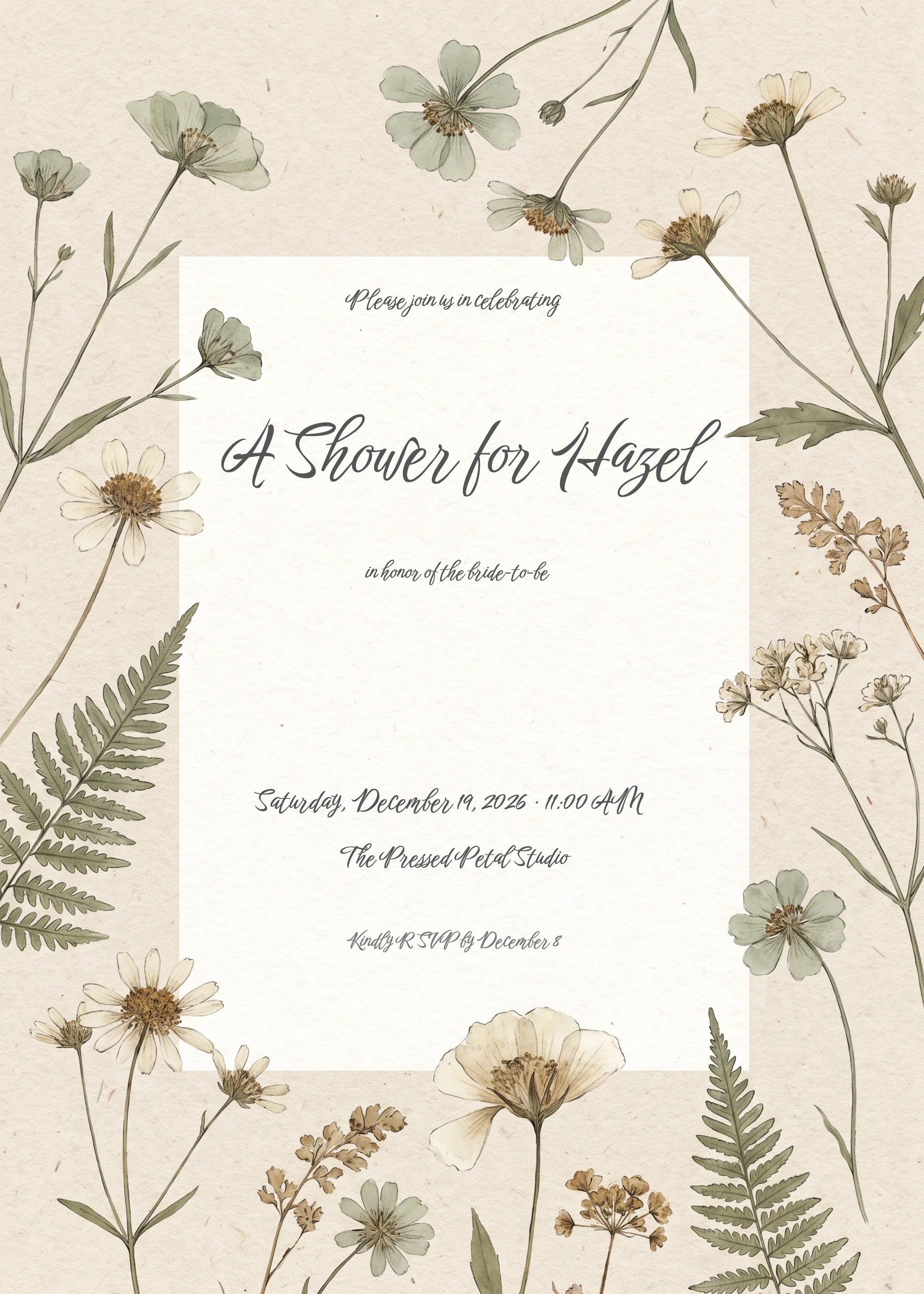
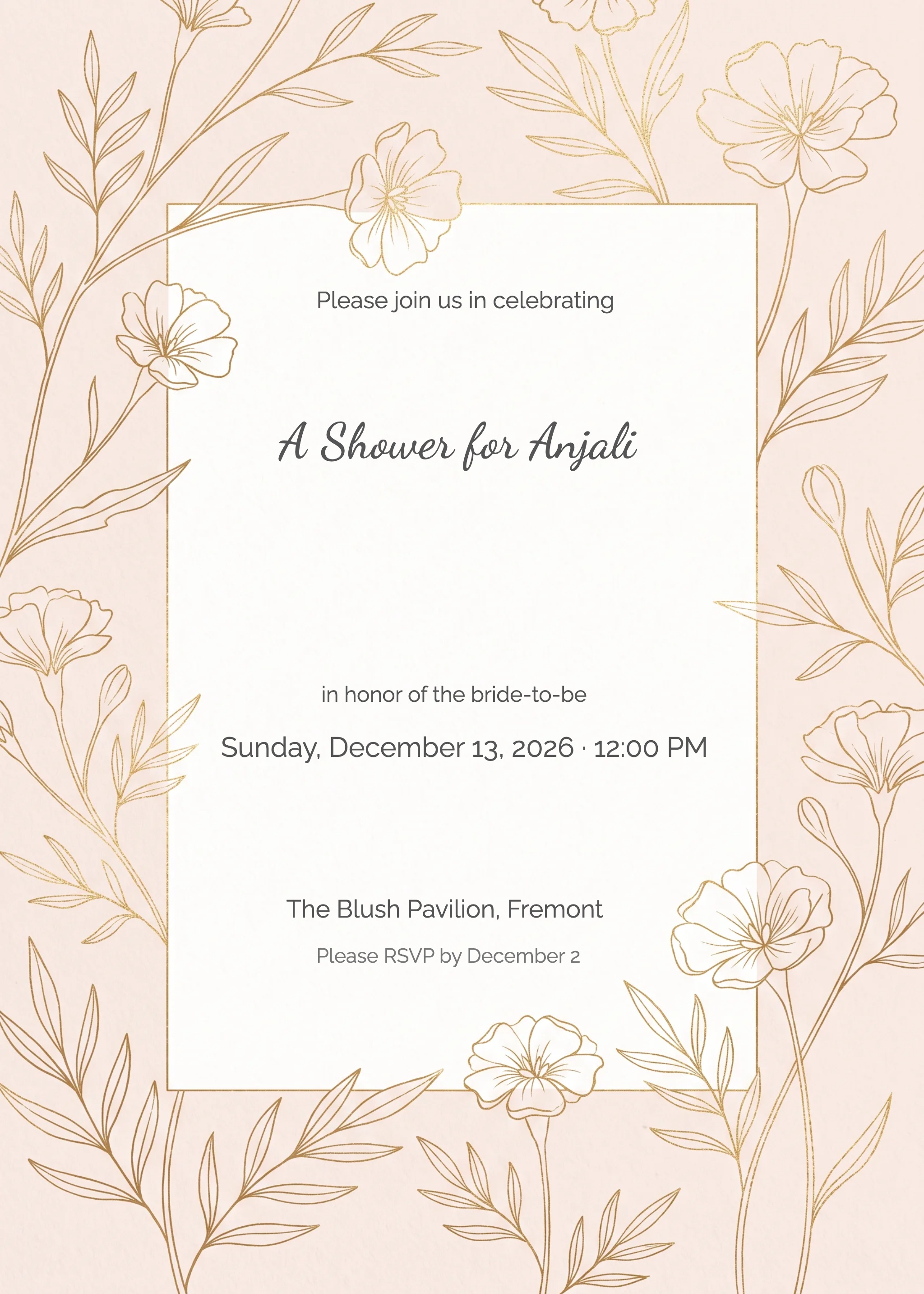
InviteFlare has hundreds of free, customisable templates. Send digitally in seconds — no printing, no hassle.


