





Personalize christmas party greeting cards with your own message, preview the design, and share a polished digital card online.
Christmas Party Greeting Cards
Personalize christmas party greeting cards with your own message, preview the design, and share a polished digital card online.
Choose your greeting card
Showing 1–20 of 20 greeting cards ready to personalize and share














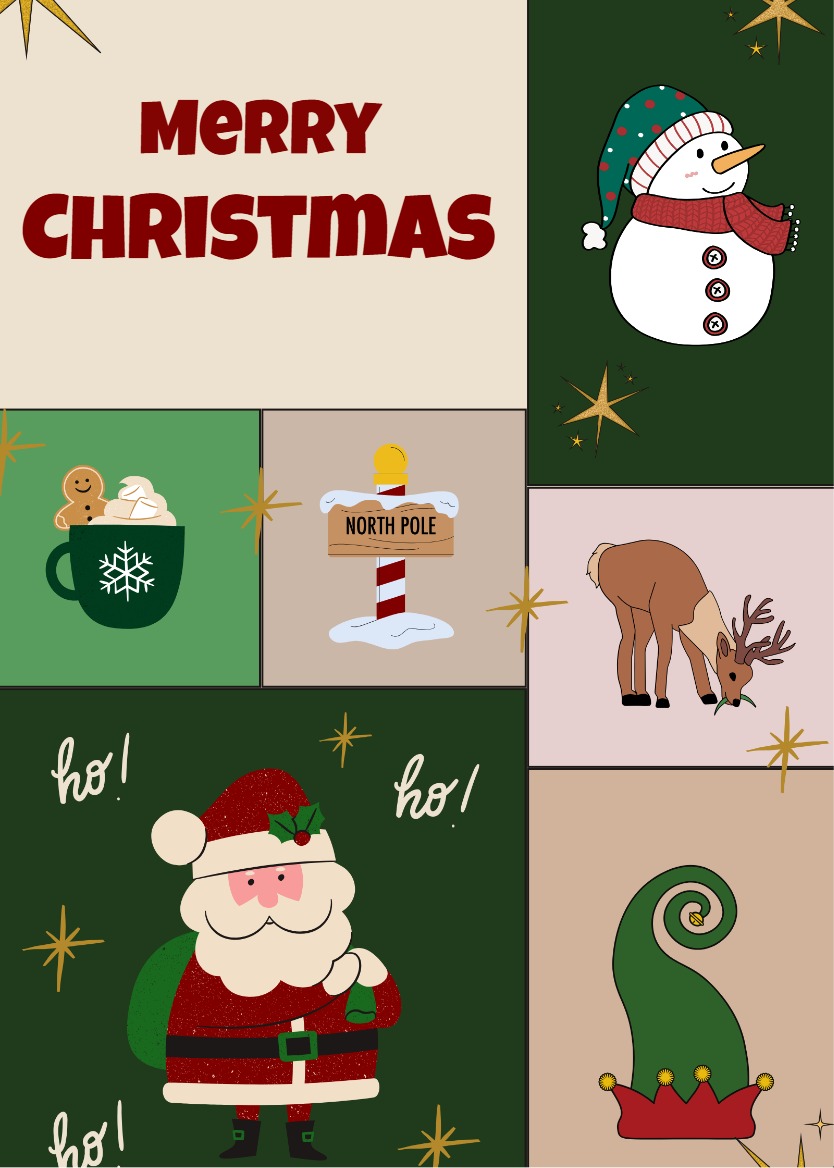




A Christmas party greeting card is a small, deliberate way to tell someone you thought of them during the season. This collection is built specifically for Christmas celebrations, so each design already carries the right mood rather than asking you to imagine it into one.
Choosing a Design for Your Recipient
The designs here cover a wide range of Christmas aesthetics. Some lean warm and traditional, deep reds, candlelight golds, decorated trees, while others take a cooler, more restrained approach with winter blues and open space. Matching the card to the person makes the gesture feel considered rather than automatic.
- For family: The Gifts, Snow Tree, and Classic Merry Christmas cards carry the warmth of an unhurried Christmas evening. Illustrated scenes and familiar imagery work well for people you know closely.
- For coworkers or a workplace group: The Light and Ice designs stay festive without becoming overly familiar. Clean layouts read well across a mixed audience.
- For close friends: The Santa, Cheers, and Starry designs have more personality and suit recipients who would appreciate something a little less formal.
Preview your card after adding your message. Text that looks right while editing can read differently at full size, and a quick check before sharing is worth the extra moment.
Writing a Message Worth Reading
Short and specific works better than long and general. One sentence that names the occasion or a detail only your recipient would recognize lands more warmly than a paragraph of seasonal wishes. The examples below are written for Christmas party occasions. Use them as a starting point and replace any detail that does not fit your situation.
- "So glad we got to celebrate together this season. Wishing you and yours a warm and restful Christmas."
- "Thank you for hosting such a wonderful evening. Hope your Christmas is as generous as the one you gave everyone else."
- "Good company, good food, and a Christmas worth remembering. Here is to all three for you this year."
If you are sending to a workplace group, keep the wording inclusive. A simple, generous wish travels well across a room full of different people and different ways of celebrating.
Sharing Your Finished Card
Once your card is ready, InviteFlare generates a shareable link. Copy it and send it through whichever channel suits the recipient, email, WhatsApp, SMS, or anywhere else you can paste a link. Recipients open the card directly in their browser. Watermark-free cards are available with the applicable paid plan.
Pick a design that suits your recipient, write something specific to this Christmas, and send it before the season gets away from you.
Frequently Asked Questions
The Light and Ice designs use clean layouts and restrained ornamentation, making them a good fit for coworkers or mixed groups where you want to keep the tone festive but not overly familiar.
Yes. InviteFlare generates a shareable link for your finished card. You can paste that link into an email, a group chat, an SMS, or any other channel to reach as many recipients as you like.
Free access may include a watermark on the finished card. Watermark-free output is available when your plan includes that entitlement.