Retirement Celebrations

Celebrate years of dedication with digital invitations that mark the beginning of a new chapter.

    Retirement is a big moment. It closes one chapter and opens another, full of new adventures. Maybe you're celebrating a colleague who gave 30 years to the company. Maybe it's your own turn to say goodbye to alarm clocks and hello to freedom. Either way, the retirement invite should feel just as special as the milestone.

    That's where online invitations come in. With our digital ecards, you can invite colleagues from the office, old teammates, and family members in just a few clicks – and collect RSVPs in the same place so you’re not chasing replies over text and email. No printing, no mailing, no hassle. Just a simple link that reaches everyone who matters, wherever they are.

    The best part? You can start with a free evite design or upgrade to a premium party theme – depending on how polished you want the send-off to look.

    Create a Grand Retirement Invitation 

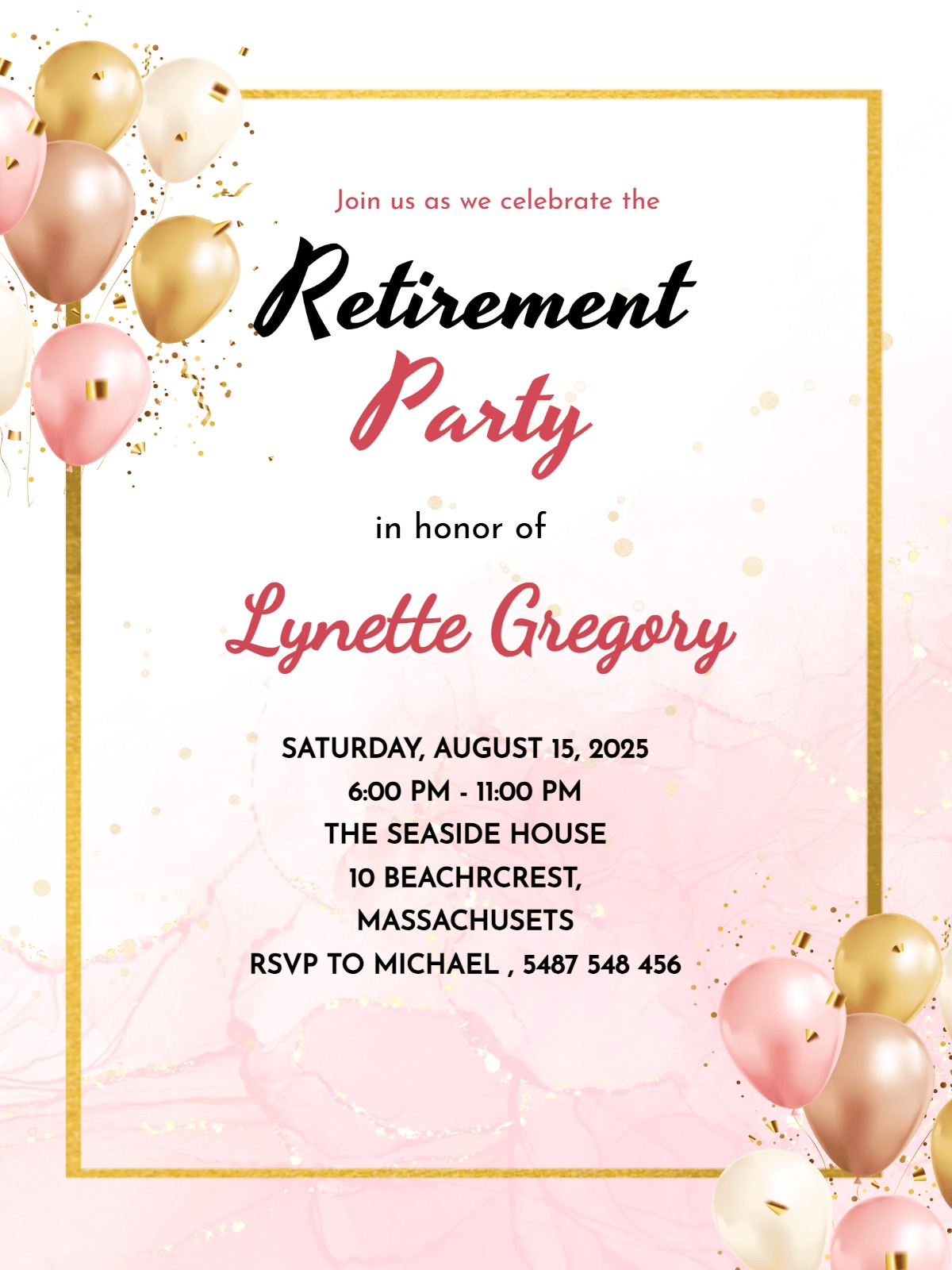
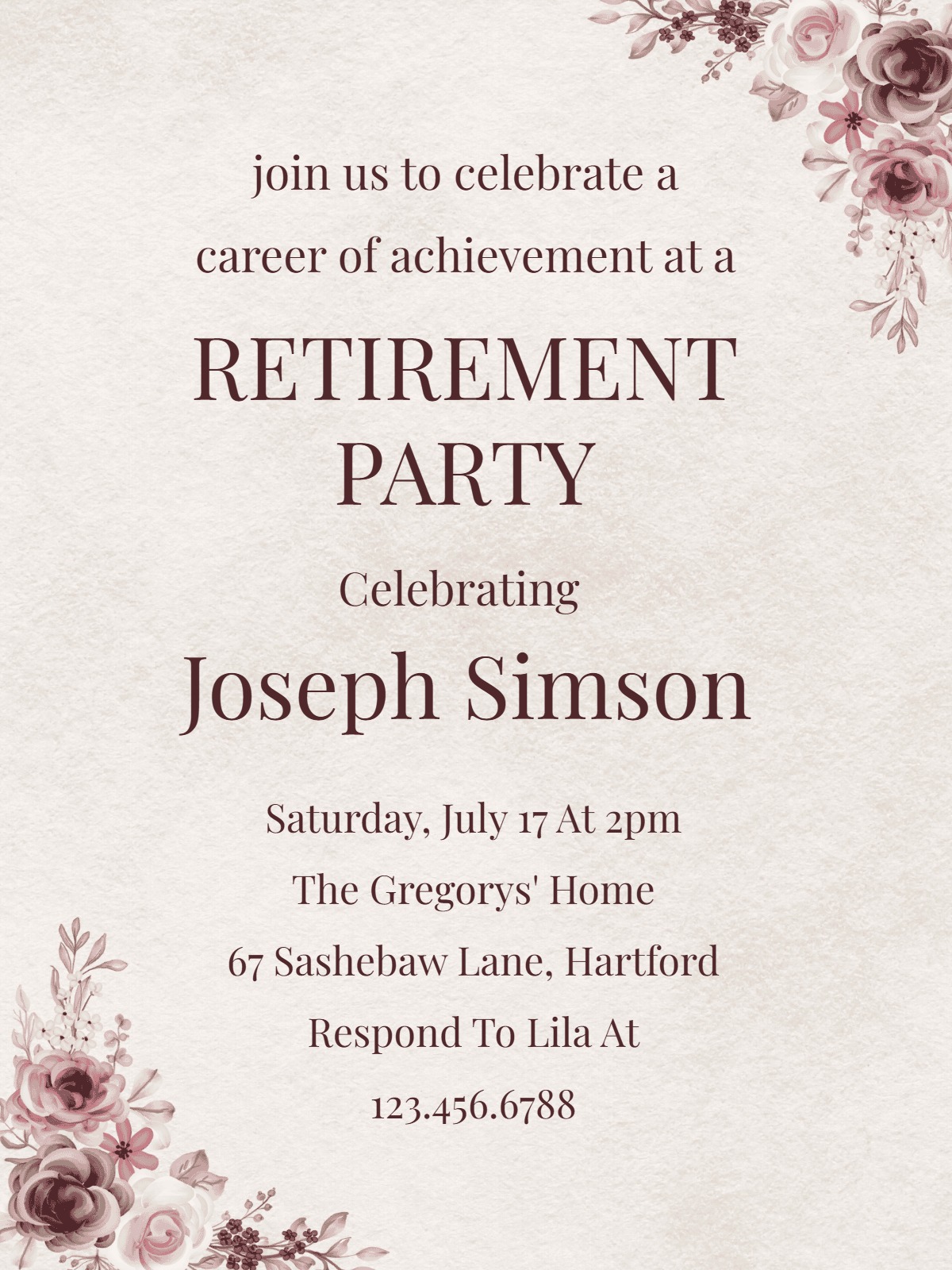
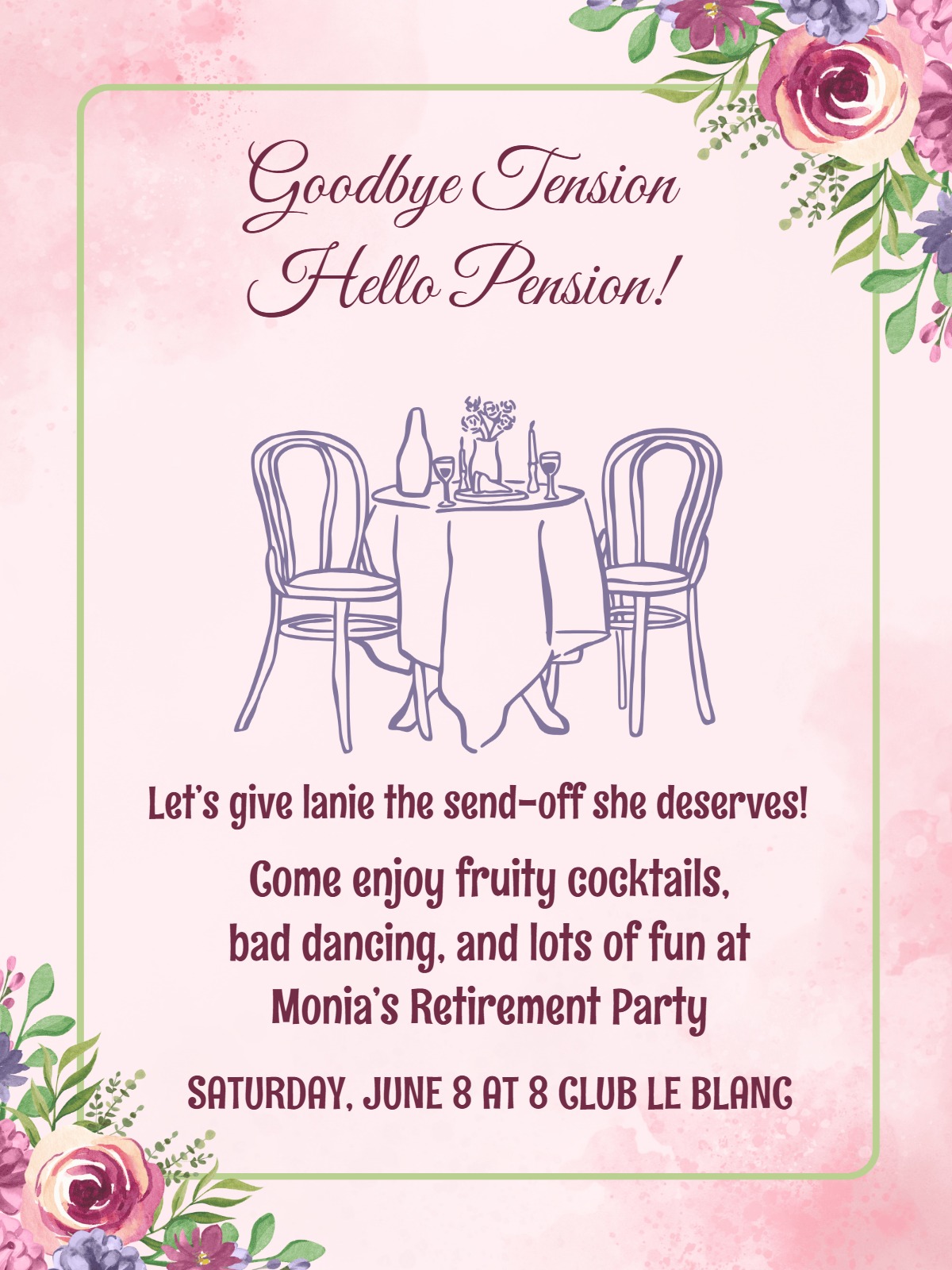
    A great retirement invitation walks a fine line. It should be respectful enough to honour the years someone gave. It should also feel warm enough to celebrate what's next. Let the design reflect who they are. Company colours work well for an office farewell lunch. A beach or tropical theme suits someone stepping into full-time relaxation. 

    If you're planning other milestone celebrations too, the same design principles carry over. The tone matters most. Say thank you for being part of the journey. Then shift the focus forward, toward trips, hobbies, and lazy mornings ahead.

    Keep the practical details easy to spot: date, time, venue. Add any special notes guests need. “Business casual” works for office events. “Bring your favourite memory to share” suits smaller, personal gatherings. RSVP online information should be clear. If there's a group gift involved, say so upfront. If speeches or a short programme is planned, mention that too. This way, guests know what to expect.

    This is where a WhatsApp invitation maker comes in handy. Once your evite is ready, send it straight into a group chat. That's where colleagues and friends are already talking. No chasing down numbers or emails one by one.

    Personalise Retirement Invite in Minutes

    Start with the headline. Add the retiree's name and years of service. “Celebrating Sarah's Amazing 25-Year Journey” feels far more personal than something generic. Pick colours that match their story too. Navy and gold suit a corporate farewell. Sunset tones work well for someone chasing travel or warmer weather next.

    Browse our collection of retirement invitation themes – free and premium – to find a design that fits this milestone. There are plenty of options over here! Add the small details that matter. Mention if it's a surprise. Say whether the family is invited. Note if there's a formal programme planned. InviteFlare is an online invitation maker with RSVP that makes it all easy to track, especially when you're juggling current coworkers, old colleagues, and personal friends who may not know each other yet. Use the notes section wisely too. Ask about food preferences for catered events. Or collect contact details for future updates.

    Once your virtual retirement evite is ready, share it everywhere your guests actually are. Email works for professional contacts. WhatsApp suits close friends and family. QR codes are perfect for break room boards. This way, everyone in the retiree's circle, no matter how they're connected, can find the ecards and respond with ease.

    When to Send Your Retirement Invitation

    Nobody wants a half-empty room on such a big day. Send your invitations 3-4 weeks ahead. This gives guests time to arrange work coverage. It helps if the party falls during business hours.

    For office celebrations, try a “save the date” 6-8 weeks early. This kind of early heads-up works well for anniversary evites too, especially when you're coordinating around guests' travel schedules. 

    Planning a surprise party? Coordinate closely with HR first. Loop in a few trusted colleagues too. This keeps the retiree completely in the dark until the big reveal.

    Once your online cards are out, send a reminder. Do this about a week before the event. Retirement parties often bring together people who haven't met in years. A gentle nudge can make all the difference in getting them there.

    A free online invitation with watermark is a simple way to get started. It's especially handy for a quick save-the-date. Or for testing a design before you finalize it.

    Retirement Invitation Tips For Memorable Send-Off

    Every great retirement party starts with the right guest list. Think about the retiree's personality first. Some prefer an intimate gathering with their closest work family. Others want to reconnect with colleagues from every stage of their career. Either way, don't forget former supervisors, mentees, and retired coworkers who shaped their journey.

    Timing matters too. Lunch works well for current colleagues. Evening events suit family and friends who work elsewhere. Friday afternoon “early release” parties are growing popular. They let everyone start the weekend early while honoring the retiree.

    Add memory-sharing touches to your invitation wording. Ask guests to bring photos. Or prepare a short toast. Or contribute to a memory book. These small details turn a simple farewell into a real celebration of someone's career and relationships.

    Pick a venue that fits the retiree's style and guest count. A conference room works for smaller office parties. Restaurants or community centers suit bigger gatherings with family and friends.

    Browse InviteFlare's collection – from cheers and wine-themed cards to goodbye and balloon designs. And find a card that captures exactly the right sentiment for the guest of honor. Choose anything from free and premium ecard themes available on our platform. We bet you will end up creating an ecard that sets just the right tone. 

    Start designing your evite today and make this send-off as memorable as the career it celebrates. 

    Frequently Asked Questions

    Send retirement party invitations 3-4 weeks before the event to accommodate work schedules and give people time to arrange coverage if needed. For workplace celebrations, consider sending a save-the-date 6-8 weeks early, especially if the party coincides with the retiree's last day or falls during busy seasons. This timing allows colleagues to plan ahead and ensures better attendance from both current and former coworkers.

    Use warm, appreciative language that honors the retiree's contributions while celebrating their future. Include phrases like "Celebrating [Name]'s incredible 30-year journey" or "Join us as we toast [Name]'s well-deserved retirement." Mention their years of service, department, or notable achievements. Keep the tone respectful but upbeat, focusing on celebration rather than farewell, and include whether family members are invited to set proper expectations.

    Yes, InviteFlare includes built-in RSVP tracking that's especially valuable for retirement parties since you're coordinating between current colleagues, former coworkers, and family members. You can see who's responded, send gentle reminders to non-responders, and collect additional information like dietary restrictions or contact details. This feature helps you get accurate headcounts for catering and seating arrangements while keeping everyone organized in one place.

    Handle gift mentions tactfully on retirement invitations. If organizing a group gift, include discrete wording like "Colleagues are coordinating a group gift—contact [name] for details" rather than specific dollar amounts. For personal gifts, you might note "Your presence is the only present needed" or mention if the retiree has specific interests like travel or hobbies. Avoid making gifts feel mandatory, especially for workplace celebrations where attendance levels vary.

    Include the retiree's name and years of service, event date, time, and location with parking details. Specify dress code (business casual for workplace events, casual for backyard celebrations), whether family is invited, and if there will be speeches or presentations. Add RSVP information with a deadline, dietary restriction questions for catered events, and any special instructions like bringing photos or memories to share during the celebration.