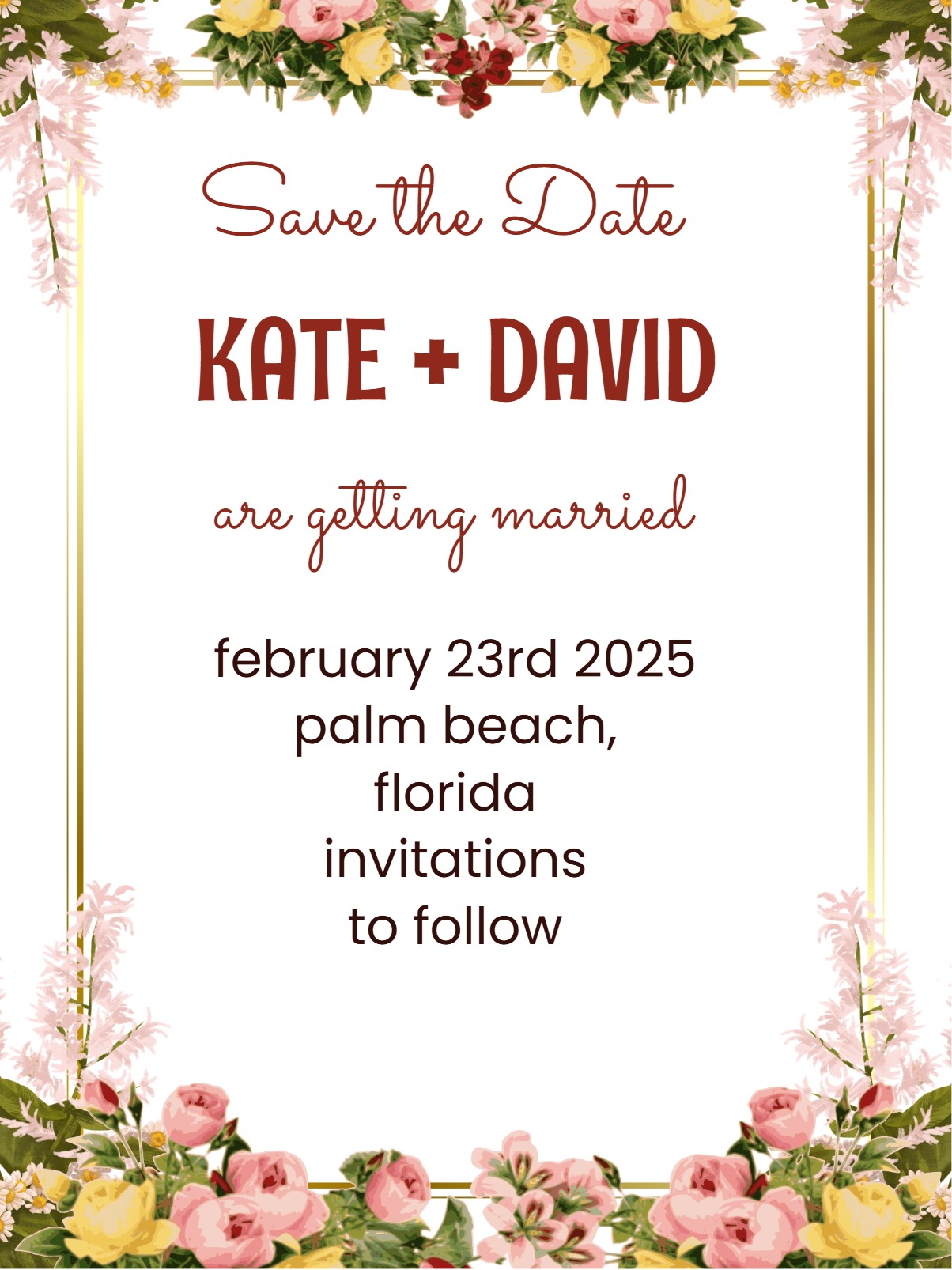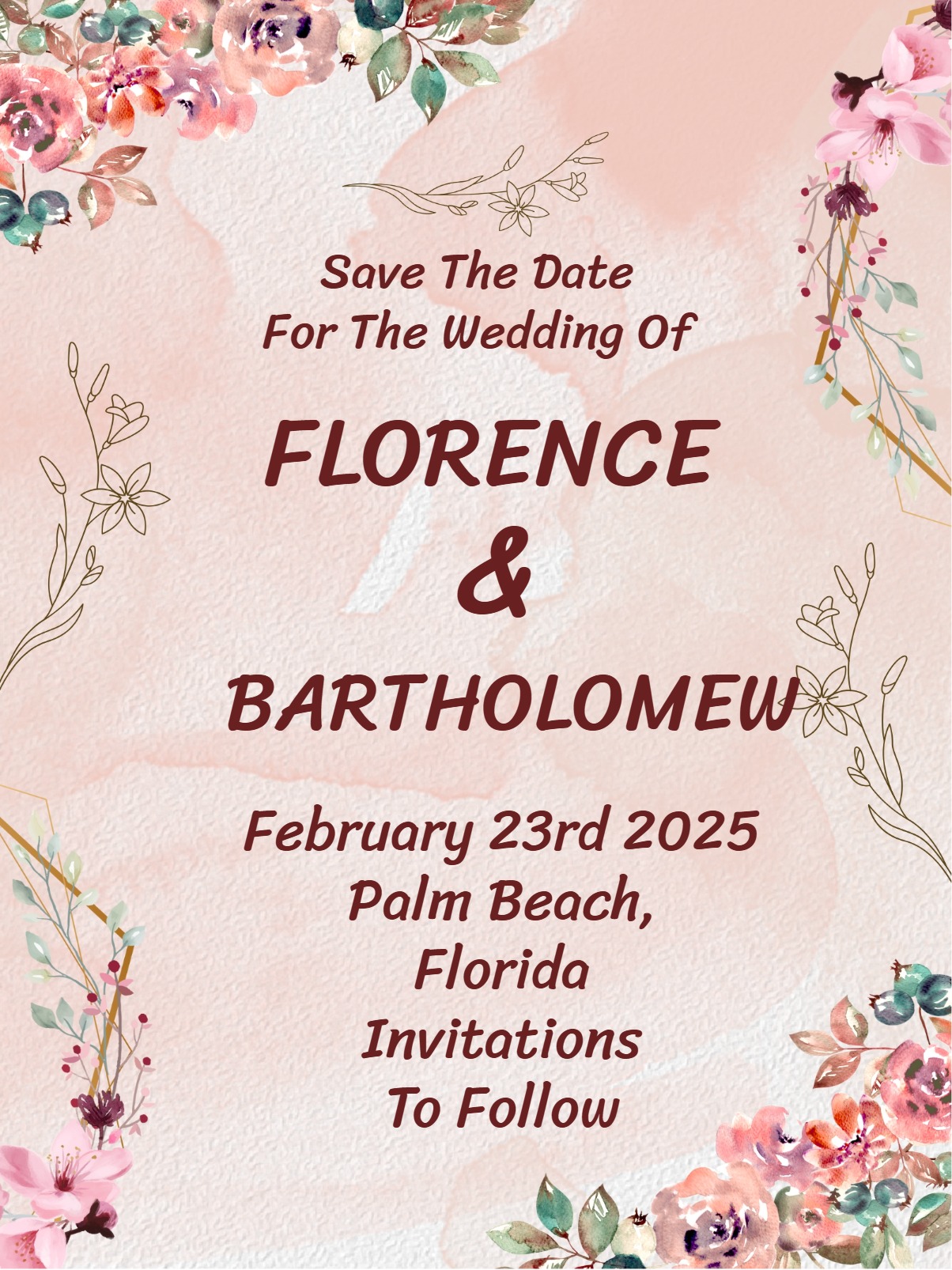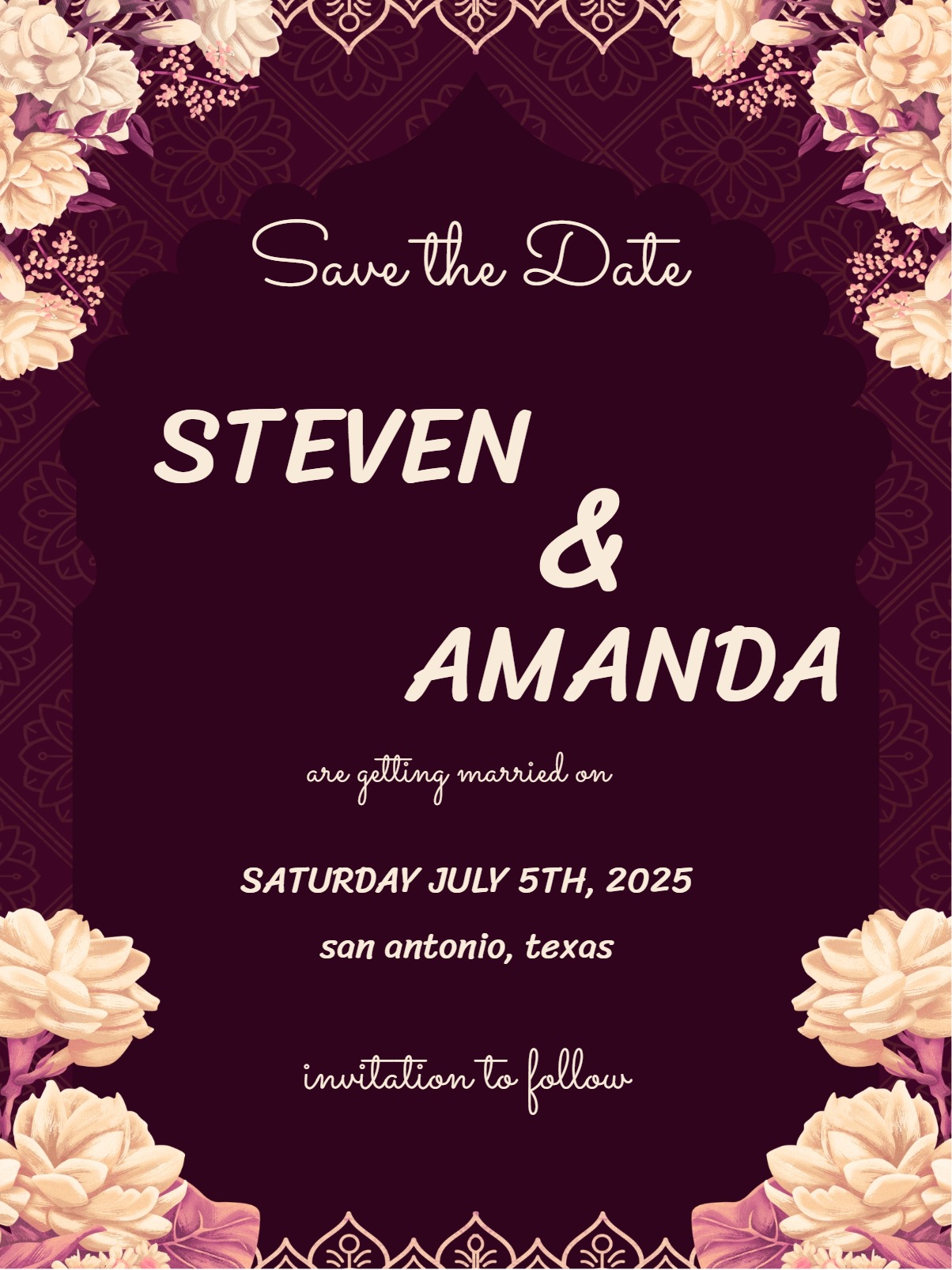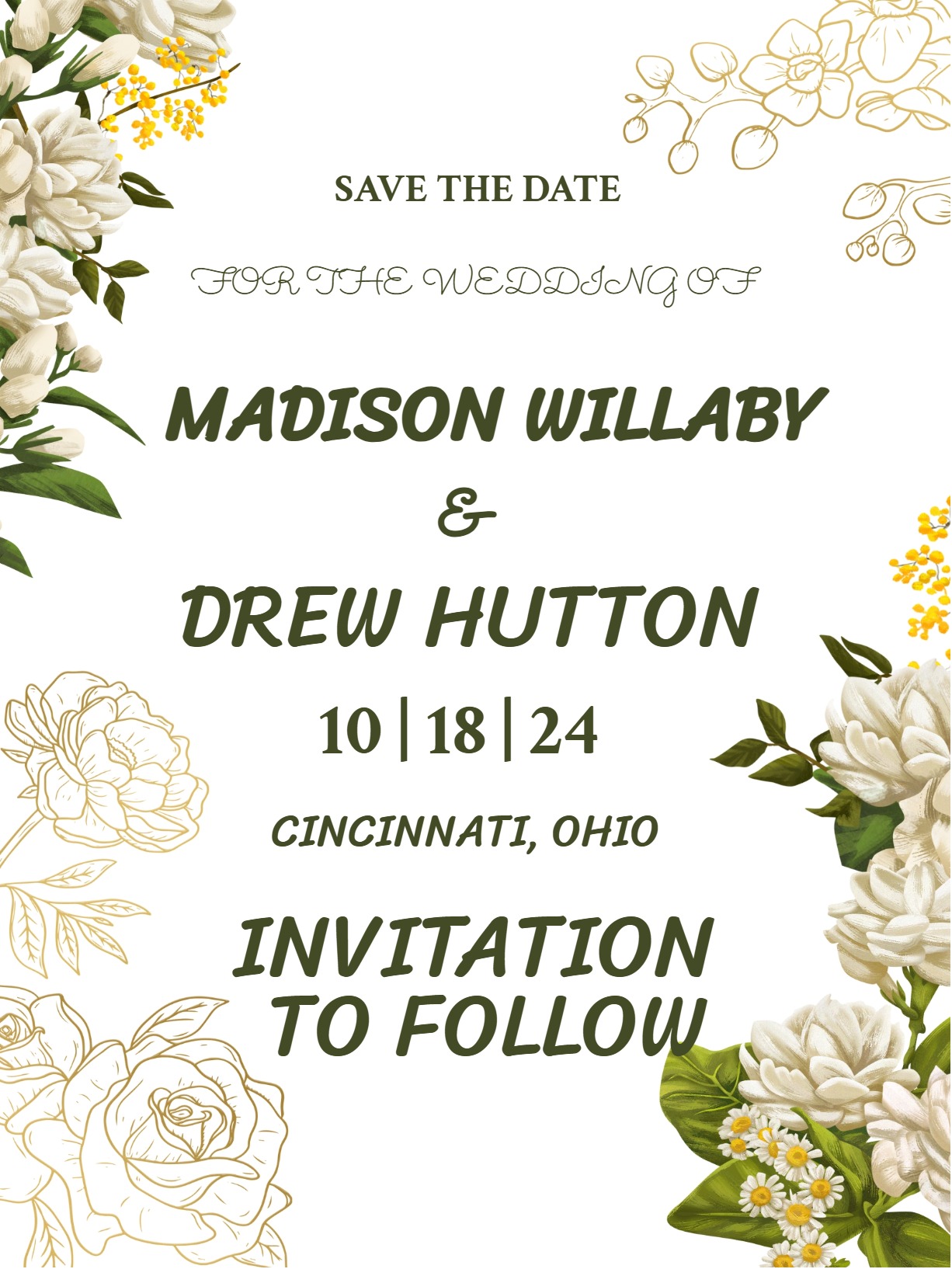
Simple Save The Date Invitation

Keep it simple and chic with Save The Date invites perfect for all occasions and audiences.

    Simple save-the-date invitations are the perfect way to give your loved ones advance notice of your upcoming celebration. These clean, minimalist announcements focus on what matters most—the essential details your guests need to mark their calendars and start planning ahead. Digital save-the-dates offer the ideal balance of elegance and practicality, allowing you to share your news instantly while maintaining that sophisticated, understated aesthetic that never goes out of style.

    Make It Simple. Make It Great. 

    The beauty of a simple save the date invitations lie in its restraint and clarity. Clean typography, plenty of white space, and a focused colour palette create a timeless invitation that also feels modern. The design of your invitation should emphasize readability above all else, with the event date displayed prominently and easily spotted at a glance.

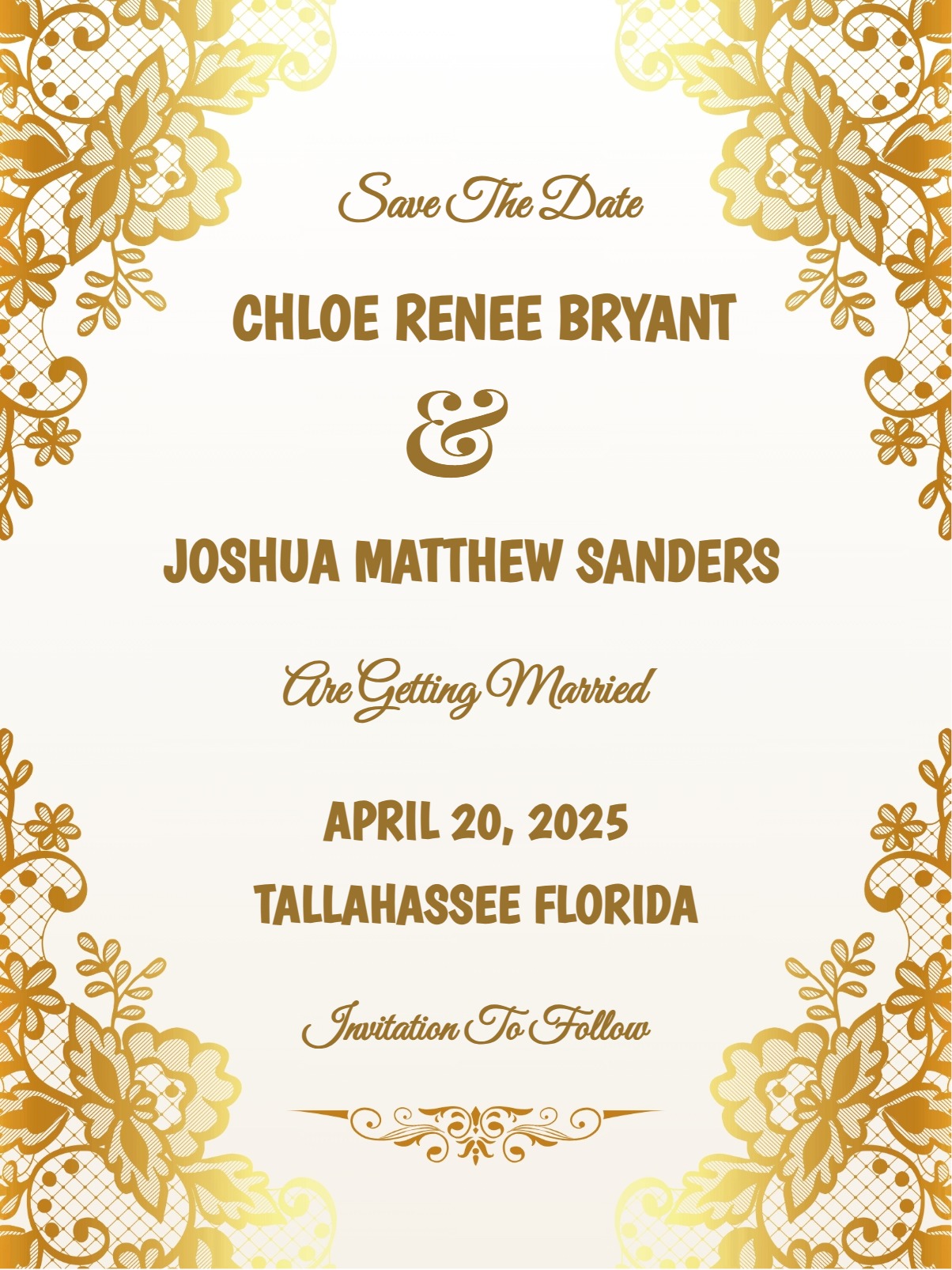
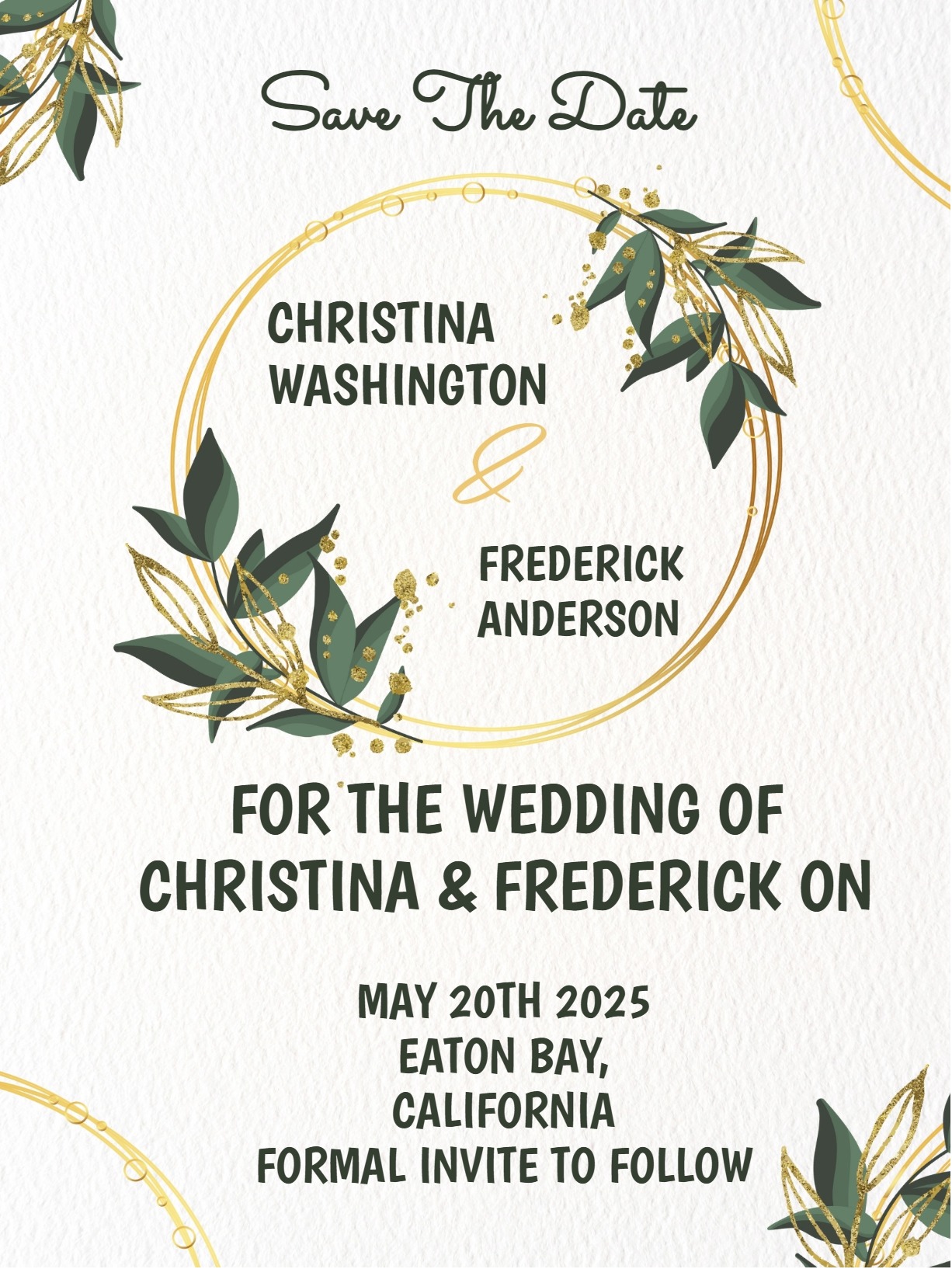
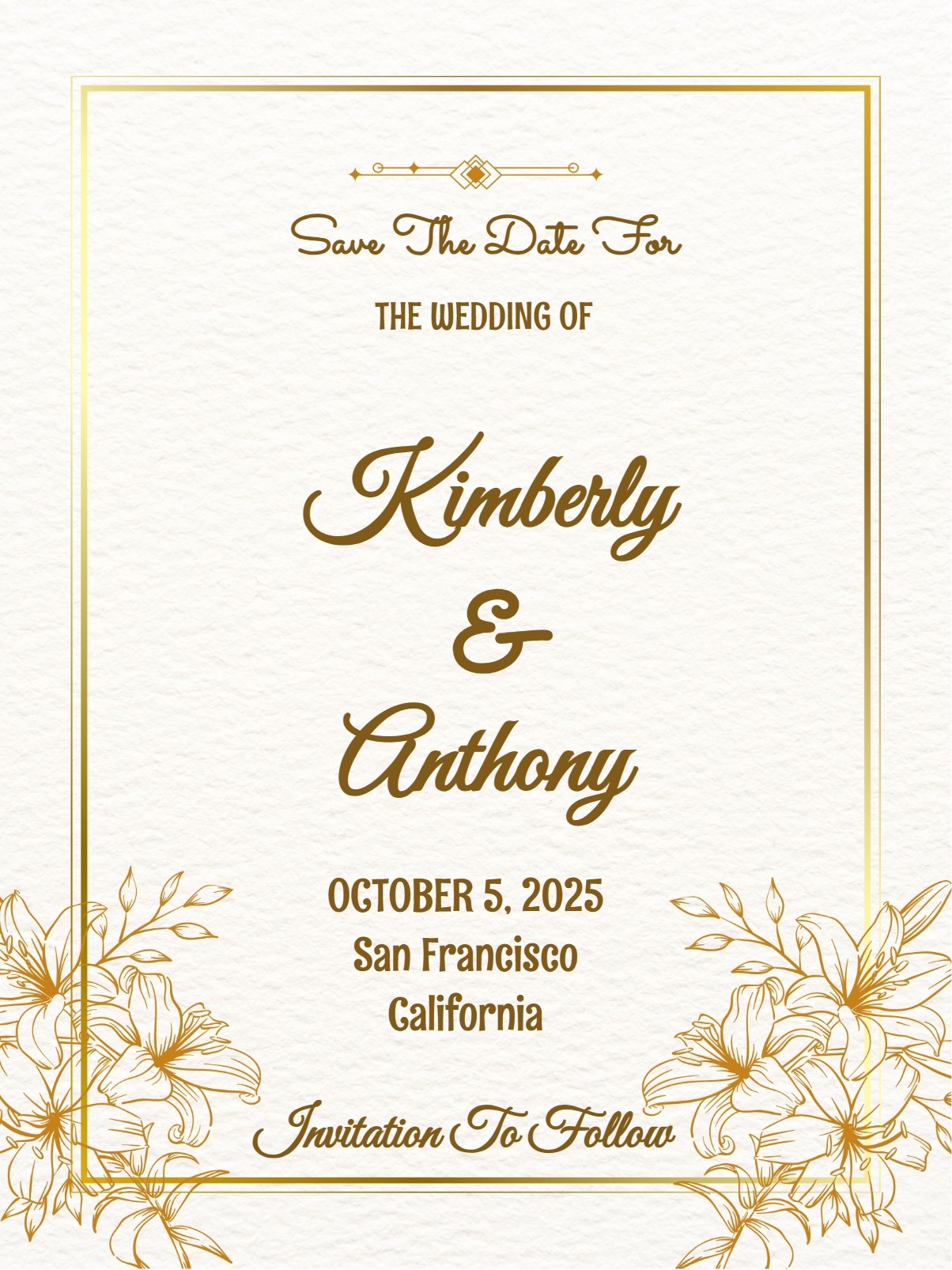
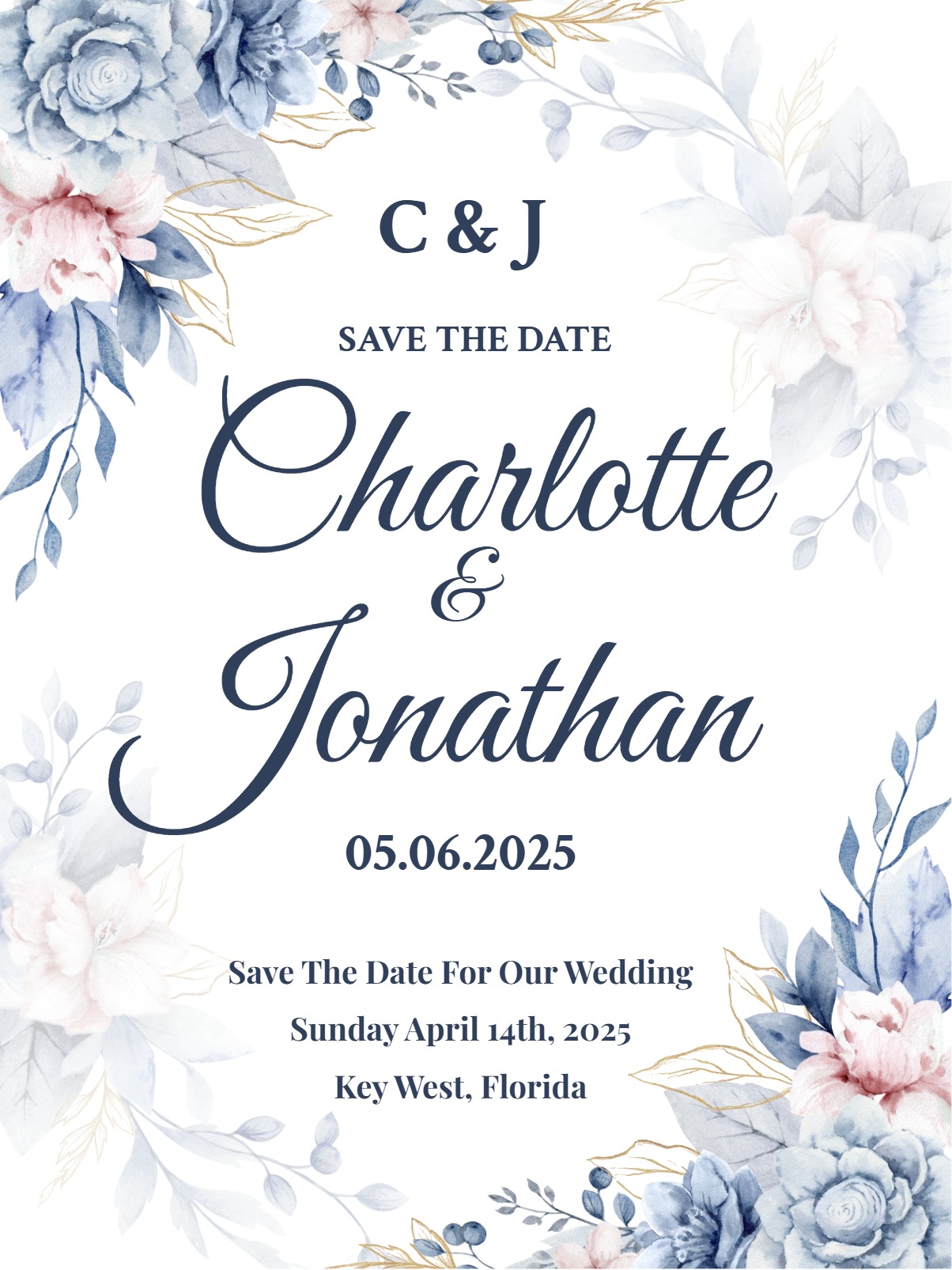
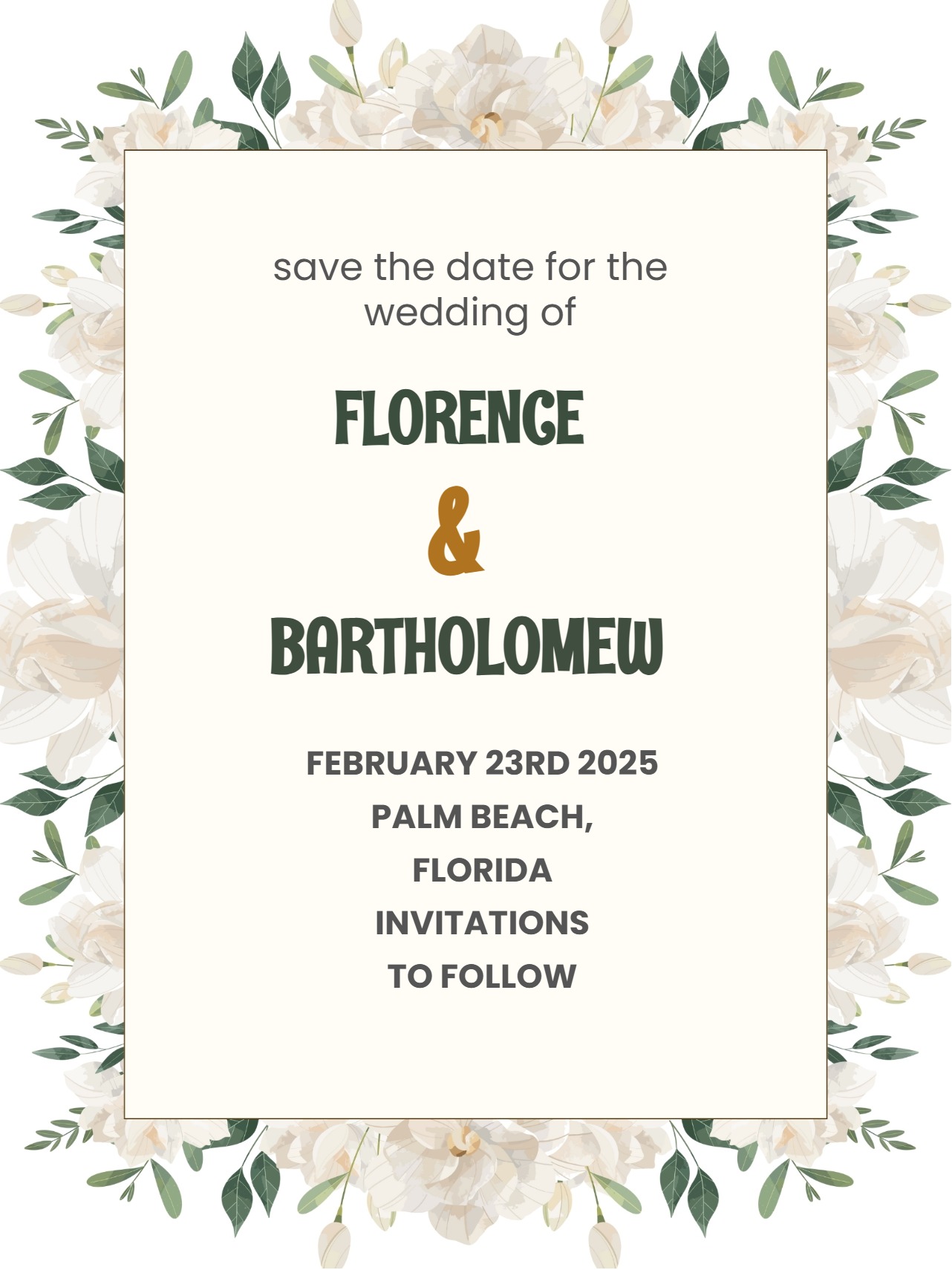
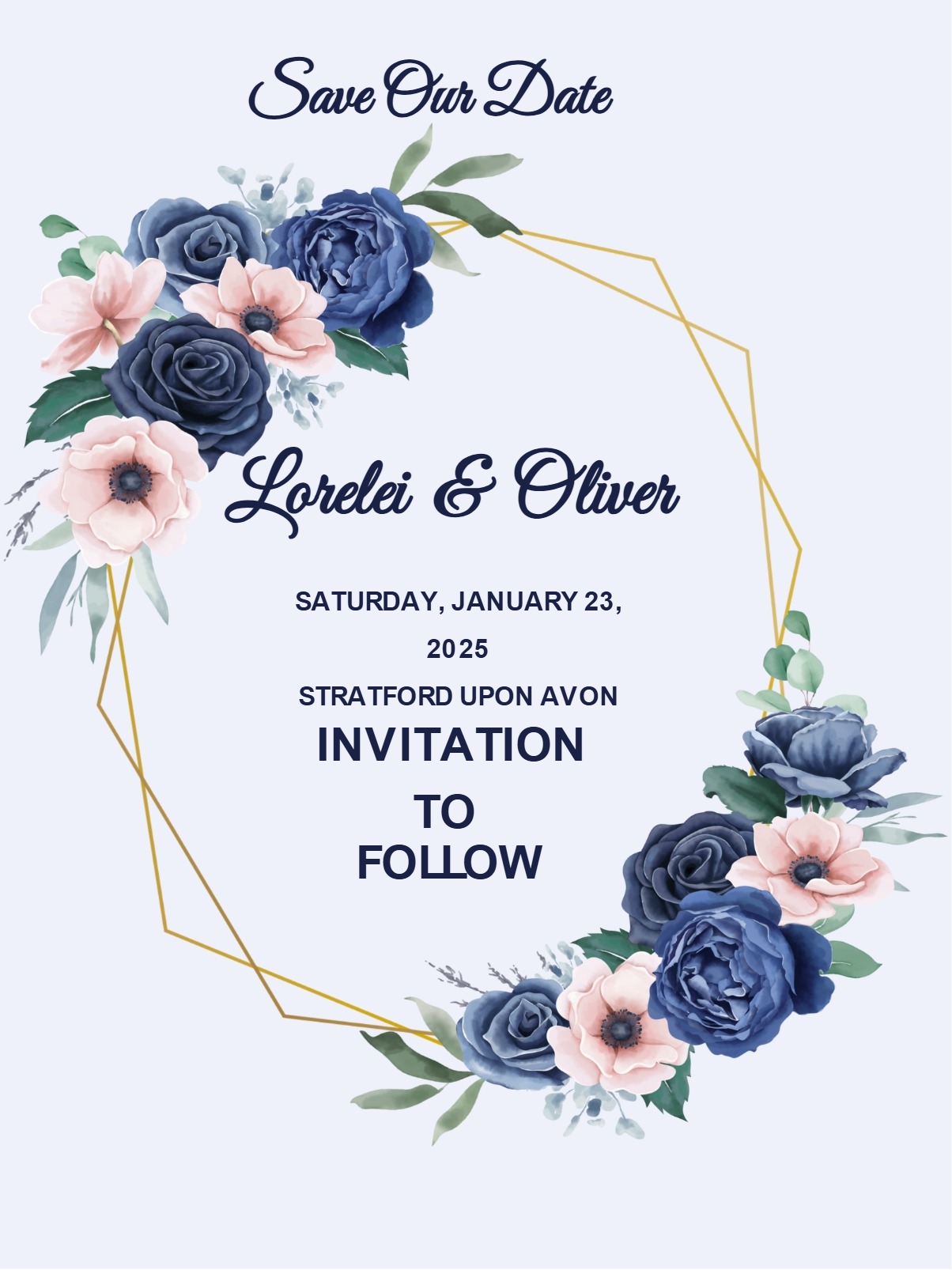
    Every simple save-the-date must be sectioned with essential details. Essential details for your simple save the date on your free online invitations without a watermark include the following:

    • The event date
    • Your names (for weddings or couples' events)
    • The city or general location
    • A note that a formal invitation will follow

    The tone of any digital invite is the heartbeat of the overall experience; it sets the mood and makes guests feel welcomed. Keep it warm but concise, so guests immediately understand what they're being invited to and when, without having to search through decorative elements or lengthy text to find the key information.

    Simple Save The Date Invites, Personalized 

    Personalisation is what matters the most in any save the date. A personalised save-the-date makes much more sense and truly feels like yours. To personalise, start by customising the text with your specific event details, keeping the wording straightforward and informative. Choose fonts that reflect your style—classic serif fonts work beautifully for traditional events, while clean sans-serif options suit modern celebrations. Stick to one or two complementary fonts at a maximum to maintain that clean, simple aesthetic.

    Select a restrained colour palette, featuring one accent colour against neutral backgrounds like white, cream, or soft grey. InviteFlare's editing tools make it easy to adjust these elements until they perfectly match your vision. From there, add your event details through the platform's built-in customisation options and consider enabling RSVP tracking to get an early sense of who plans to attend. 

    When you're ready to share, InviteFlare makes distribution effortless; send your simple save-the-date via email or directly through WhatsApp using its built-in WhatsApp invitation maker or by generating a QR code for easy sharing. The digital e-vite format means you can track who has viewed your announcement and follow up with anyone who might have missed it.

    Sending Simple Save-the-Date Invitations

    Timing matters the most when it comes to free save-the-date invitations. For weddings, send your minimal save-the-dates 6-8 months before your wedding date, if you're planning a destination wedding or holiday weekend celebration. This gives guests ample time to request time off work and make travel arrangements without the pressure of an immediate RSVP.

    For other milestone events like significant birthday parties, anniversaries, or family reunions, 2–4 months' advance notice generally works well. The key is providing enough lead time for guests to plan while not sending them so early that your event gets forgotten. Consider sending a gentle reminder closer to when your formal invitations will arrive.

    Best of all, with free online invitations without watermark available on Inviteflare, you can send beautifully designed save-the-dates without worrying about the cost.

    Tips for Memorable Yet Basic Save The Date

    A truly memorable yet basic save-the-date achieves the ideal equilibrium between brevity and clarity. Include just enough detail to help guests understand the nature of your event—mentioning "wedding celebration" versus "intimate ceremony" helps people gauge what to expect. If your event falls on a holiday weekend or requires travel, a brief acknowledgement works well for guests to plan accordingly.

    Adding a small and simple touch can make your save the date much more thoughtful and memorable without compromising the clean and simple design. Consider adding a meaningful quote, your wedding website URL, or a subtle nod to your venue or theme. For example, if you're getting married at a beach resort, a thin-line border in ocean blue maintains simplicity while hinting at your location.

    Stay organized from the very beginning by making full use of InviteFlare's contact management features, which make it effortless to transition from saved dates to formal invitations later. If you're planning a wedding, coordinate your save-the-date style with your overall wedding aesthetic—simple designs pair beautifully with everything from rustic barn venues to elegant ballroom receptions.

    Before sending, test your design by viewing it on both desktop and mobile devices to ensure your text remains crisp and readable across all platforms. And above all, remember that less is truly more with simple saving dates—every element should serve a purpose.

    Browse our collection of cool, creative, and nifty save the date templates to find the perfect starting point for your announcement. With both free and premium options available, you can create a beautiful, professional-looking save the date that perfectly captures your style and gets your guests excited for your upcoming celebration.

    Along with a simple save-the-date invitation, you can also browse Inviteflare’s extensive collection of different save-the-dates, like modern save-the-date invitations, destination save-the-date evites, and save-the-date invitations

    Frequently Asked Questions

    Send simple save the dates 6-8 months before weddings, or up to 12 months for destination weddings. For other events like milestone birthdays or anniversaries, 2-4 months is typically sufficient. The goal is giving guests enough time to plan without sending them so early that they forget about your event.

    Keep wording concise and informative. Include essential details: your names, event date, city/location, and "formal invitation to follow." For example: "Save the Date - Sarah & Michael - June 15, 2024 - Chicago, Illinois - Wedding invitation to follow." Avoid lengthy descriptions or too many decorative phrases that clutter the clean design.

    While save the dates typically don't require RSVPs, InviteFlare allows you to track who has viewed your digital save the date. This helps you follow up with anyone who might have missed it. You can also include optional RSVP tracking if you want to gauge initial interest levels for planning purposes.

    Yes, InviteFlare offers free simple save the date templates that you can customize with your event details. Premium templates with additional design elements and features are also available. Both options include digital sharing capabilities via email, WhatsApp, and QR codes, making it easy to reach all your guests instantly.

    Include only essential information: event date, your names (for personal celebrations), general location (city/state), event type, and "invitation to follow." You may also add your wedding website URL if applicable. Avoid specific times, detailed addresses, or dress codes—save those details for your formal invitation.