





Personalize wedding greeting cards with your own message, preview the design, and share a polished digital card online.
Wedding Greeting Cards
Personalize wedding greeting cards with your own message, preview the design, and share a polished digital card online.
Choose your greeting card
Showing 1–27 of 72 greeting cards ready to personalize and share
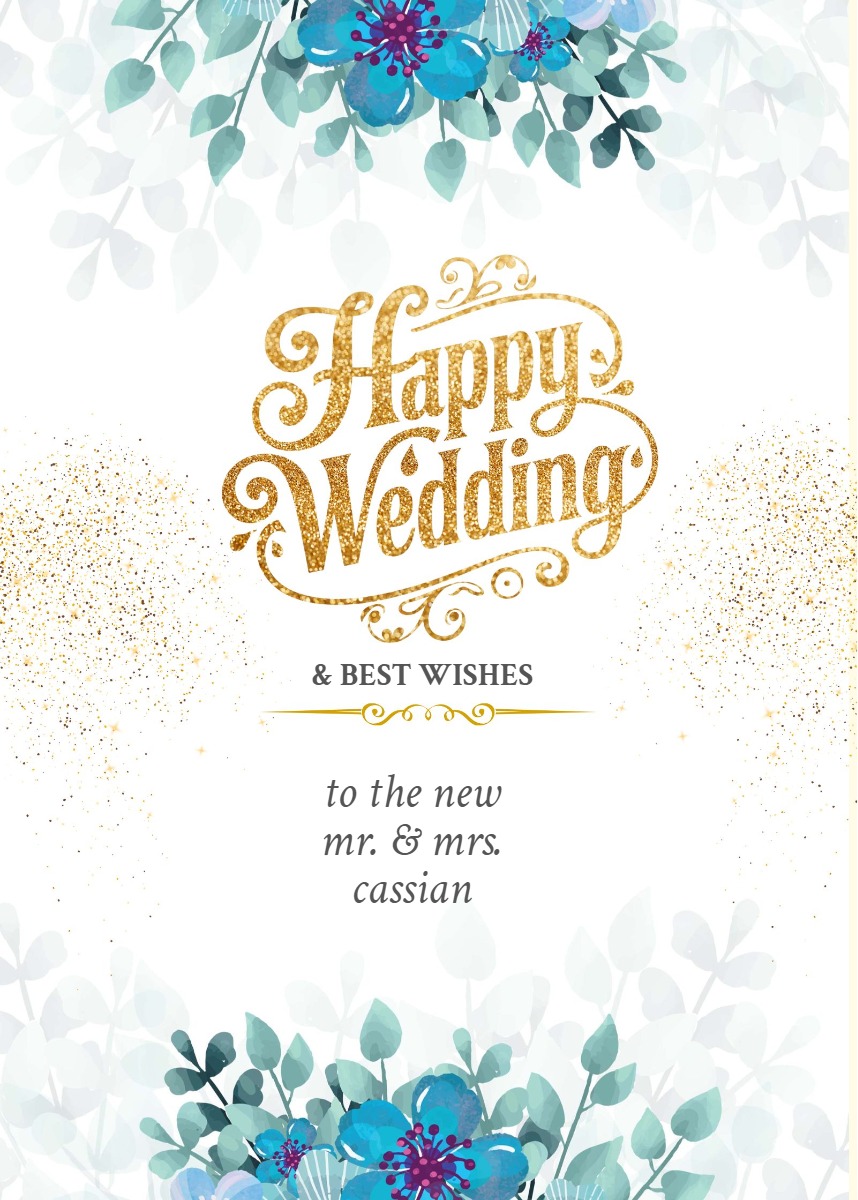
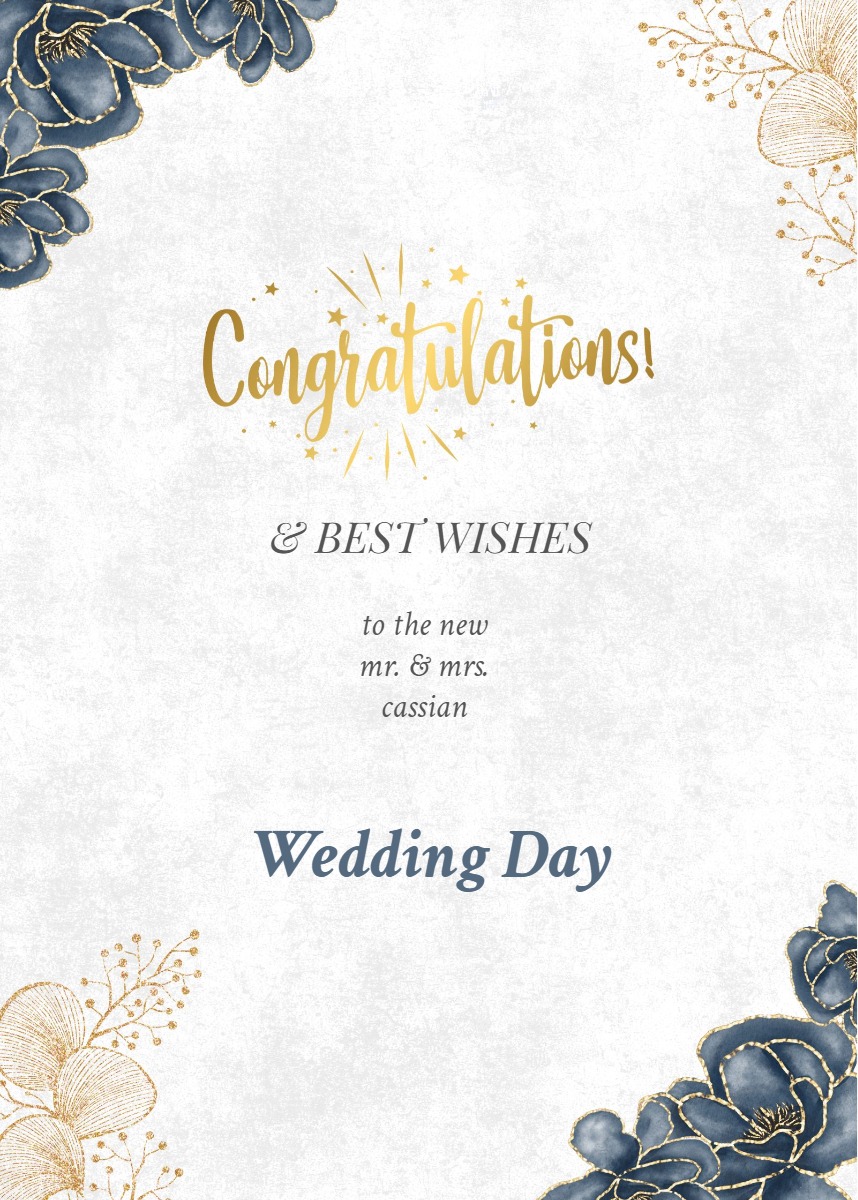
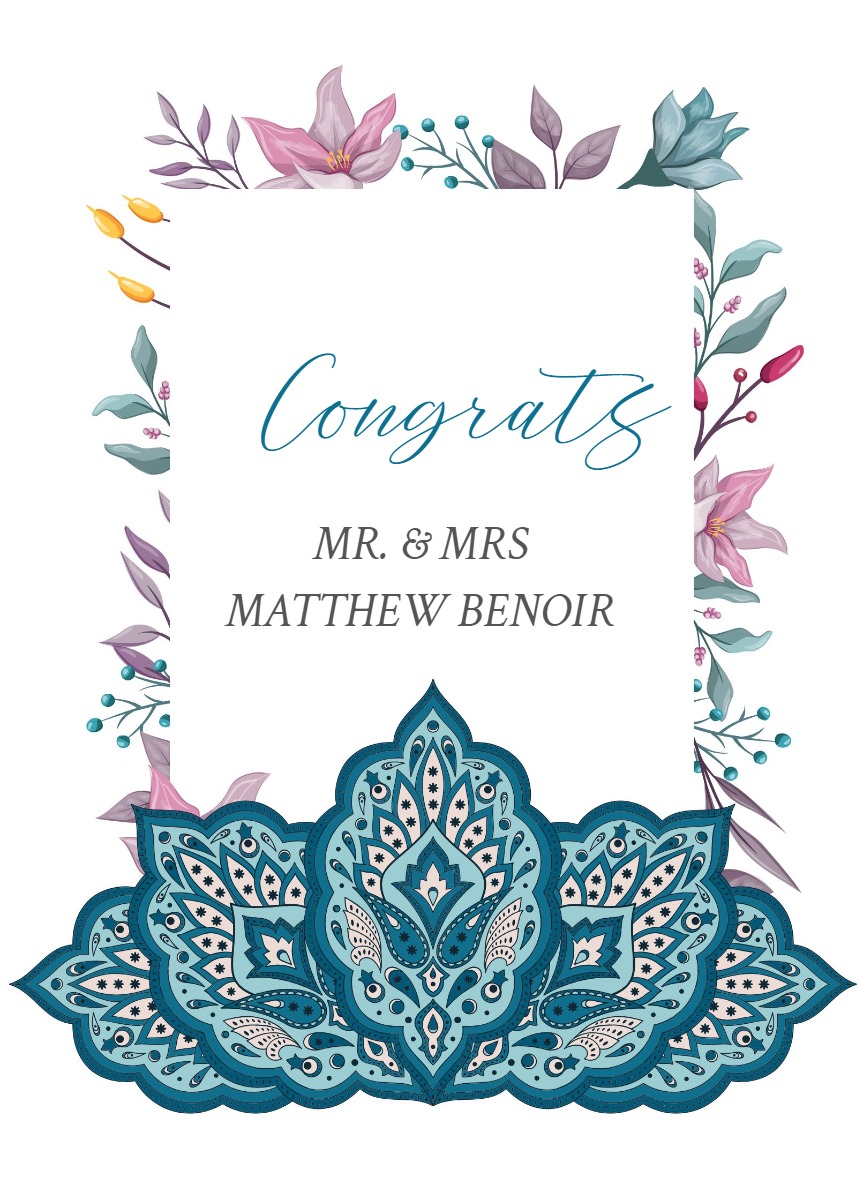
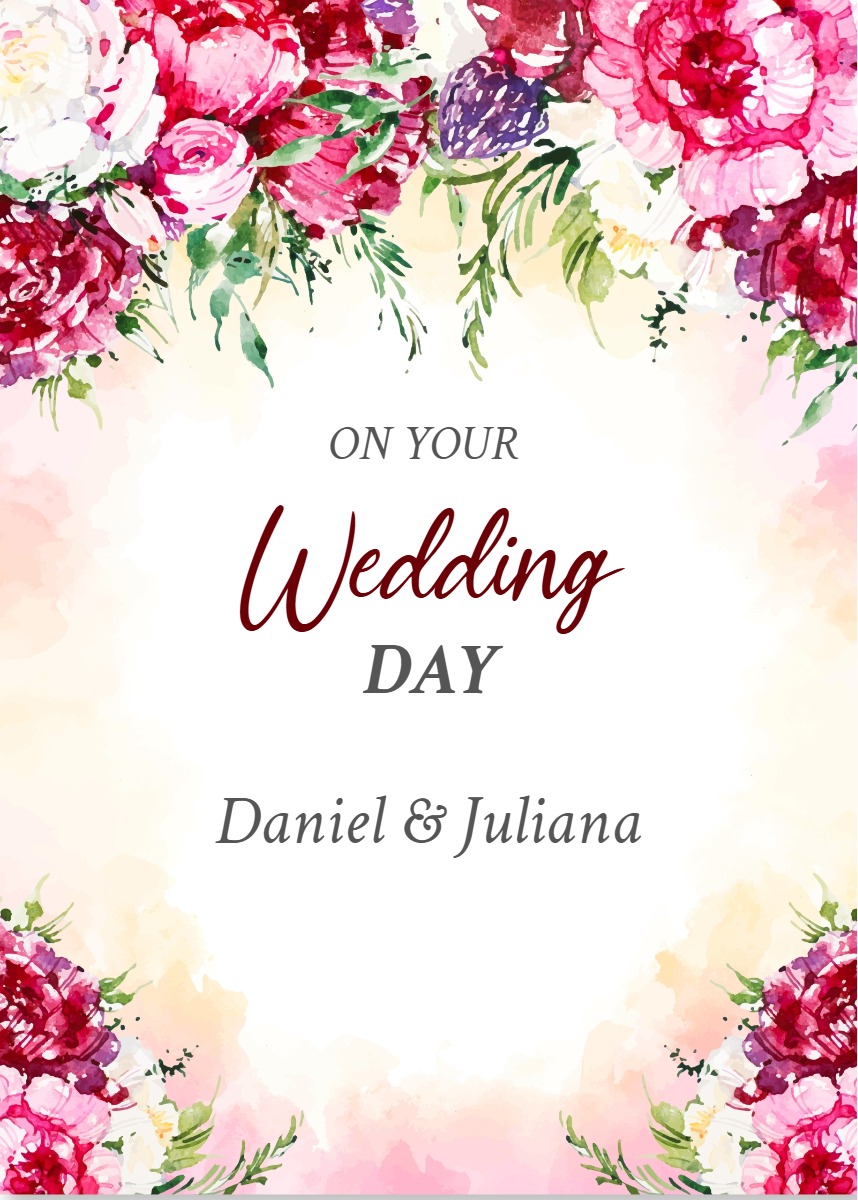
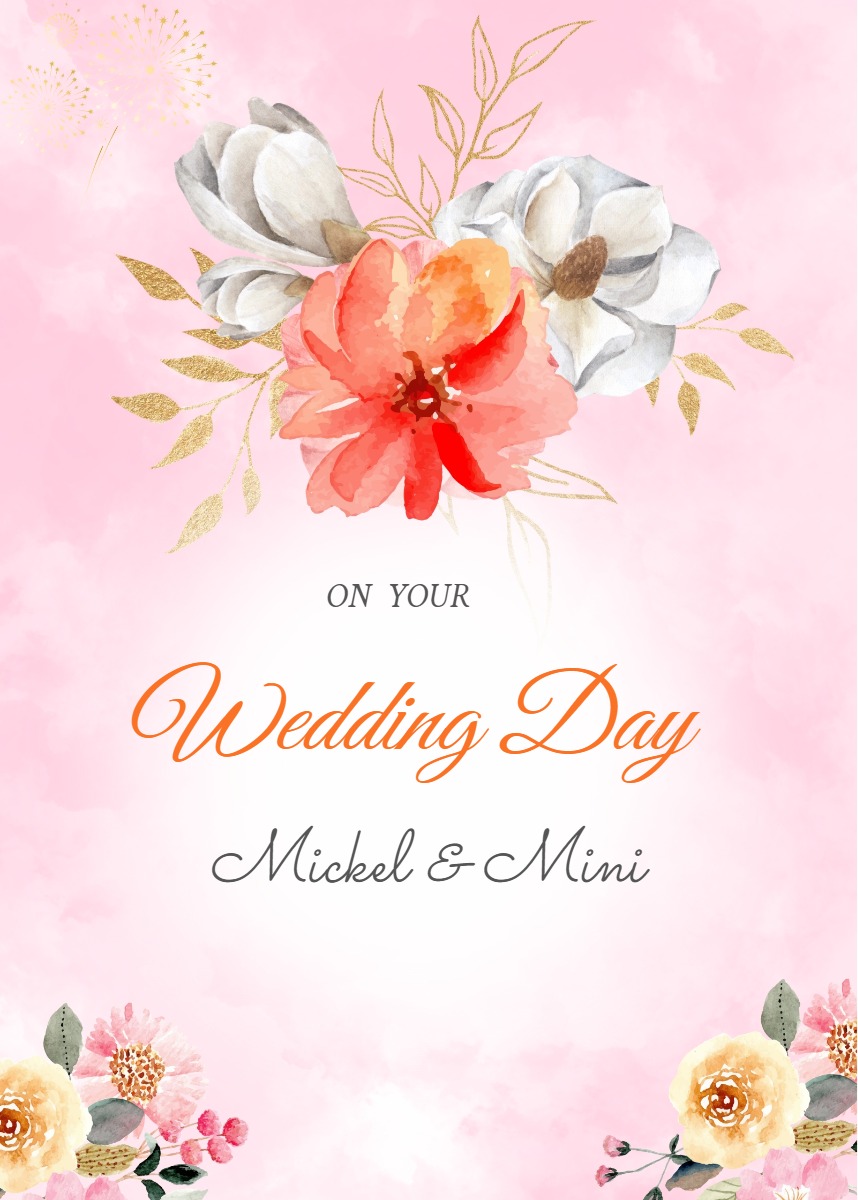
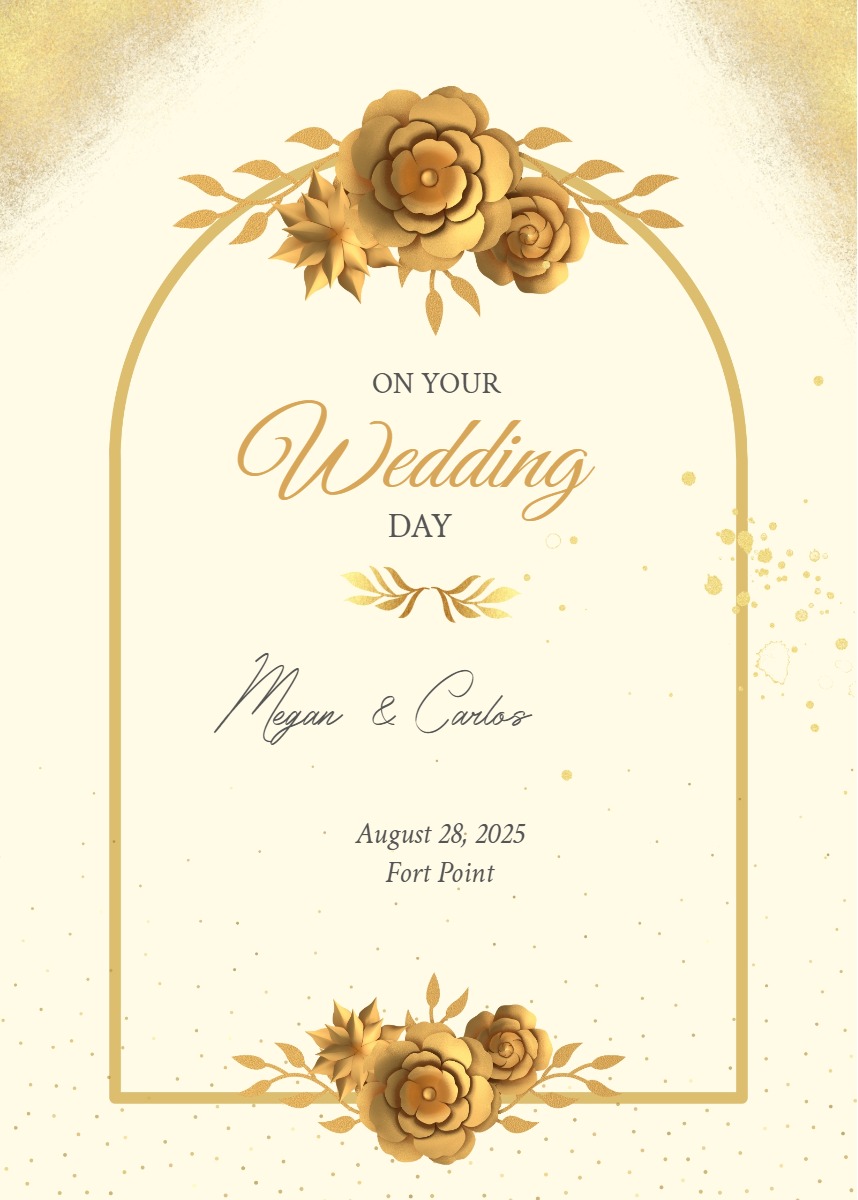
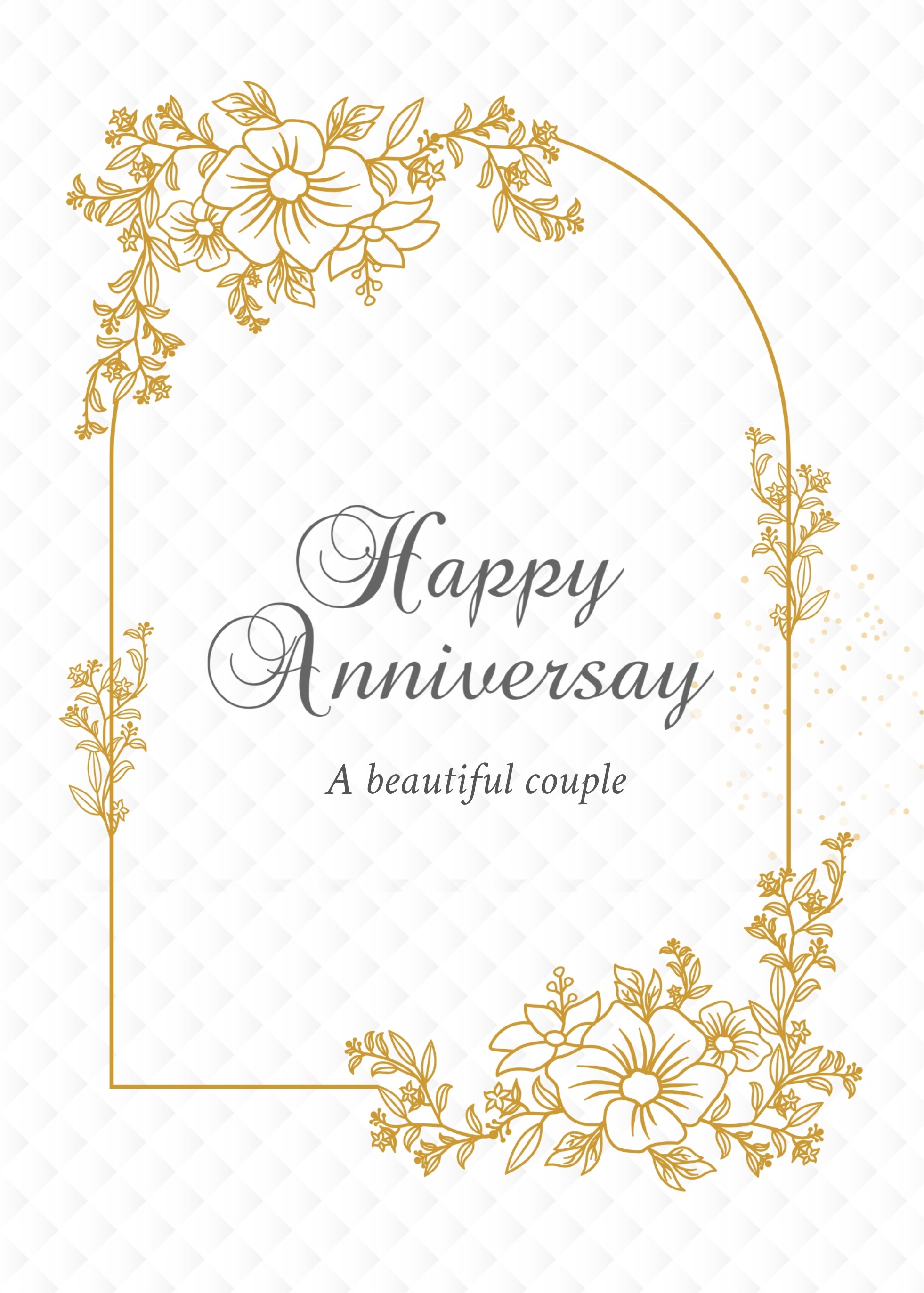
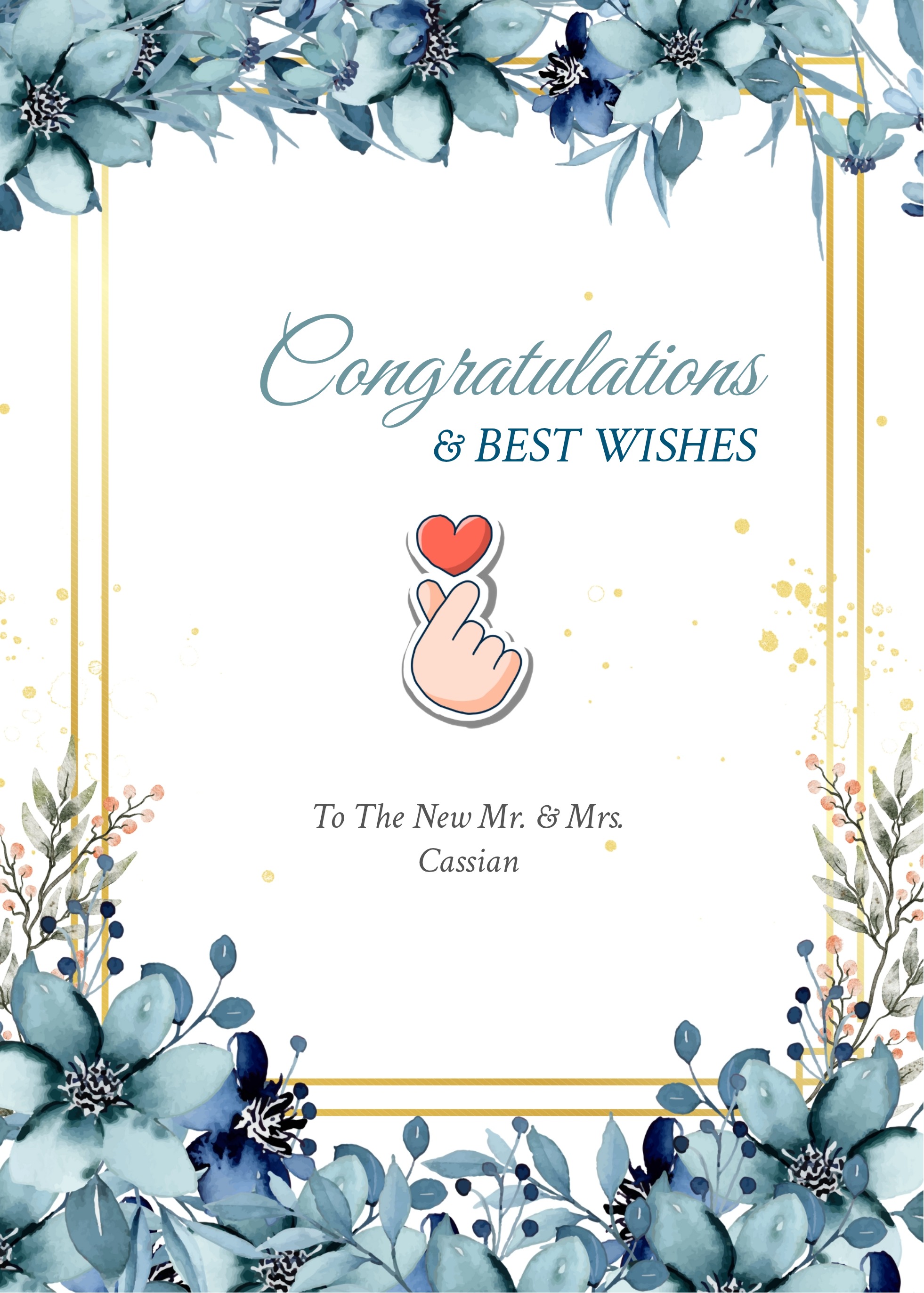








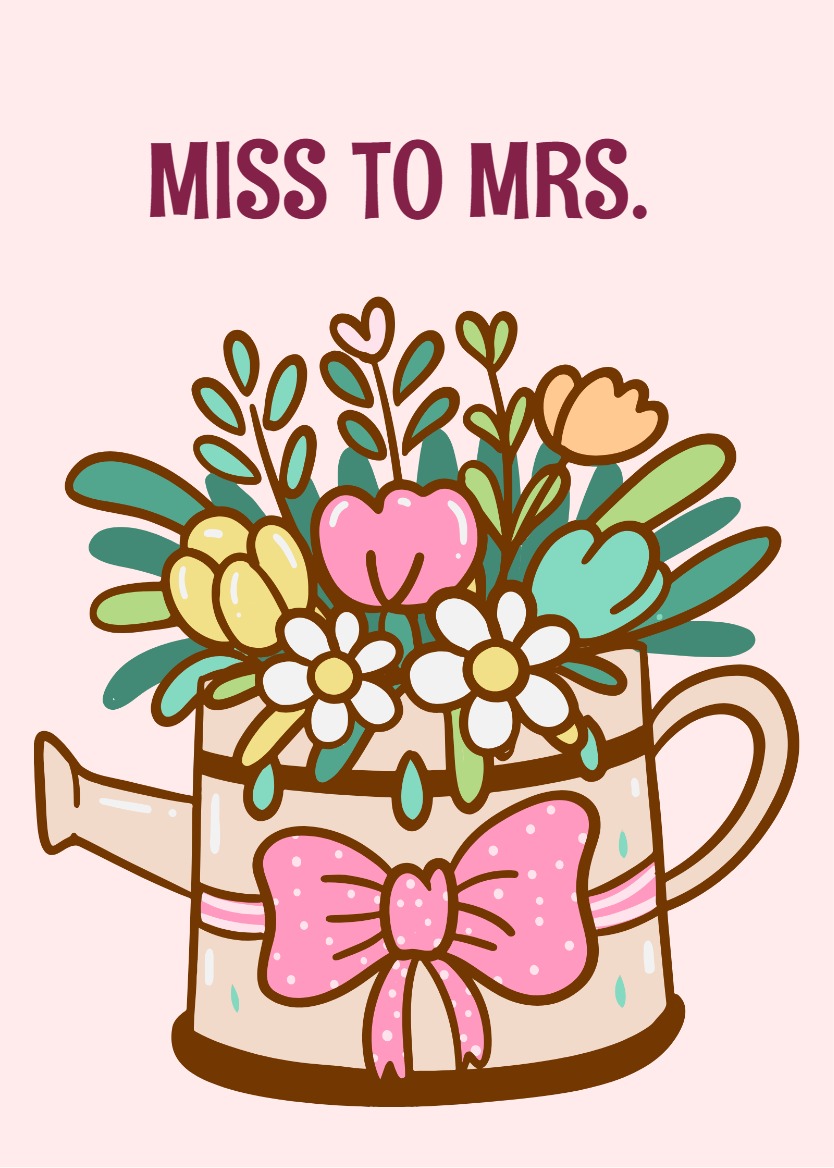
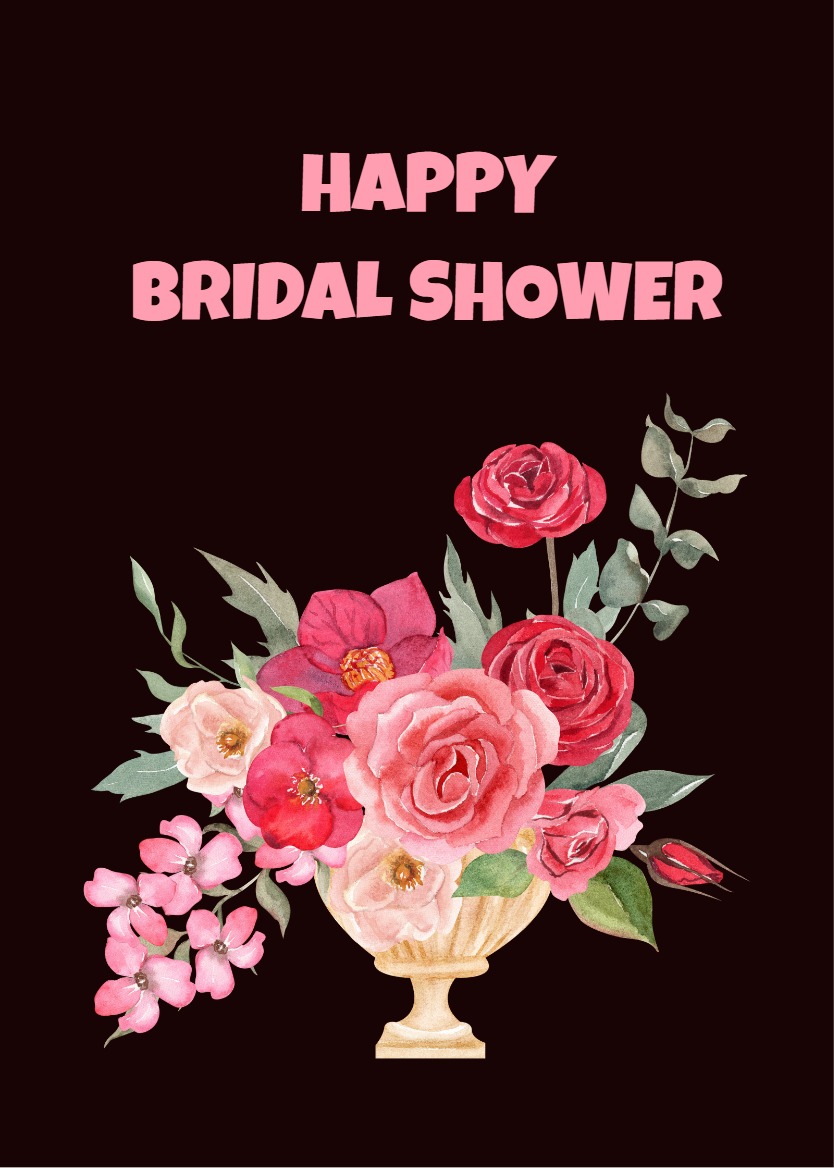
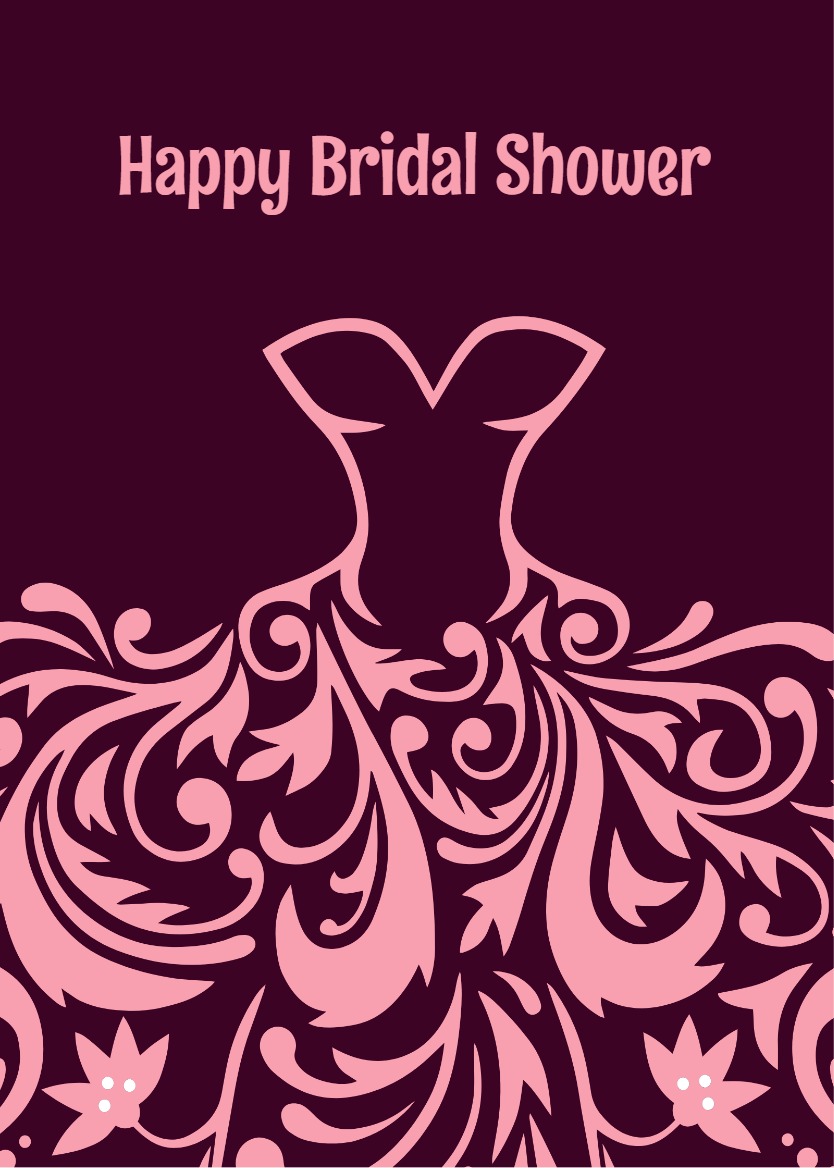
A thoughtful wedding card can become a keepsake for the couple. The designs here range from soft florals and romantic scripts to clean minimalist layouts and celebratory styles, so you can match the card to the couple rather than settling for whatever is closest to the occasion.
Choosing a design that fits the couple
Think about the couple before you think about the card. A Floral or Romantic design suits a pair who appreciate sentiment; a Minimalist or Classic Congratulations layout lets a well-written message carry the weight. Elegant designs with refined typography work well for formal ceremonies, while Cheers and Cake designs bring a lighter, more celebratory energy that close friends often prefer. If you know the couple's style, whether that is a garden ceremony, a city hall wedding, or a destination celebration, use it as your guide. Every design in this collection is editable, so the template is a starting point you can adjust before sharing.
Writing a message the couple will actually remember
The most lasting wedding messages are brief and specific. Acknowledge the occasion, add one line that reflects your actual relationship with the couple, and close with a wish for their marriage rather than just the wedding day. Swap any general phrase for a name, a shared memory, or a small detail only this couple would recognize.
- "Congratulations to you both. Watching your relationship grow has been a real joy, and I am wishing you a marriage full of the same warmth and humor you bring to everyone around you."
- "So glad to celebrate this with you. May your life together be full of patience, laughter, and the ordinary moments that quietly become your favorites."
- "Wishing you both a marriage as steady and bright as the love you have already shown each other. Congratulations."
Previewing and sharing your card
Once you have chosen a design and written your message, preview the card to confirm it reads the way you intend. When you are satisfied, copy the shareable link and send it through whichever channel suits the moment: email, WhatsApp, SMS, or a group chat. Recipients can open the shared link. Watermark-free sharing is available with the applicable paid plan.
Pick a design that reflects the couple, write something honest and specific, and send it when the moment calls for it.
Frequently Asked Questions
Yes. A belated wedding card is a thoughtful gesture. Choose a design such as Just Married or Best Wishes, write a short note acknowledging the delay, and share the link whenever you are ready. There is no deadline tied to the card.
Yes. Every design in this collection is editable. You can update the message to suit the couple before you copy the shareable link, so the card reflects your words rather than default placeholder text.
Recipients open the card through a link you share by email, WhatsApp, SMS, or any other channel. Recipients can open the shared link.