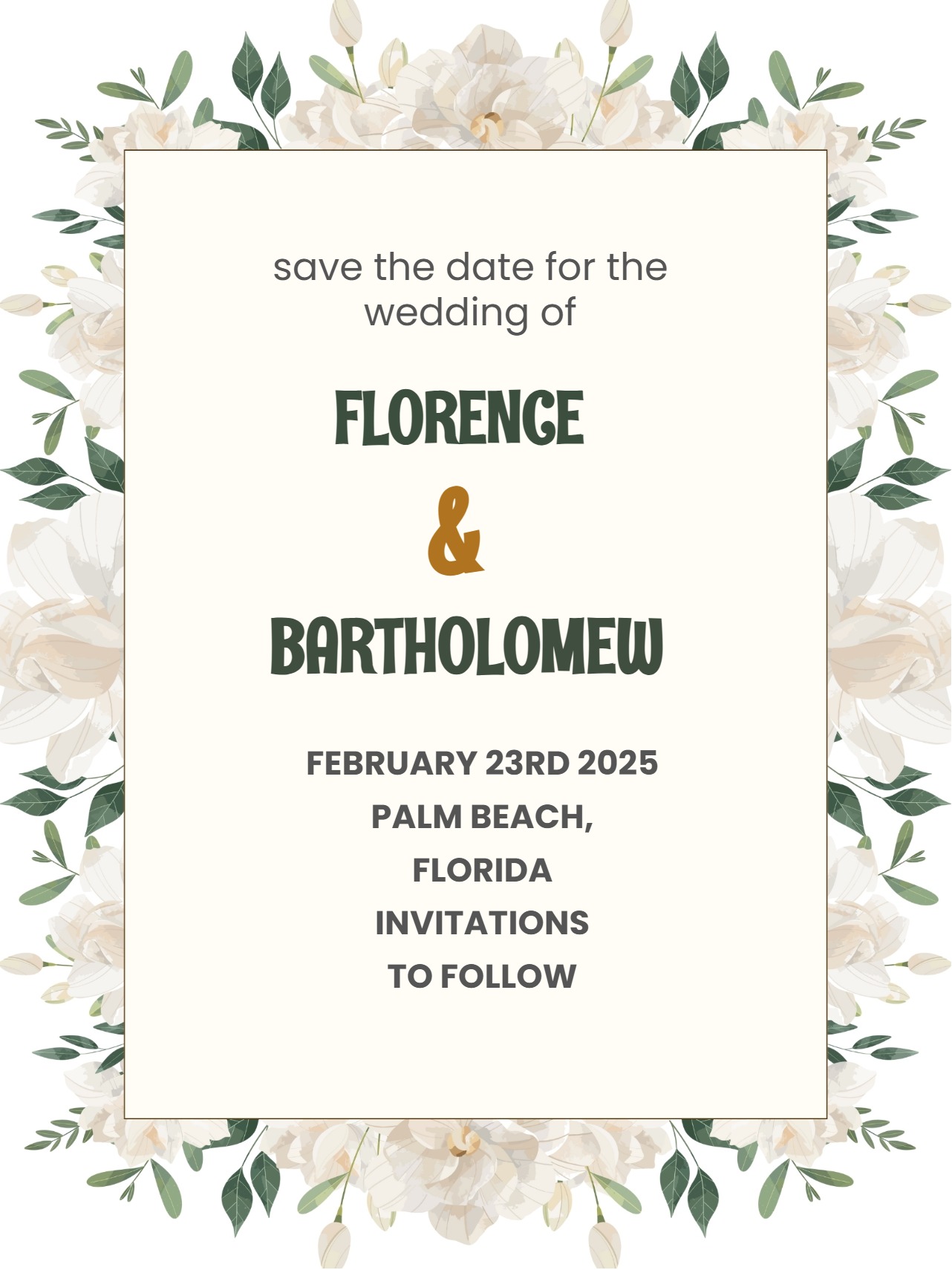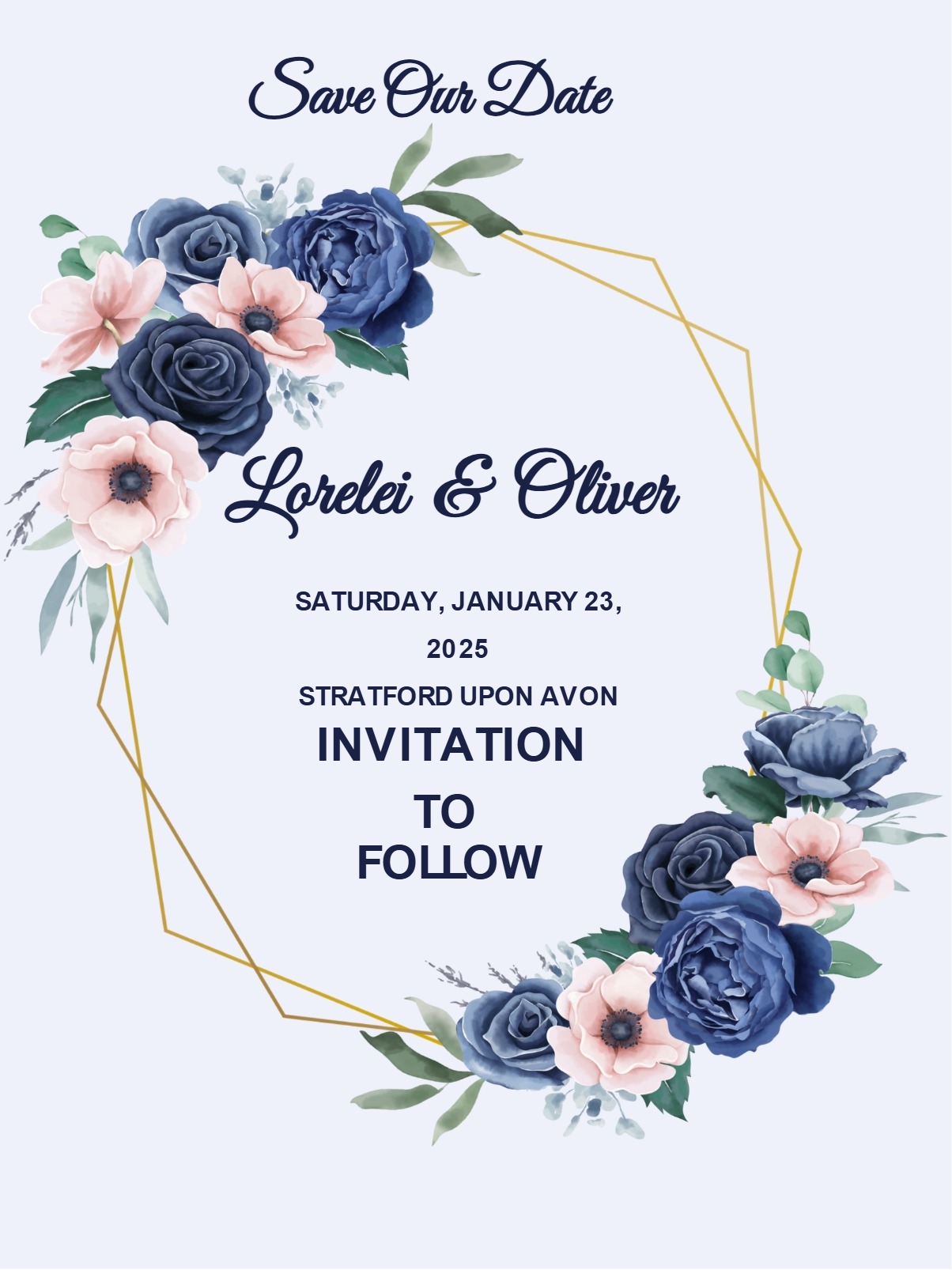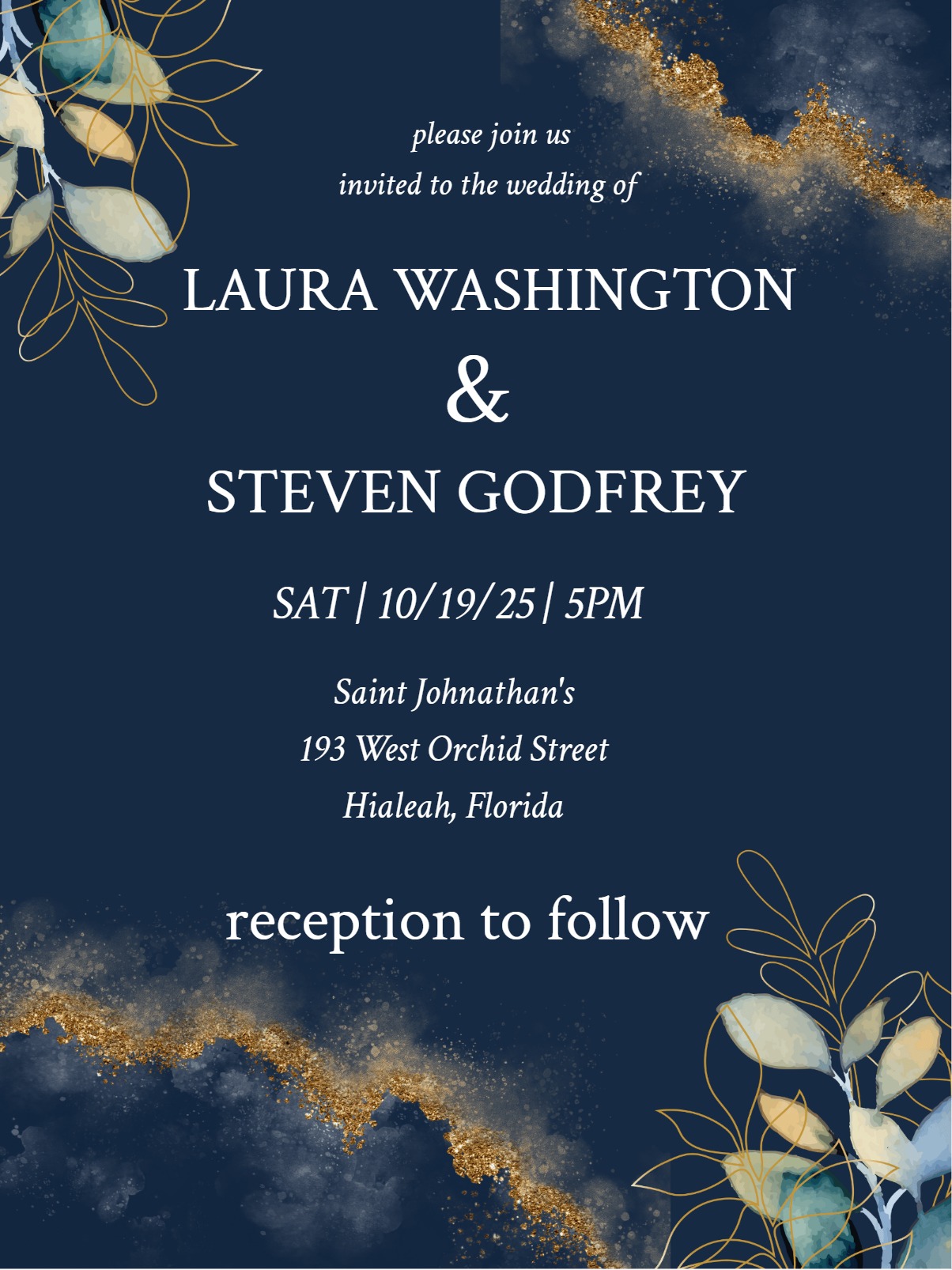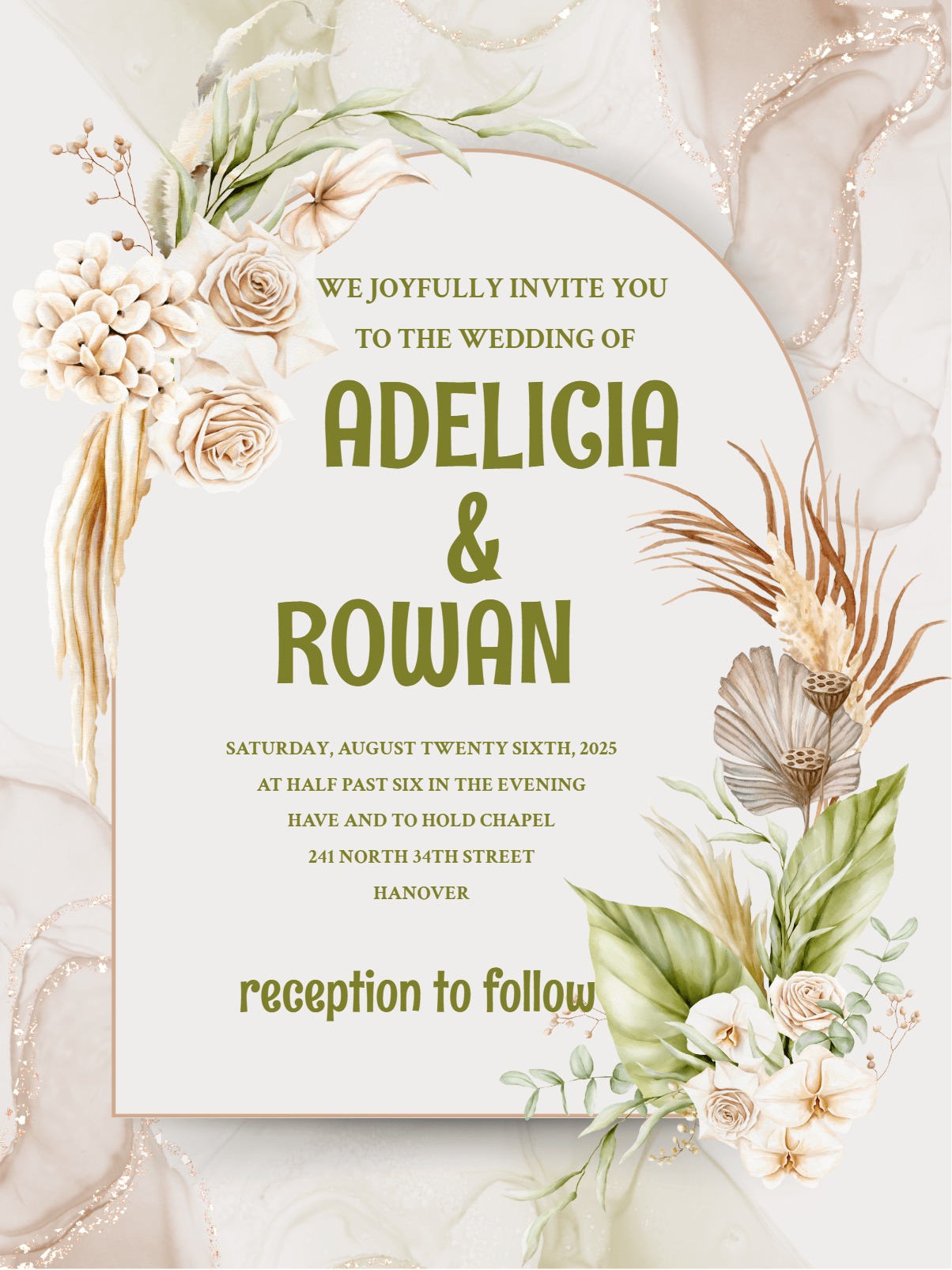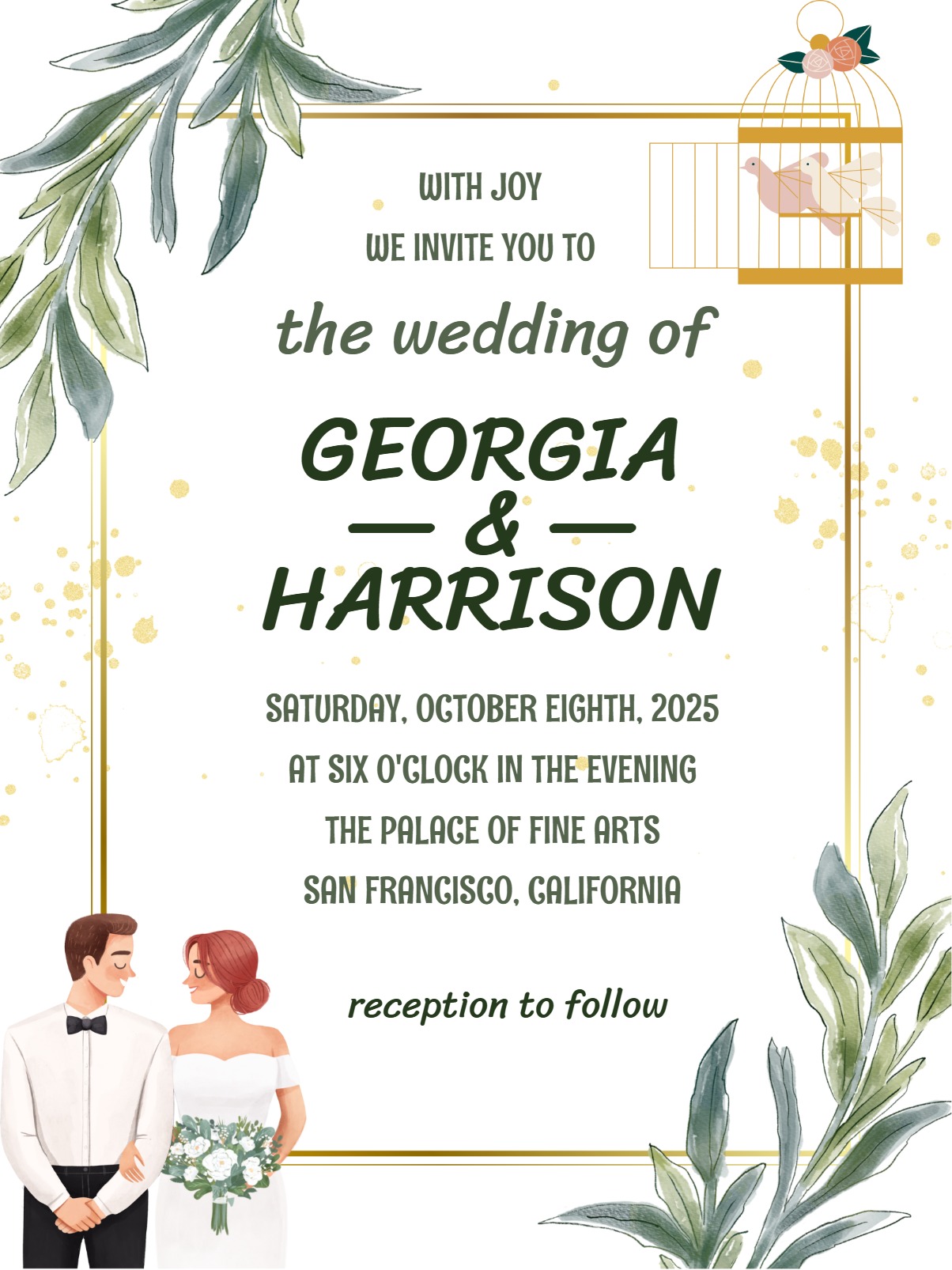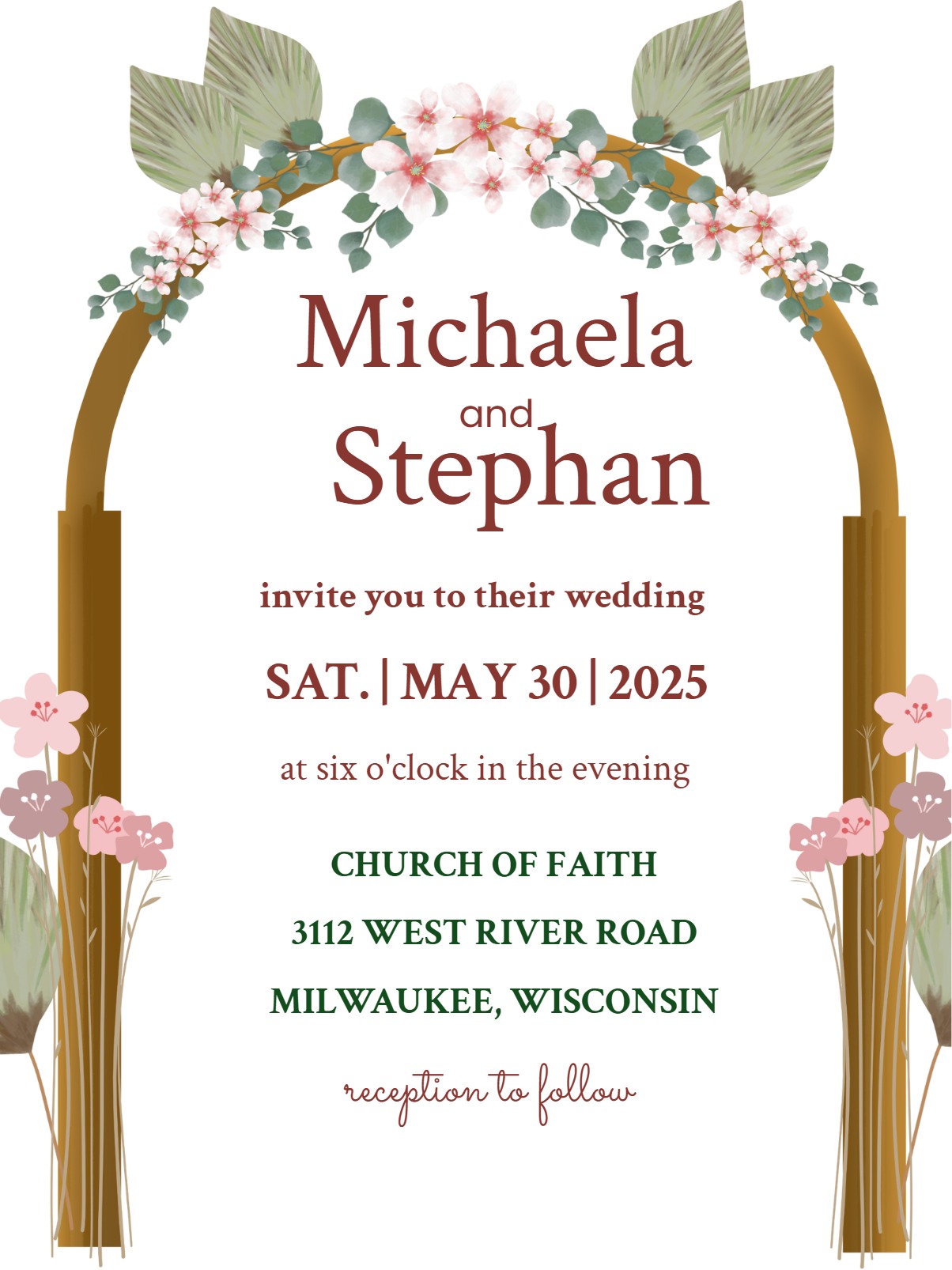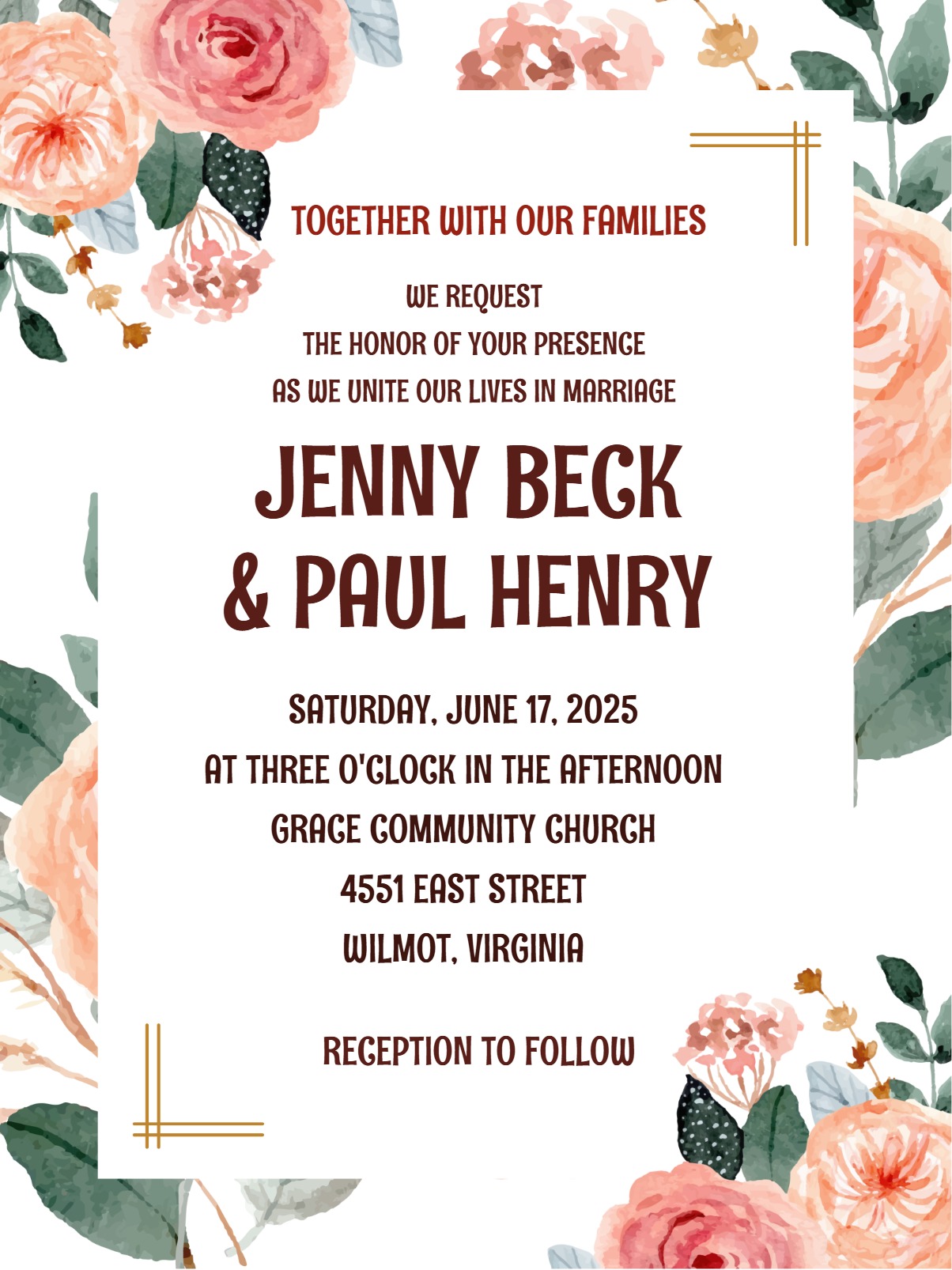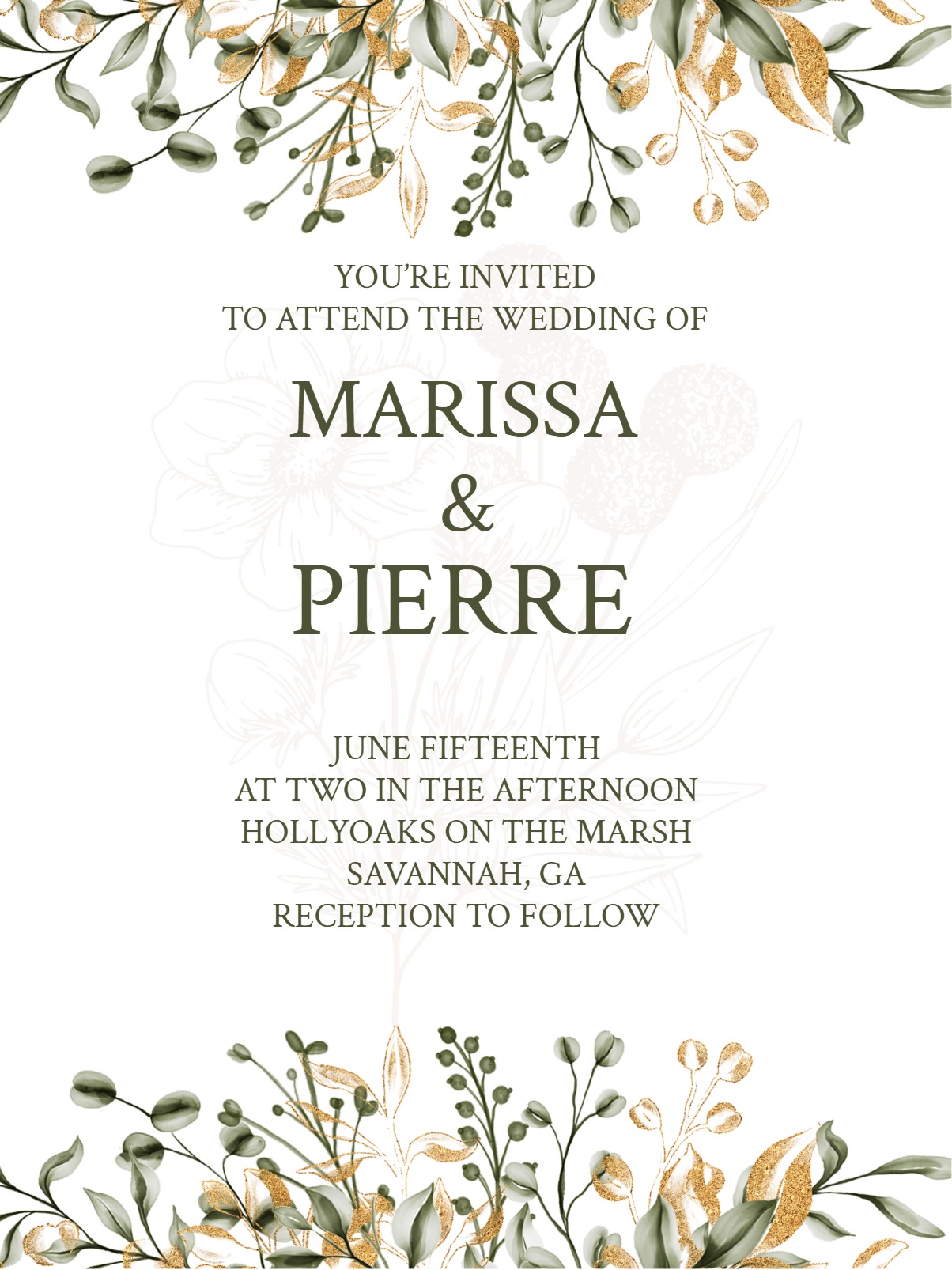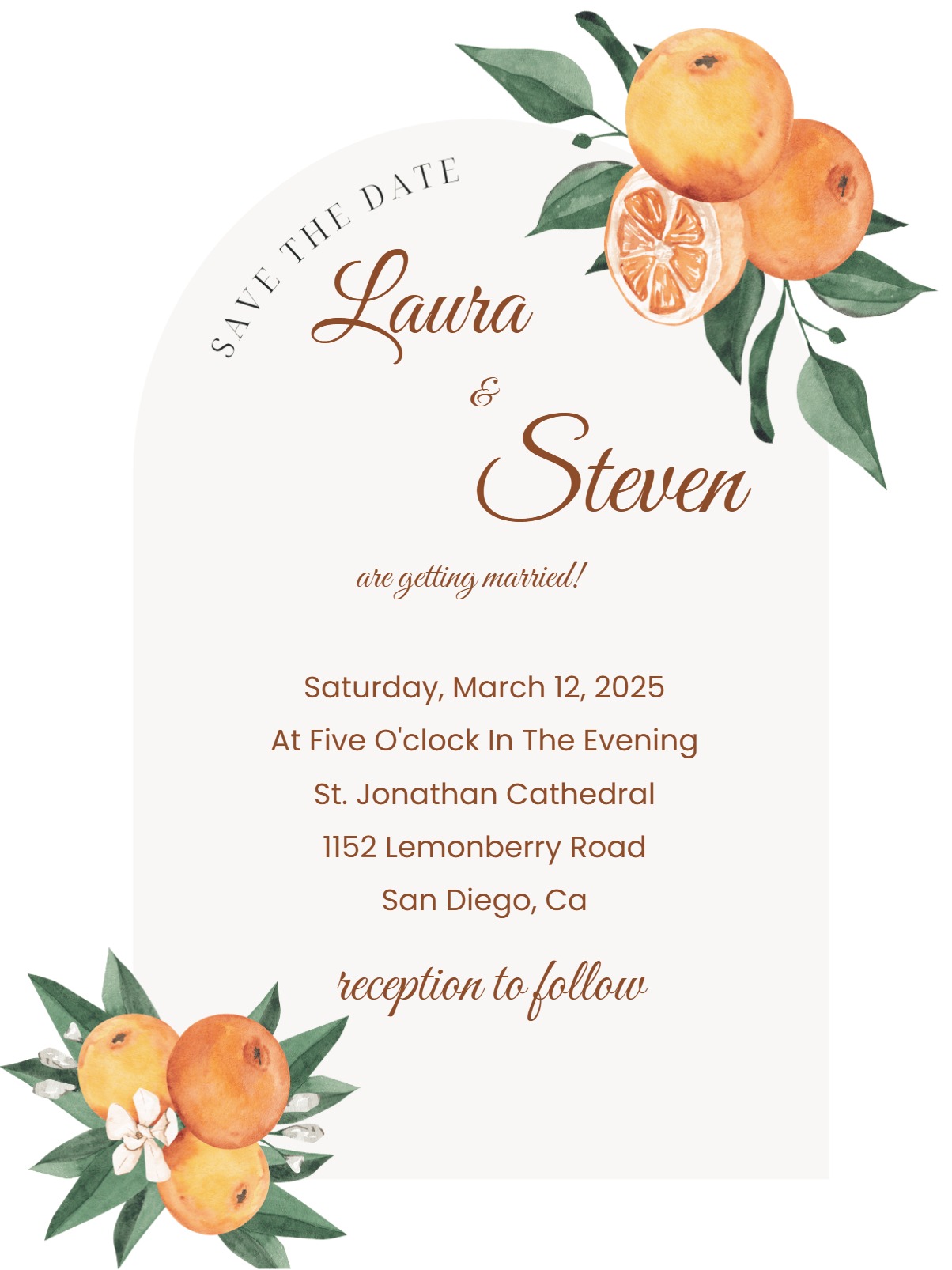

Find the right Save the Date invitation design
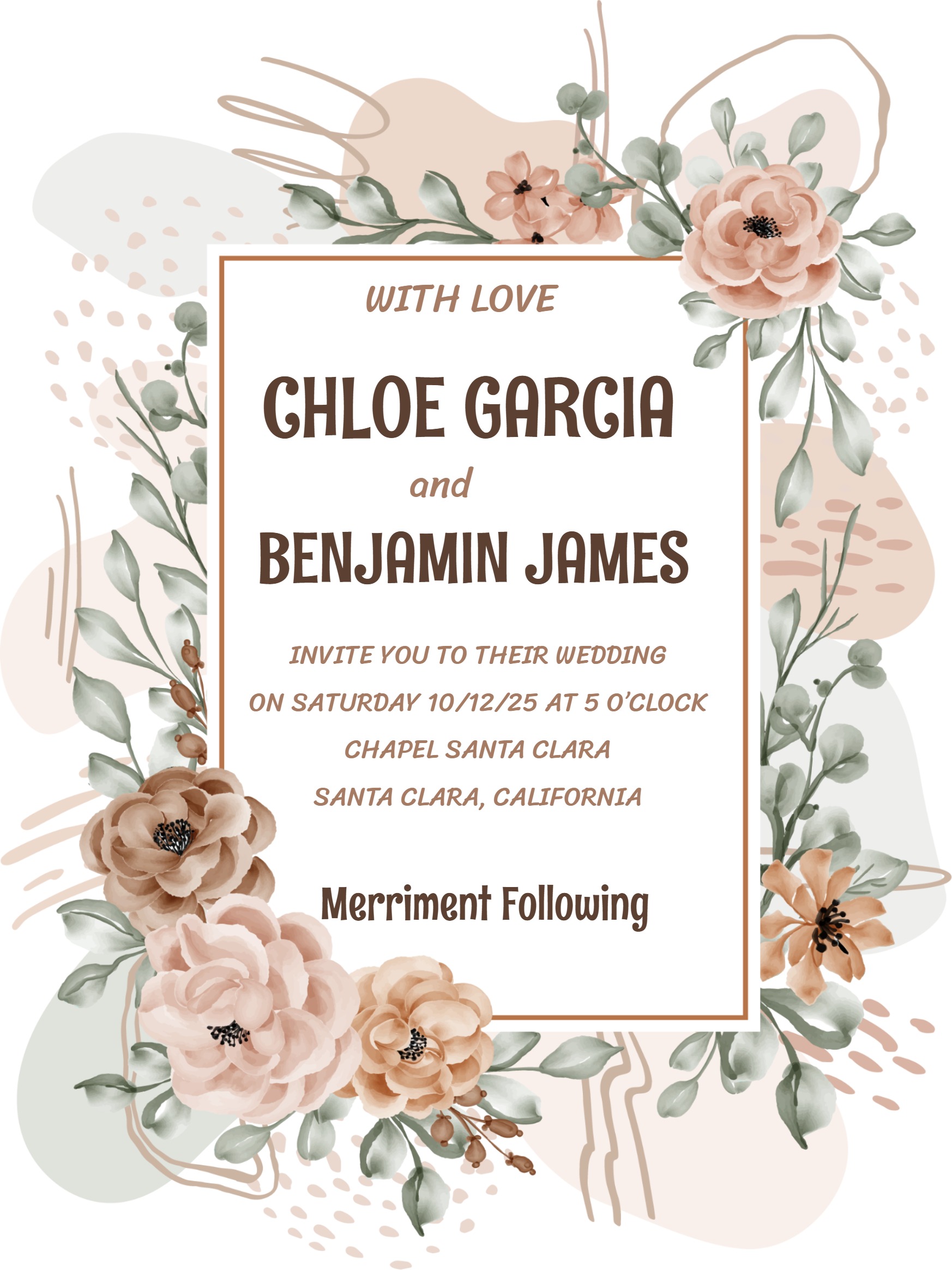
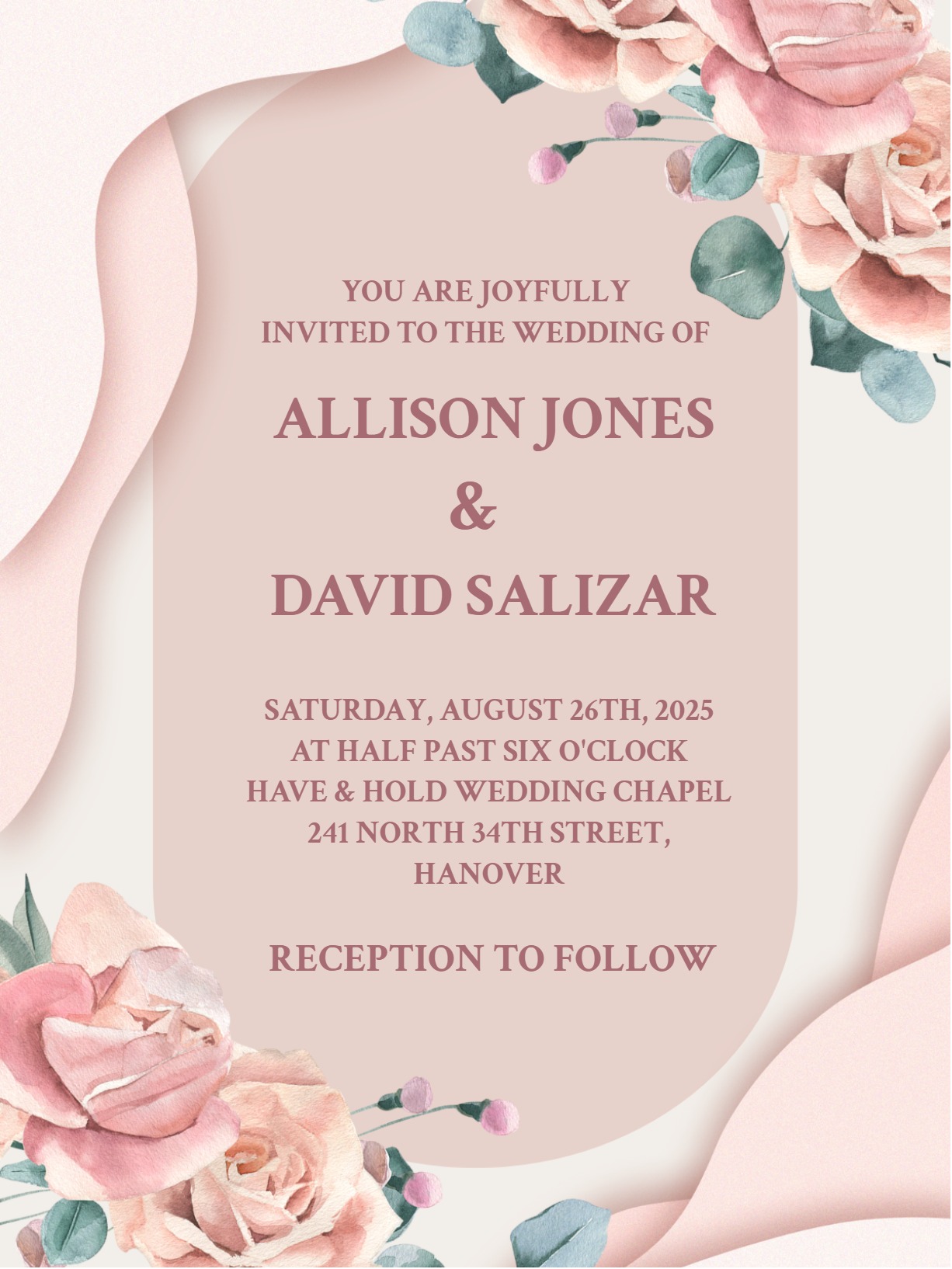
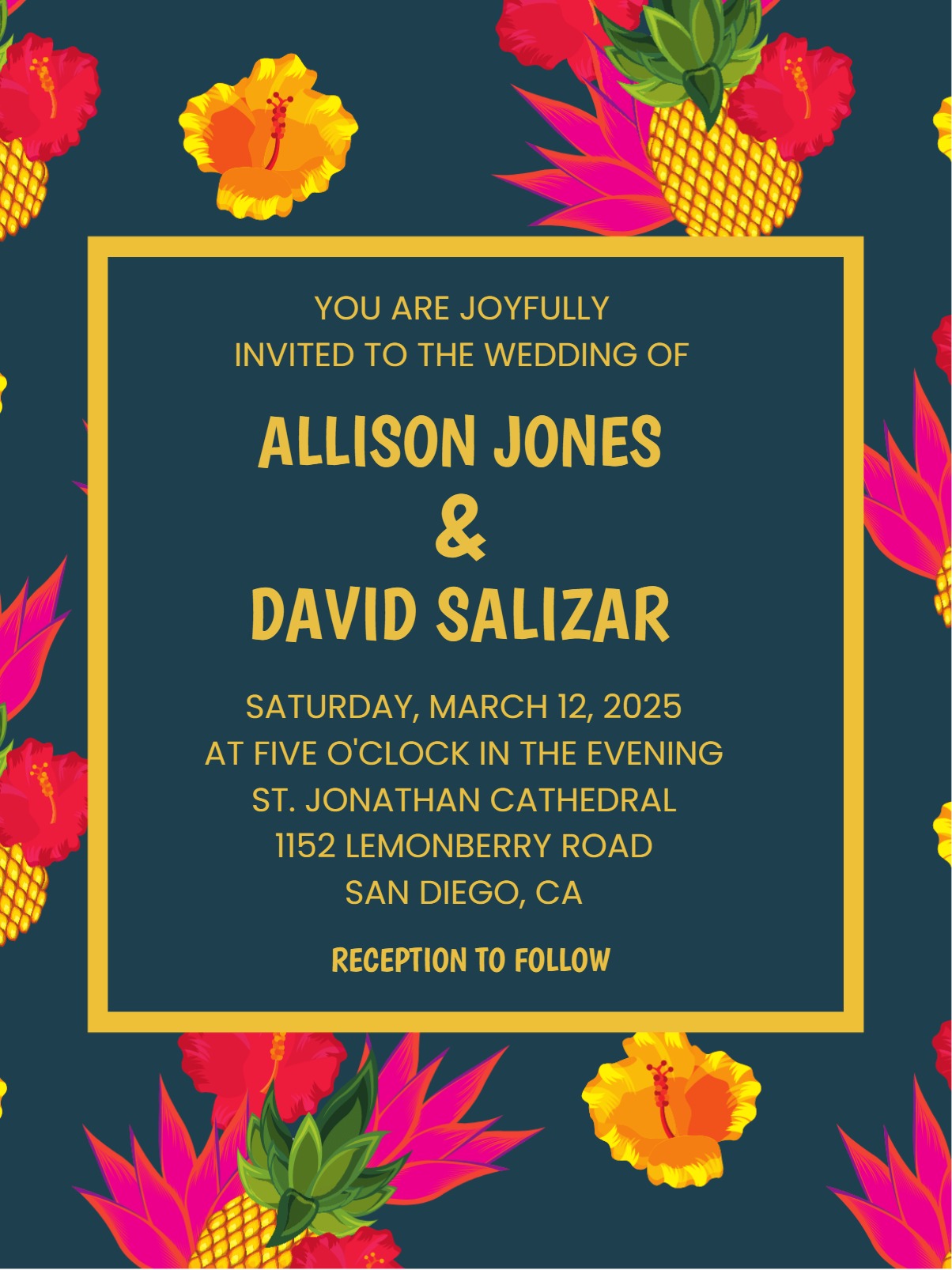
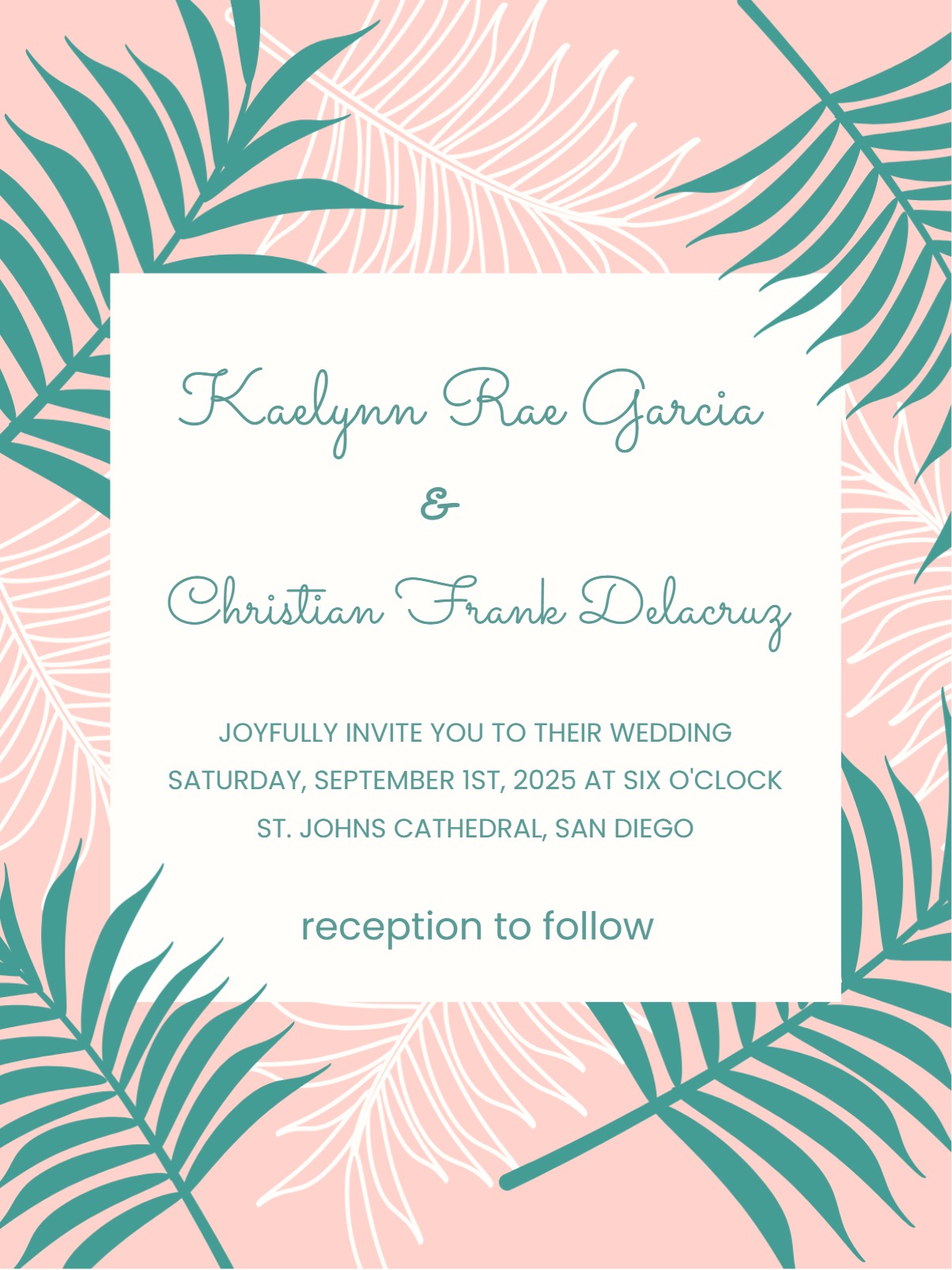
Browse Save the Date invitation templates built for quick customization, easy sharing, and organized RSVP tracking.
Announce your special day early with stylish Save The Date invitations for friends, family, and coworkers.
Find the right Save the Date invitation design
Browse Save the Date invitation templates built for quick customization, easy sharing, and organized RSVP tracking.
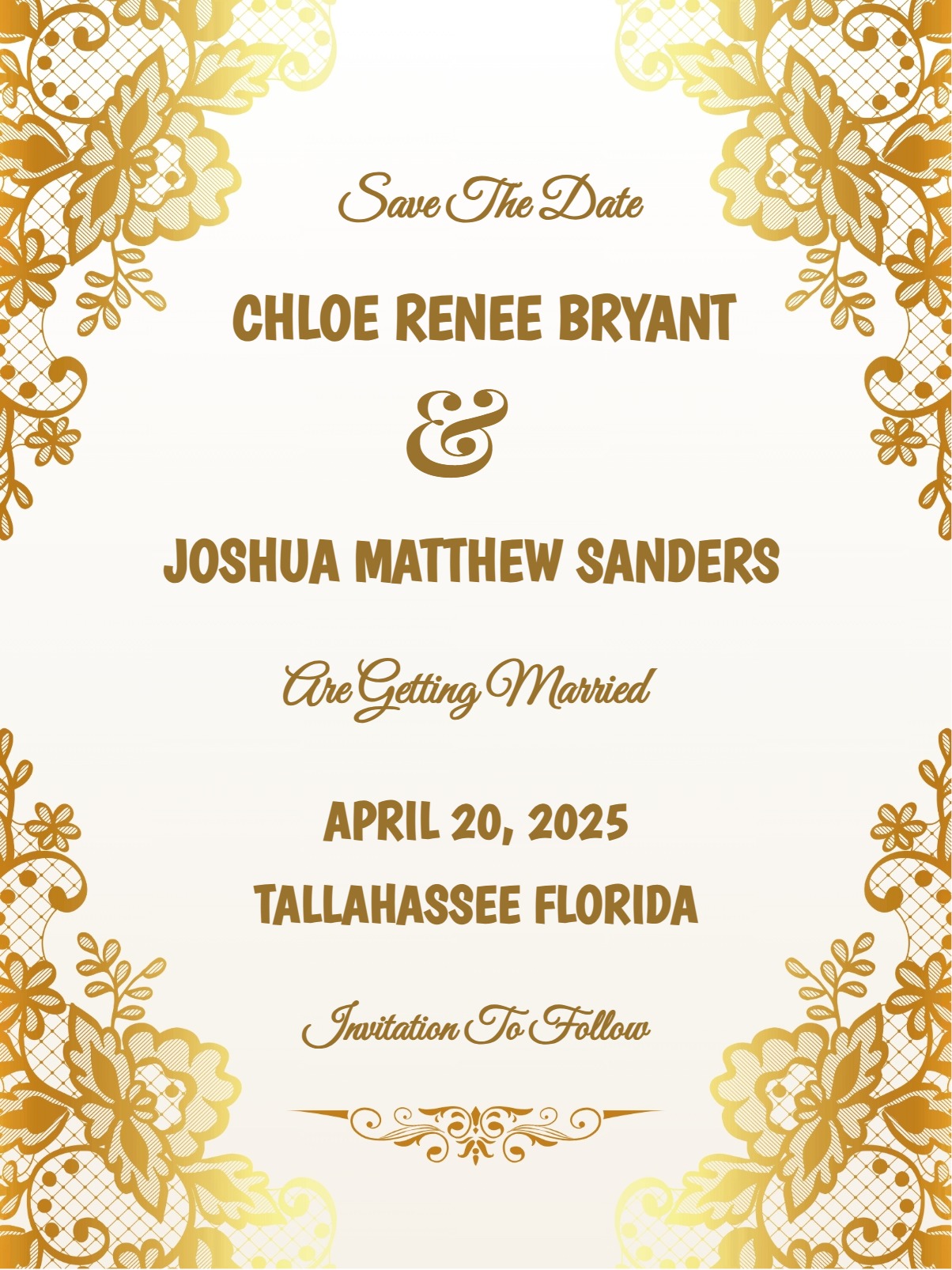
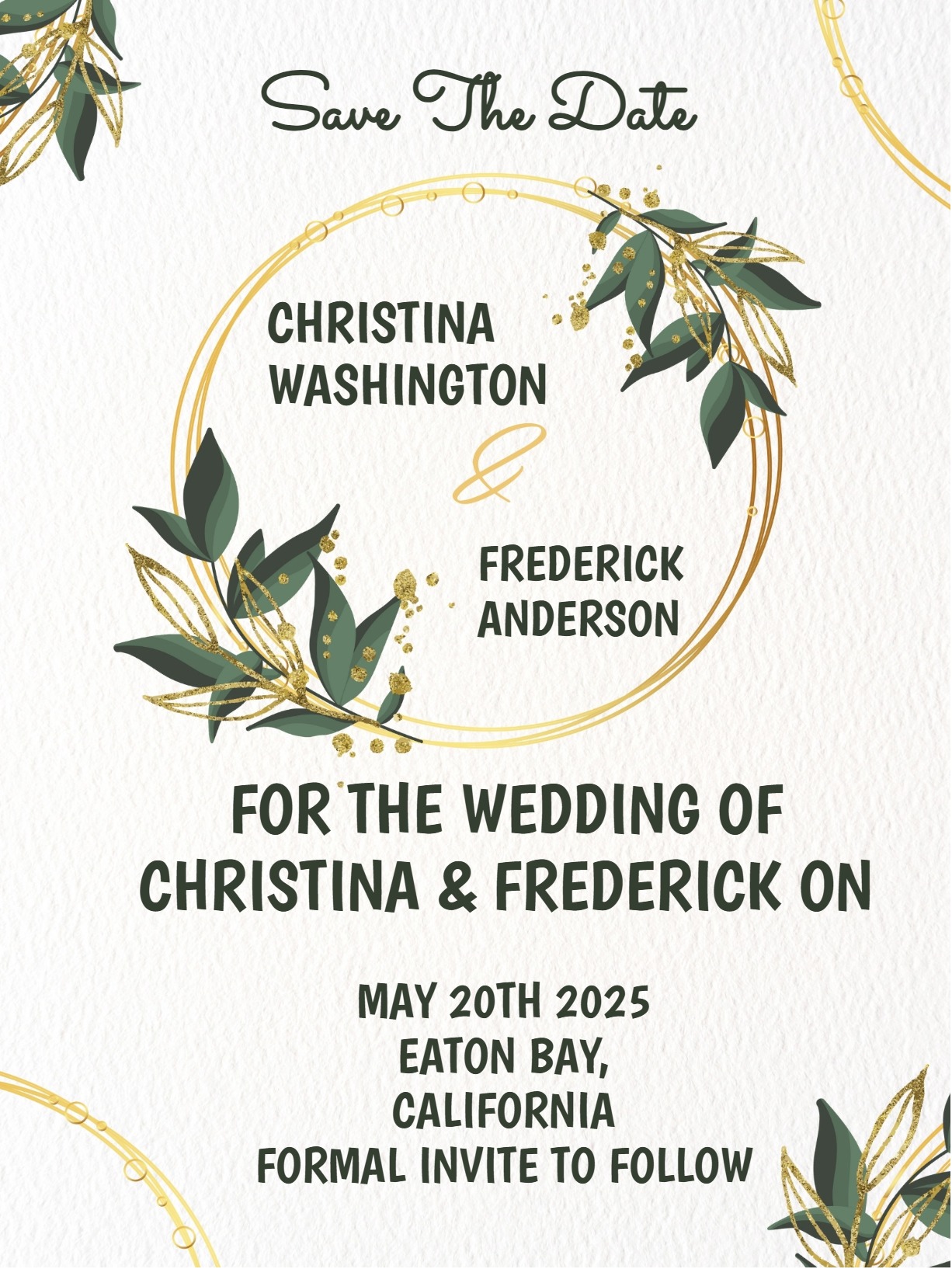
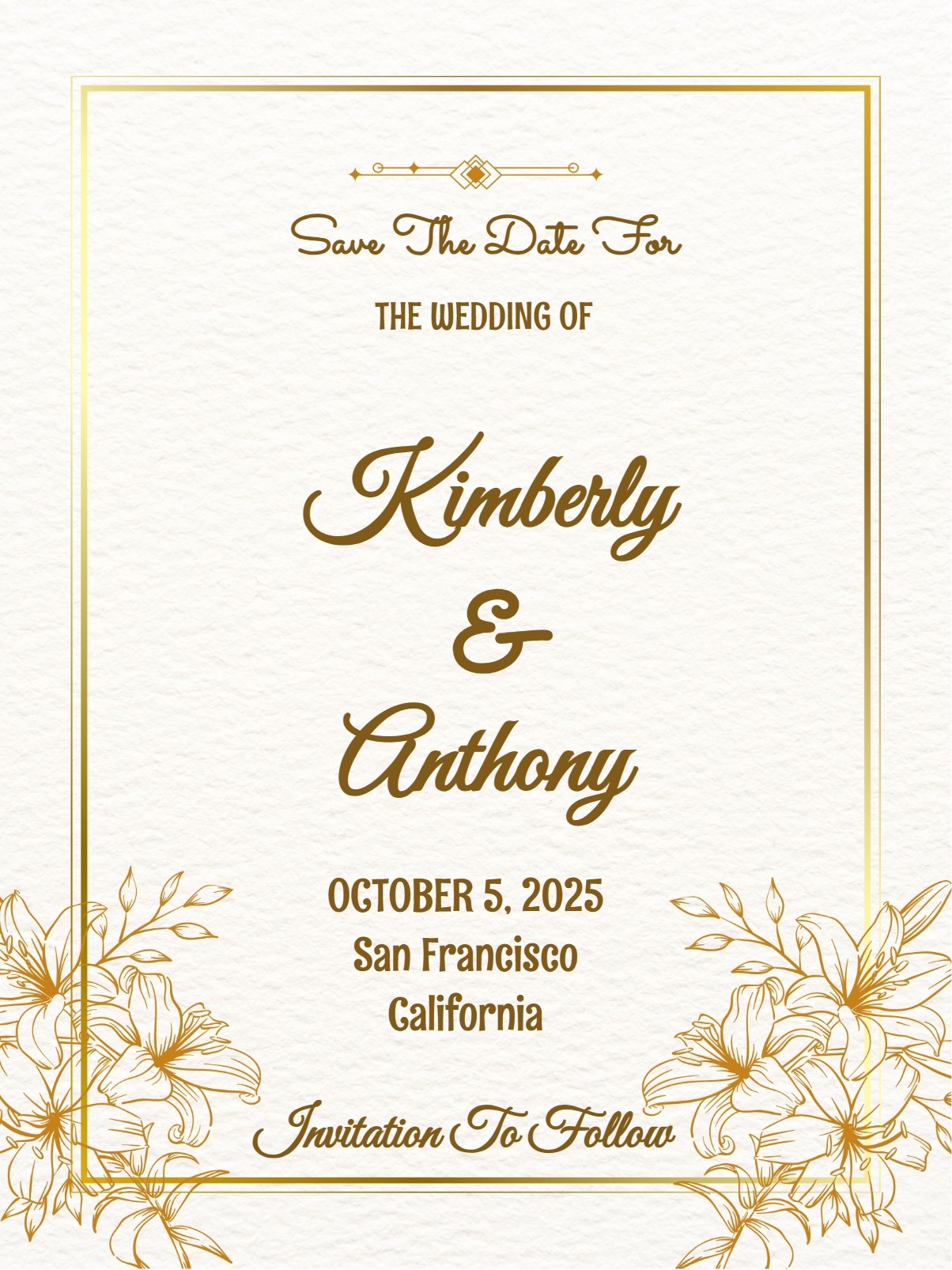
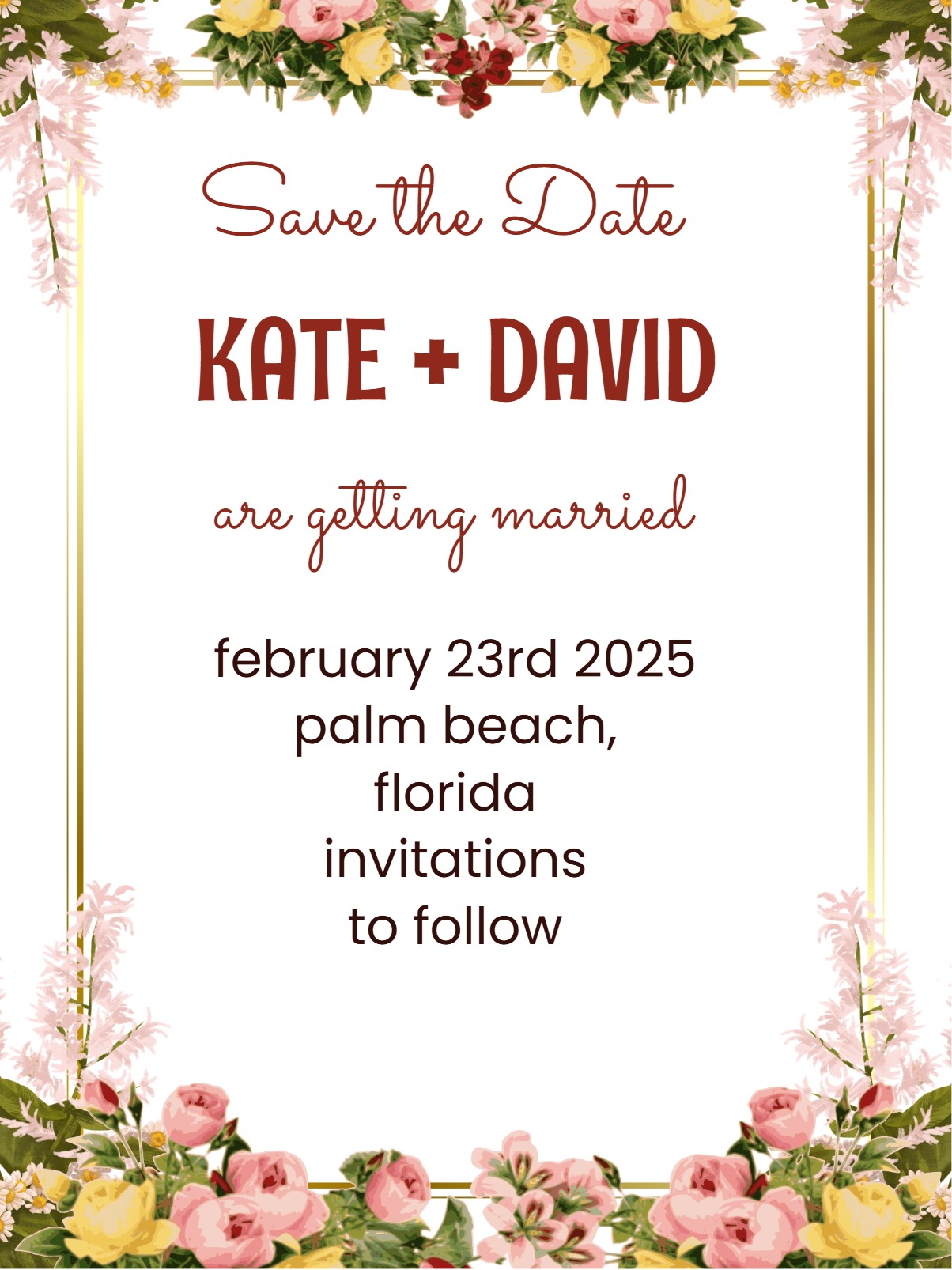
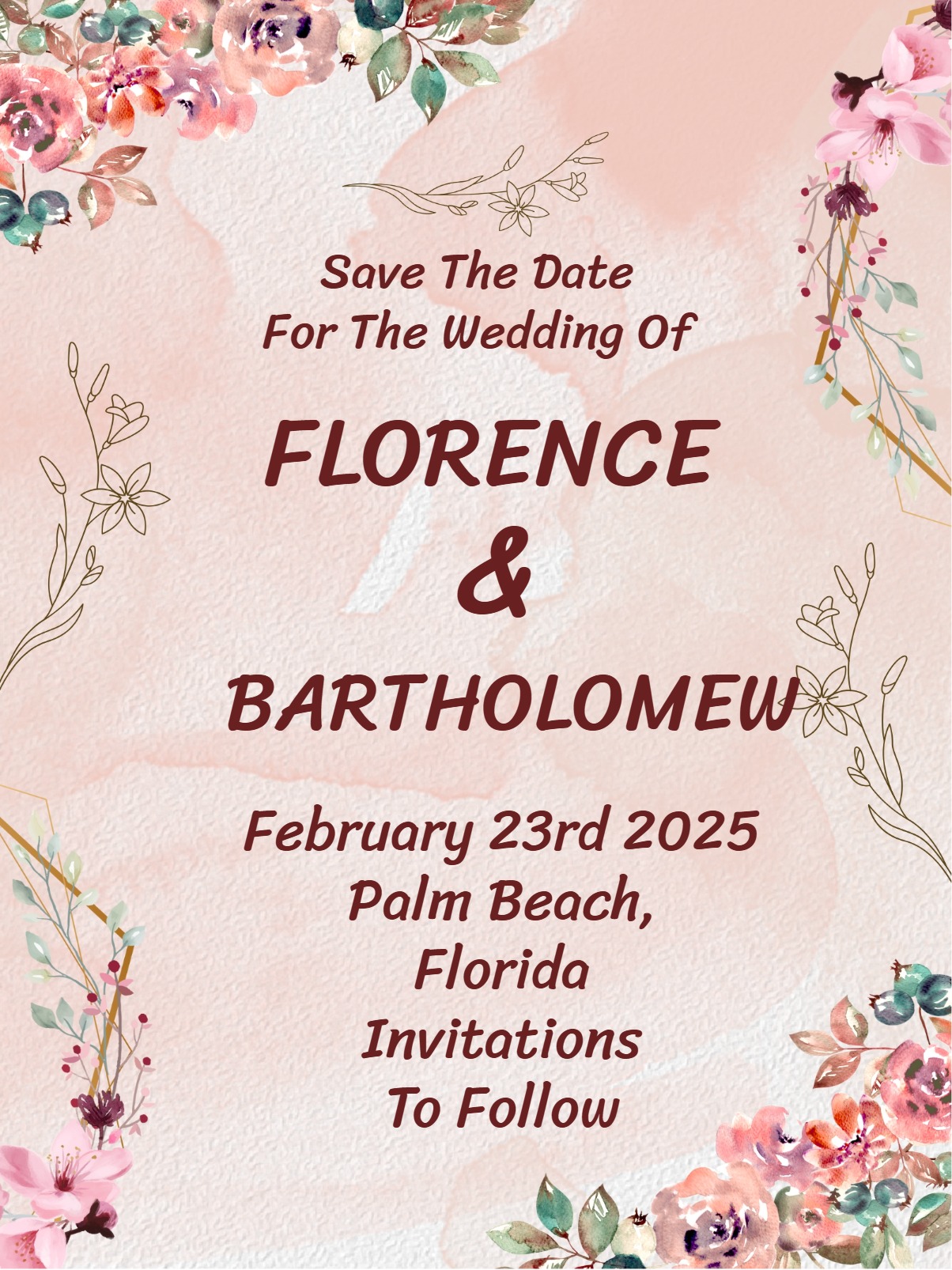
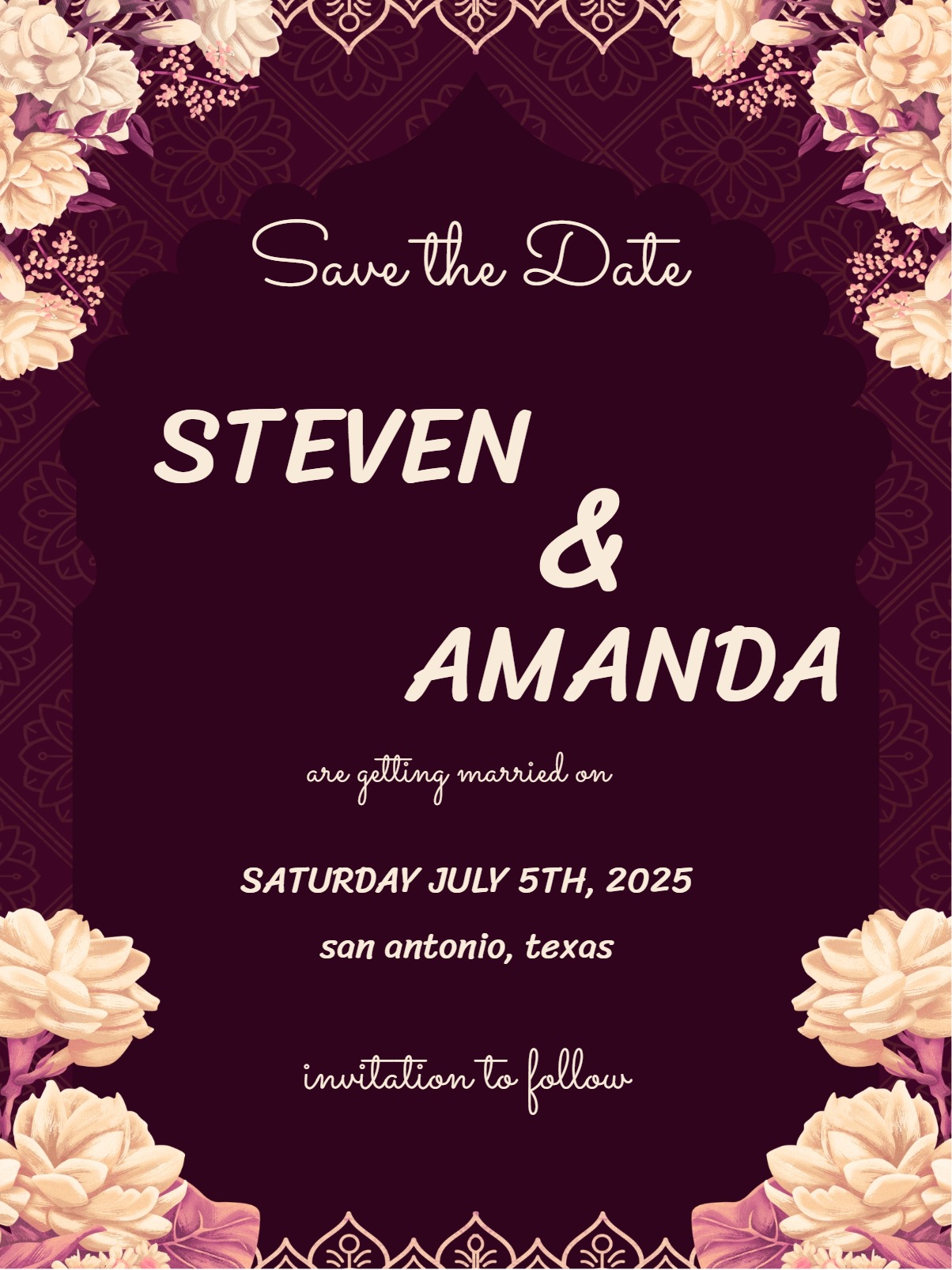
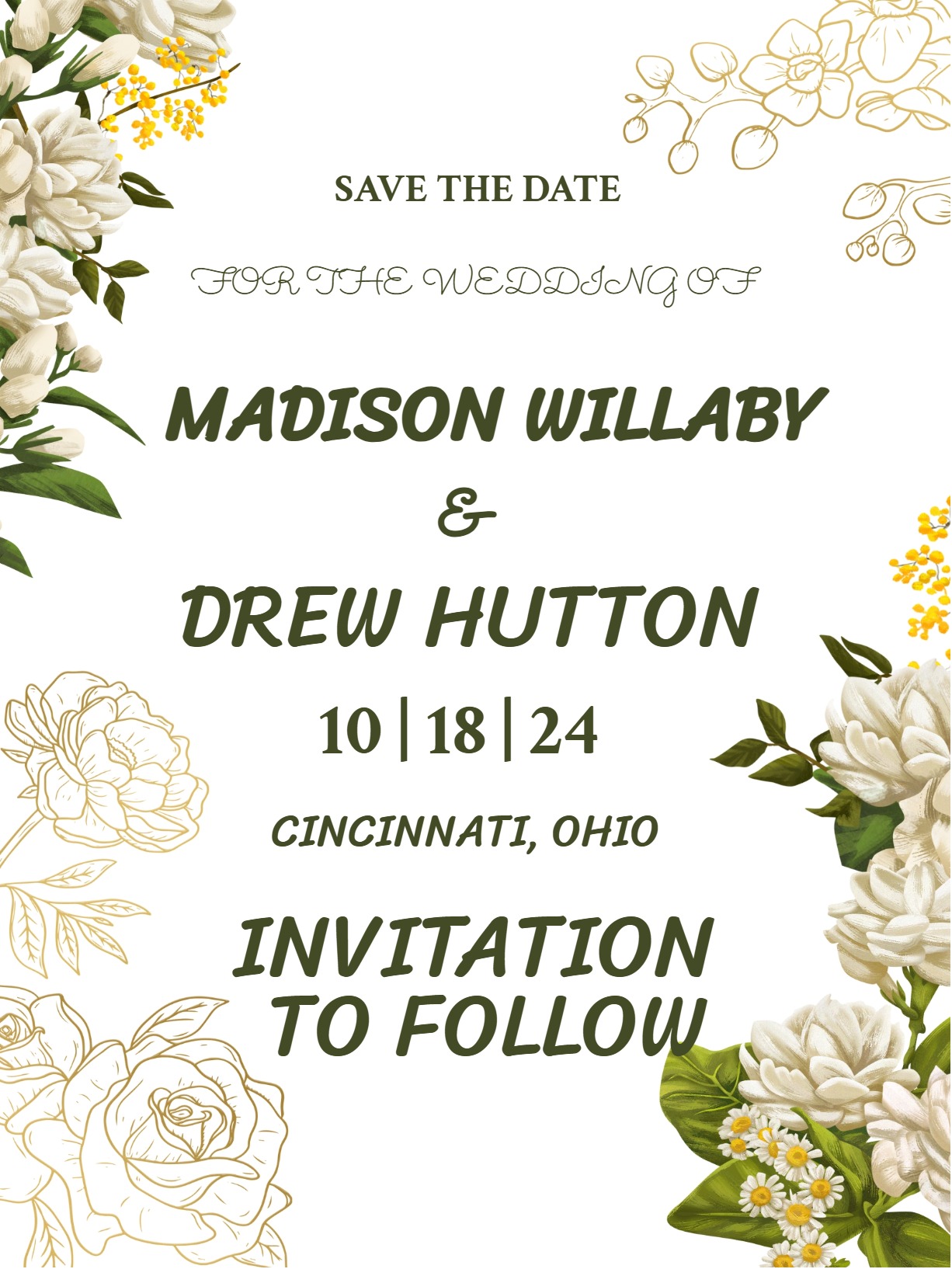
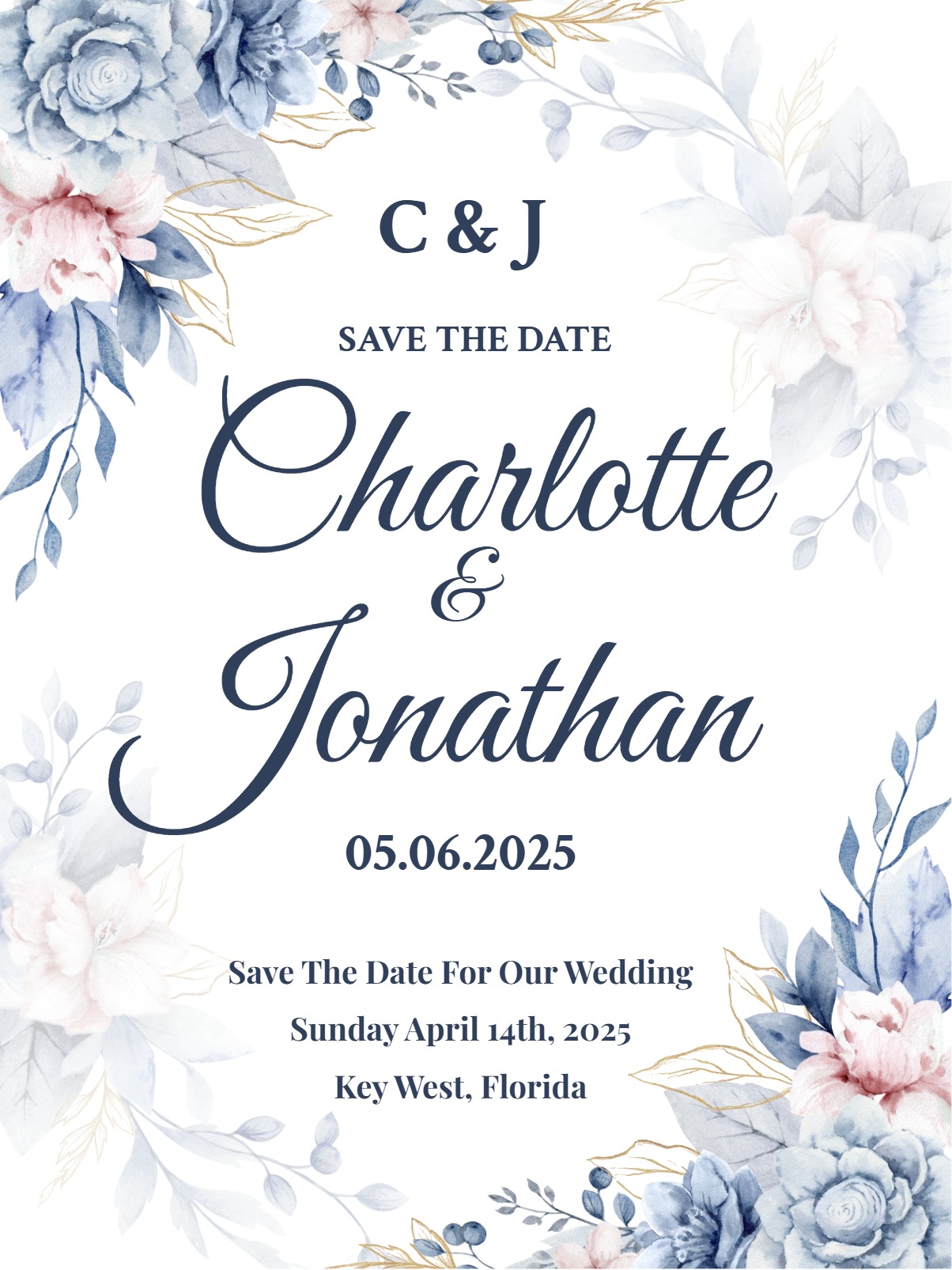
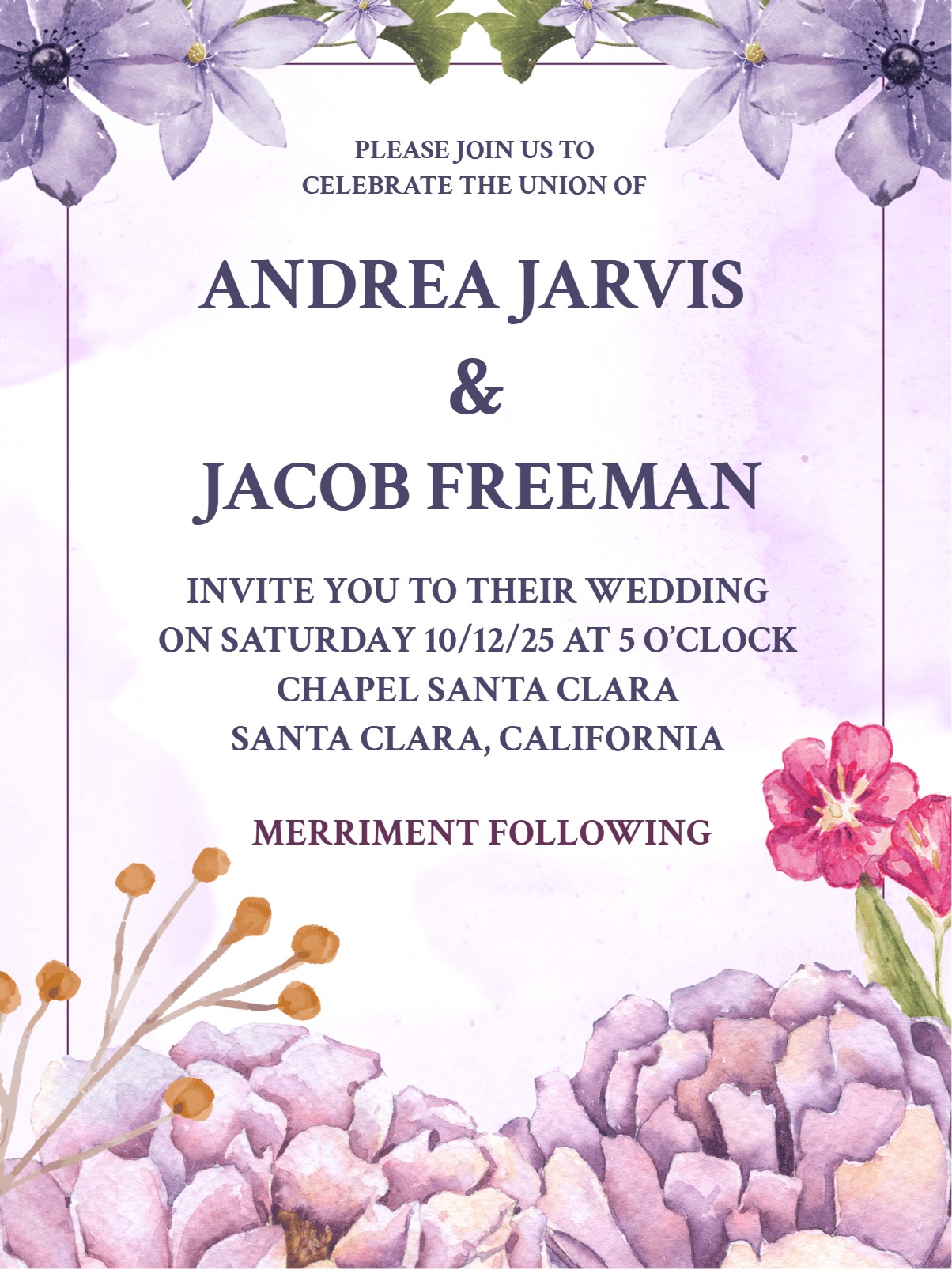
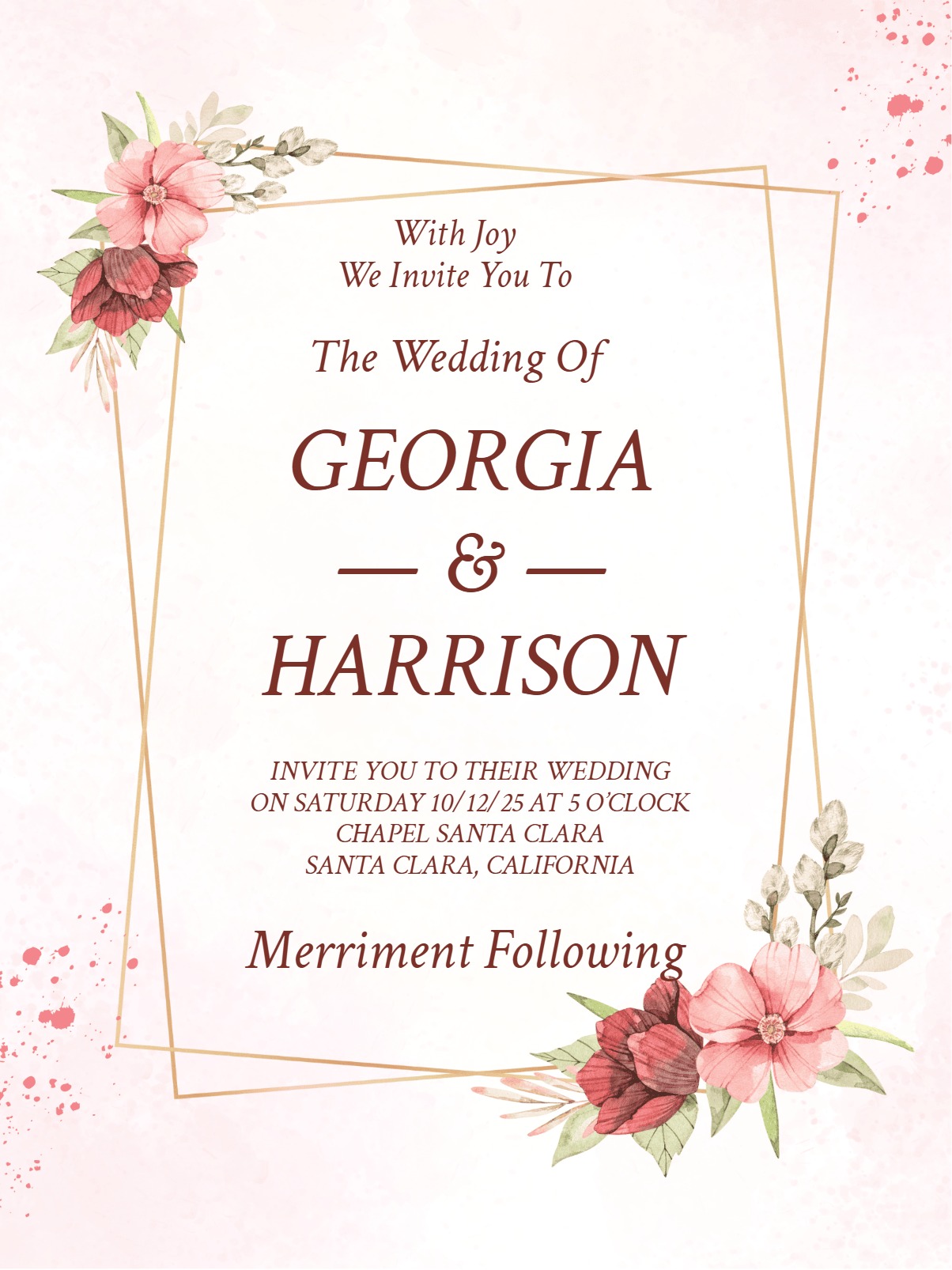
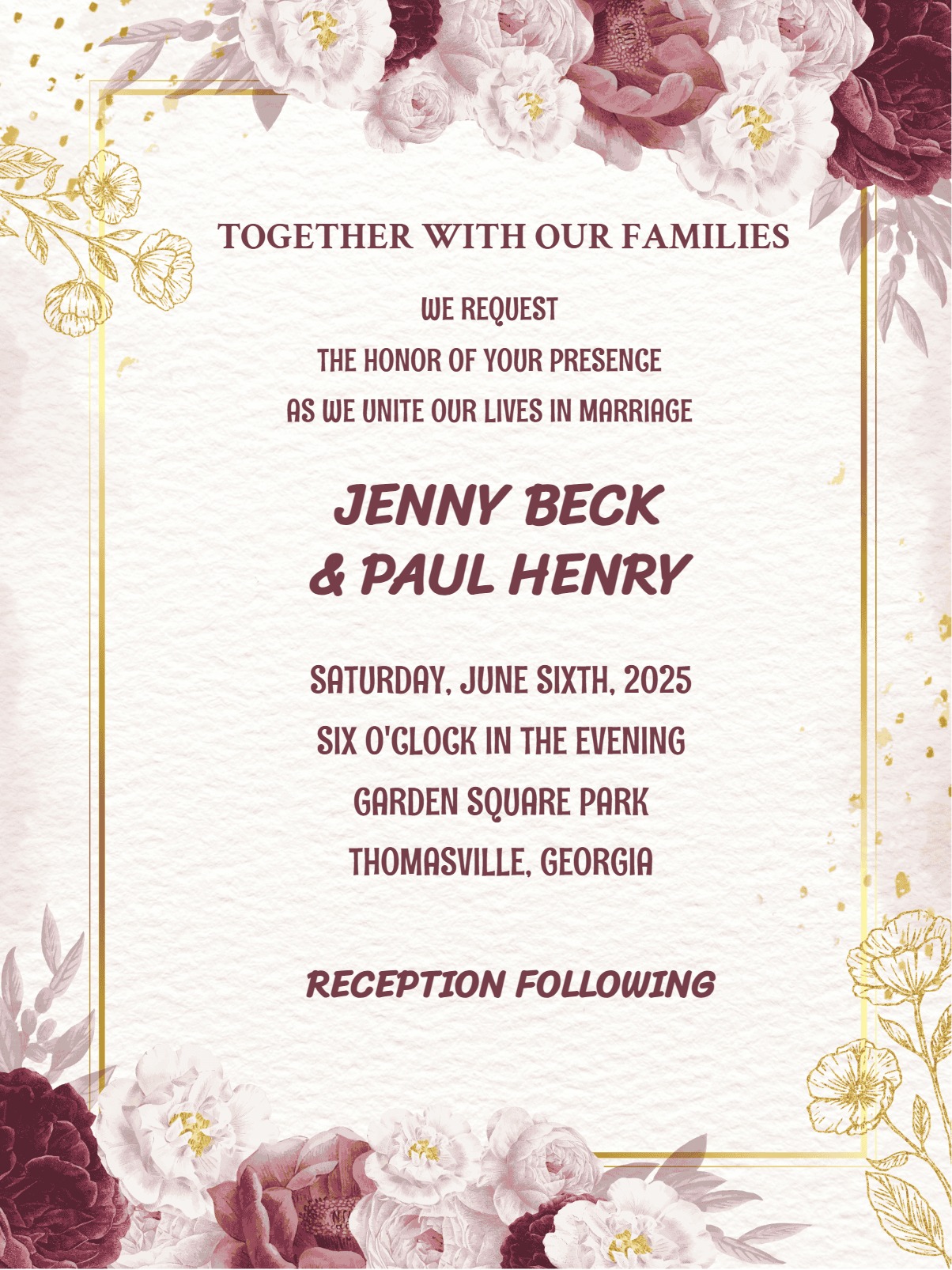
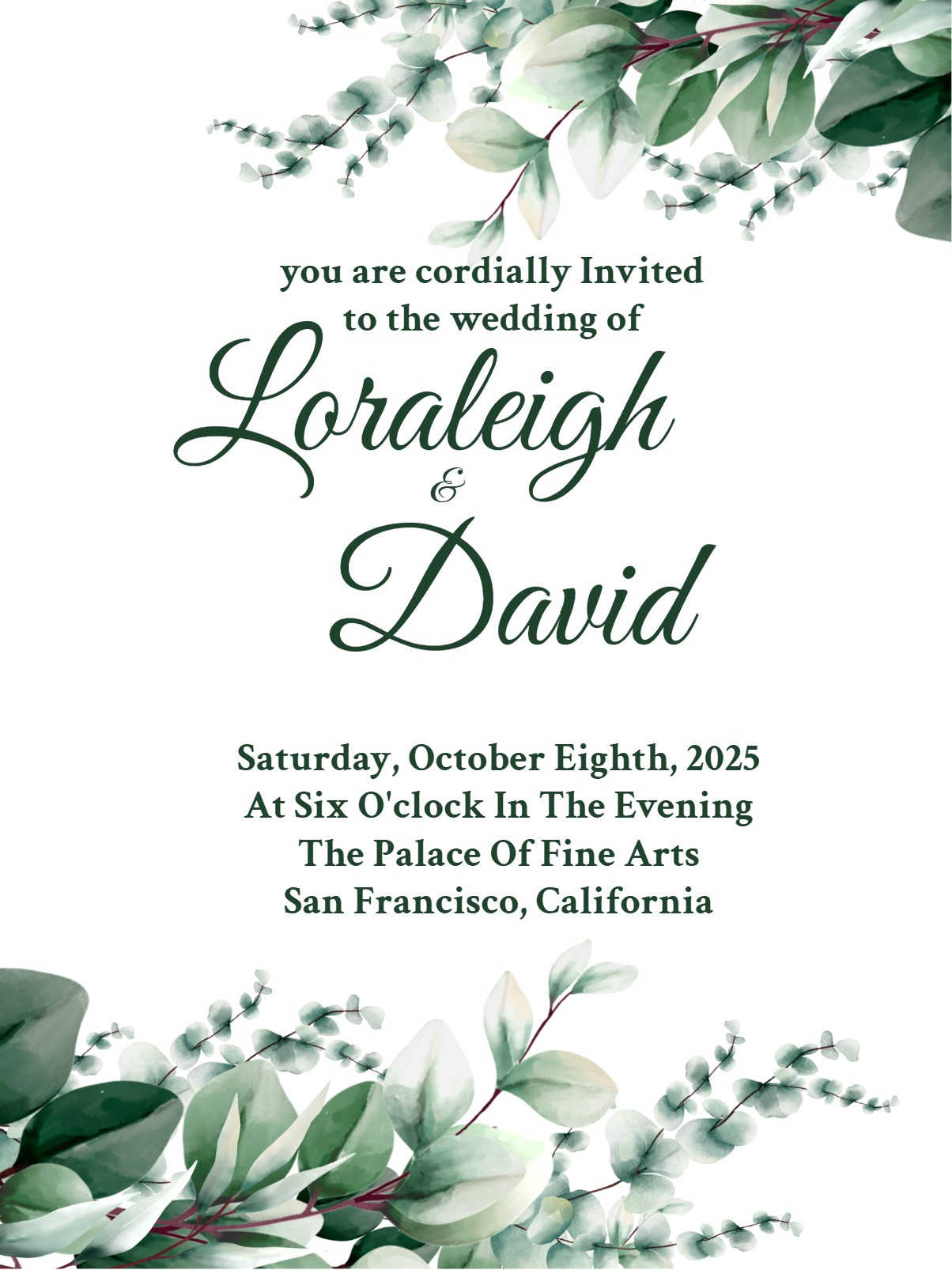
Showing 12 of 41 templates ready to customize, share on WhatsApp, and track replies
Save the Date invitations are your first chance to build excitement for your upcoming wedding. while giving guests essential advance notice to mark their calendars. Unlike formal wedding invitations that come later with detailed logistics, Save the Dates focus on one key message: reserve this date because something special is happening.
Digital save-the-date evites are perfect for this early announcement. They are exactly what you need – they arrive instantly, can be easily forwarded to plus-ones, and let you track who's received your message without the cost and delay of printed cards.
The best Save the Date invitations strike a balance between informative and intriguing. Your design should reflect your wedding's overall vibe, whether that's rustic elegance, modern minimalism, or vintage romance, giving guests a preview of what's to come. Keep the tone warm and exciting; it builds anticipation without overwhelming recipients.
Like every other free online invitation without watermark, your save-the-date should also include essential details. Here is the essential information to be included in your free online invitations with rsvp:
If you are planning a destination wedding or holiday weekend celebration, mention this early; it will give guests enough time to arrange travel and take time off work. Other details like directions, registry information, or dress code – you can skip them as they belong on the formal invitation.
Start your wedding journey in style; your save-the-date sets the tone for everything that follows. Begin by selecting a template that matches your wedding style, then customize the text with your names and wedding date. Choose colors that complement your wedding palette. This creates beautiful visual continuity from your save the date through your actual wedding day.
Upload your favorite engagement photo or choose graphics that reflect your venue or season, like autumn leaves for a fall wedding or beach elements for a coastal celebration. Plenty of cool customization options in our free save the date cards as well!
Add any crucial early details like "Destination Wedding in Napa Valley" or "Wedding Celebration in Ohio" so guests understand the scope of your event. Use InviteFlare's free online invitations with rsvp tracking to gauge initial interest and guest availability, which helps with preliminary headcounts for venue planning. Share your Save the Date via email for immediate delivery, or generate QR codes for easy sharing at engagement parties or family gatherings.
Send Save the Date invitations at least 6 months before your wedding date or up to a year ahead for destination weddings or popular holiday weekends. This timing allows guests to request vacation days, book travel, and avoid scheduling conflicts. If you're having a holiday wedding, New Year's Eve wedding, or Memorial Day weekend marriage, make sure to send out an earlier notice, since these dates fill up quickly with other celebrations.
For destination weddings, send Save the Dates 8-12 months in advance, especially if your wedding falls during peak travel seasons or requires international flights. Local weddings during off-peak times can get away with 4-6 months' notice, but remember that popular venues and vendors book up quickly, so earlier is usually better.
For a memorable and up-to-date wedding, include a wedding website URL if you've created one in the front and center. It gives guests a place to find updates, hotel recommendations, and travel information as your planning progresses. For destination weddings, mention the general location and time of year so guests can start researching flights and accommodations, even before you finalize specific venue details.
Think of something unique and creative for your guest list when crafting your message. If many guests will need to travel, add a simple line like "More details and travel information to follow." For intimate gatherings, emphasize the special nature of the celebration with phrases like "We can't imagine this day without you there."
Let your design do some talking, too. Keep your design consistent with your overall wedding aesthetic. If you're planning a black-tie evening affair, choose elegant fonts and sophisticated colors rather than playful, casual designs. This helps guests understand the formality level and start thinking about appropriate attire and gifts.
Use engaging phrases that build excitement: instead of simply stating "Save the Date," try "Mark your calendars" or "The adventure begins." Personal touches, like a favorite quote about love or a reference to how you met, make your Save the Date more memorable than generic templates.
Are you excited to reveal your special occasion? Explore the full collection of 'SAVE THE DATE' invitations on InviteFlare. From classic & elegant to modern & bold, you can choose between a variety of free or premium styles, allowing you to create a beautiful 'Save the Date' announcement for your special day.
Want to explore more? Try InviteFlare’s extensive collection of unique save-the-date evites that includes modern save-the-date invitations, destination save-the-date evites and simple save-the-date invitation.
Send Save the Date invitations 6-8 months before your wedding for local celebrations, or 8-12 months ahead for destination weddings. Holiday weekends and popular wedding dates need earlier notice—up to a year in advance. This timing allows guests to request time off work, book travel, and avoid scheduling conflicts with other events.
Include your names, wedding date, and city/state location. For destination weddings, mention the general area and note that it's a destination celebration. Add your wedding website URL if available, and always include "formal invitation to follow." Skip specific venues, times, dress codes, and registry information—those details belong on your formal wedding invitations.
Yes, InviteFlare's digital Save the Date invitations include RSVP tracking features that let you see who has viewed your invitation and gauge initial guest interest. While Save the Dates don't require formal RSVPs, tracking responses helps with preliminary headcounts for venue planning and identifies any delivery issues with your guest list.
InviteFlare offers both free and premium Save the Date invitation templates. Free options include basic customization, text editing, and digital sharing capabilities. Premium templates provide additional design elements, advanced customization options, and enhanced features like detailed analytics and priority customer support for your wedding planning needs.
Use warm, exciting language that builds anticipation: "Mark your calendars," "Save the Date," or "The celebration begins." Include phrases like "formal invitation to follow" and "more details coming soon." For destination weddings, add "Join us in [location]" or "Destination wedding celebration." Keep the tone consistent with your overall wedding style—formal or casual.