





Personalize halloween party greeting cards with your own message, preview the design, and share a polished digital card online.
Halloween Party Greeting Cards
Personalize halloween party greeting cards with your own message, preview the design, and share a polished digital card online.
Choose your greeting card
Showing 1–20 of 20 greeting cards ready to personalize and share
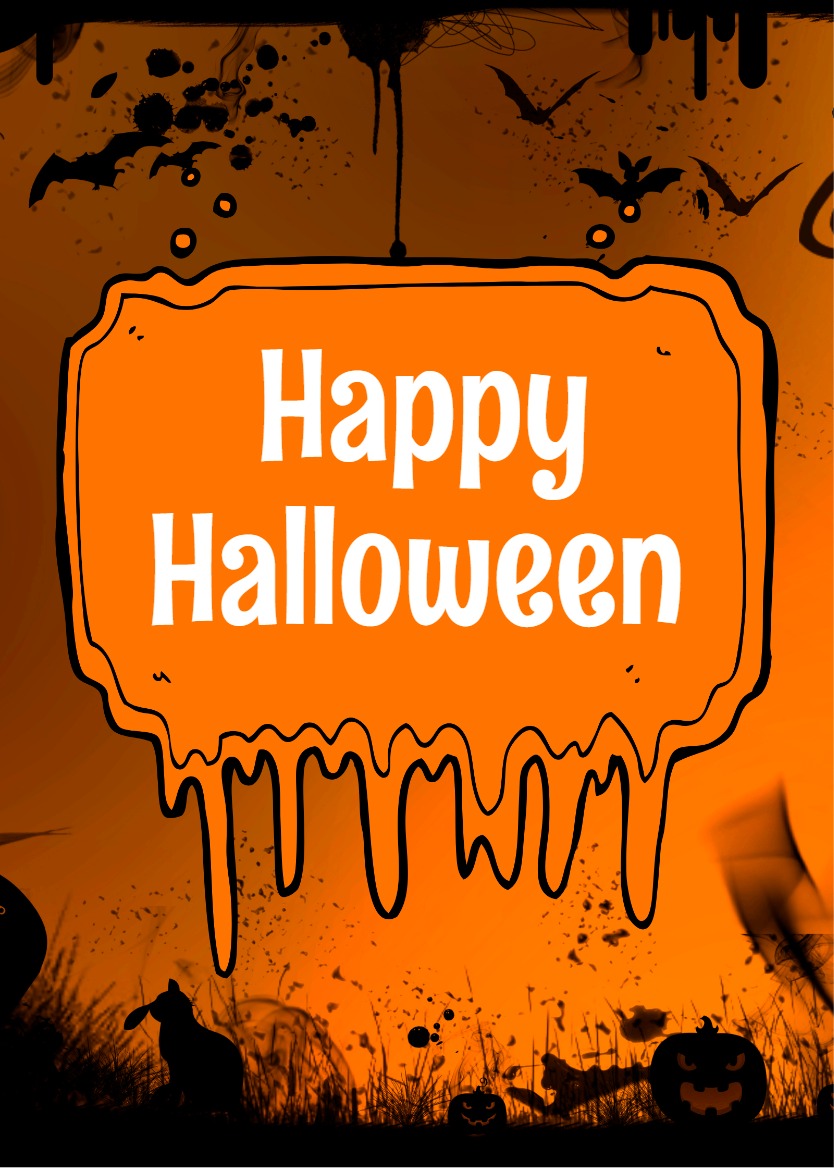

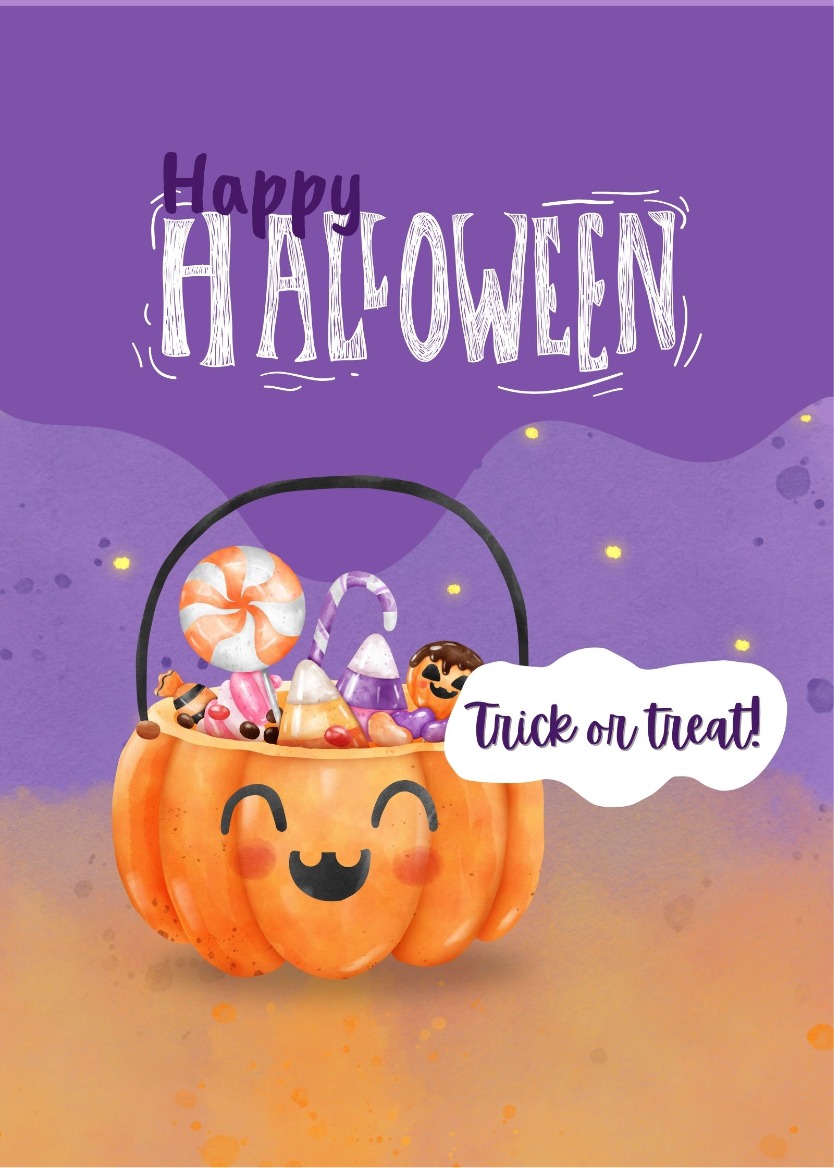
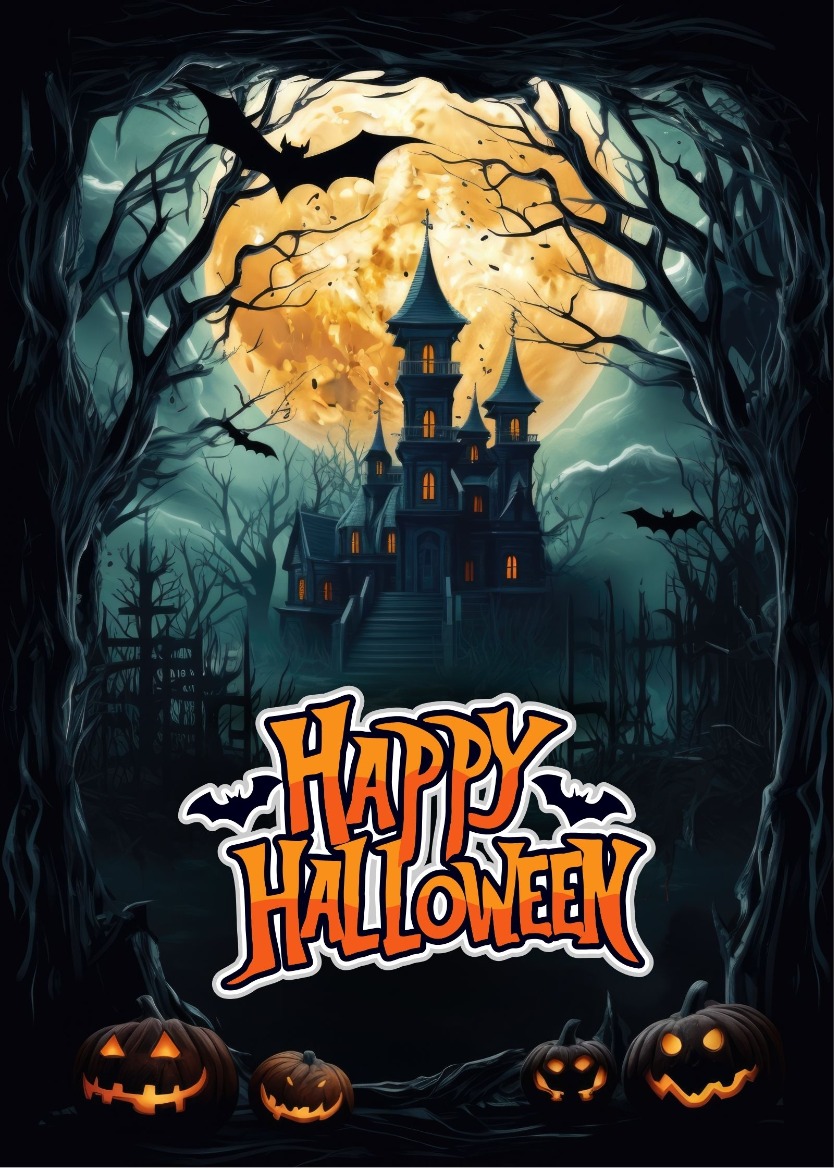
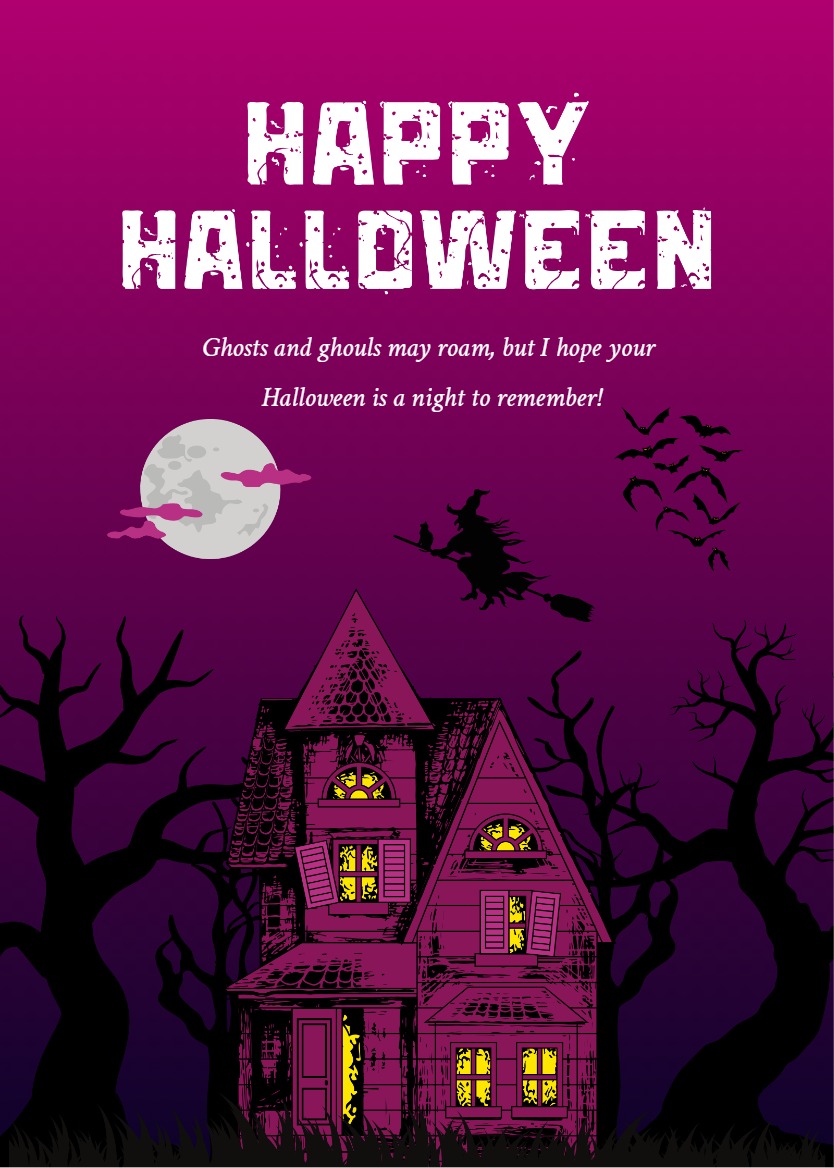
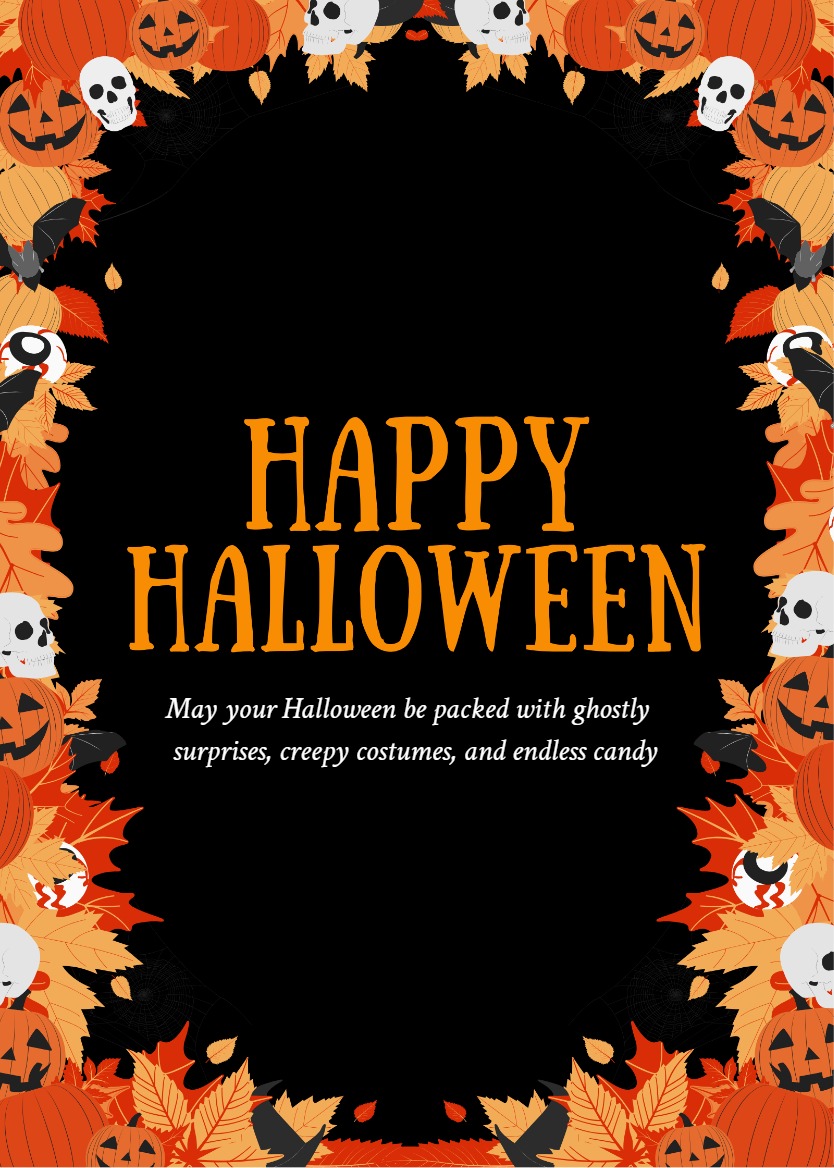
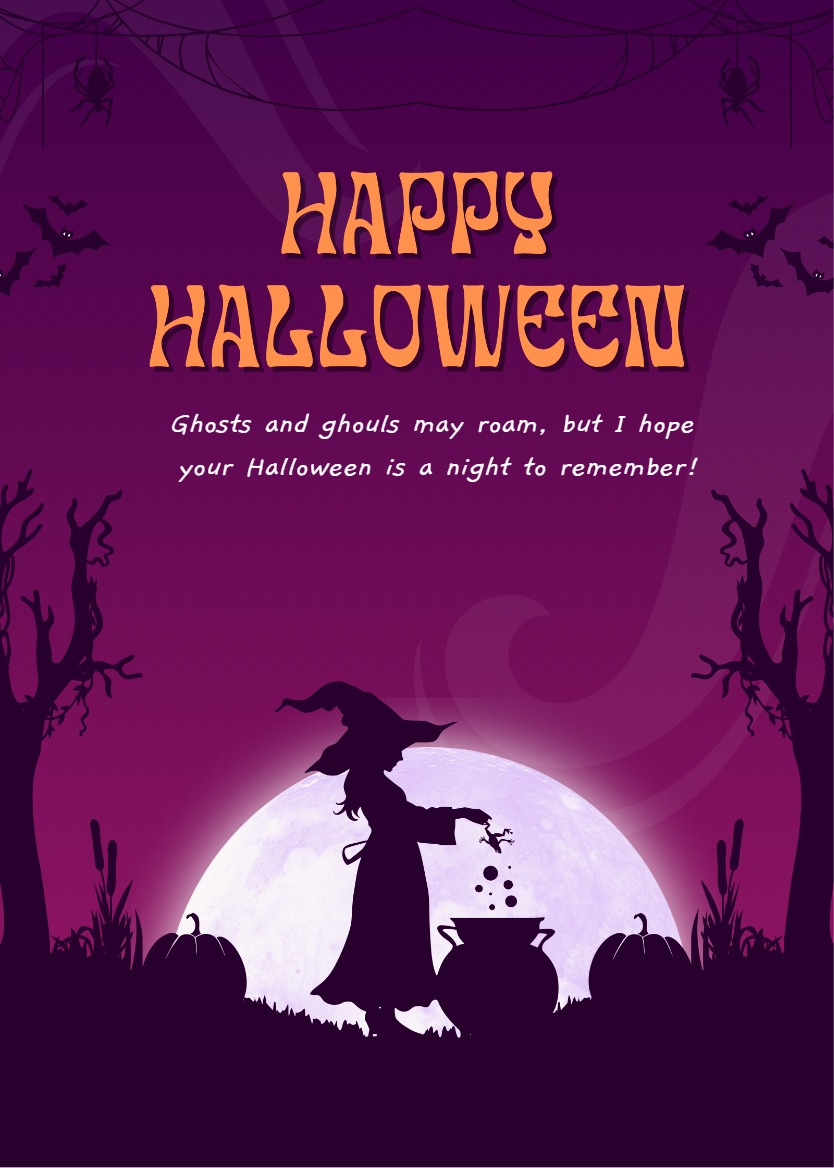
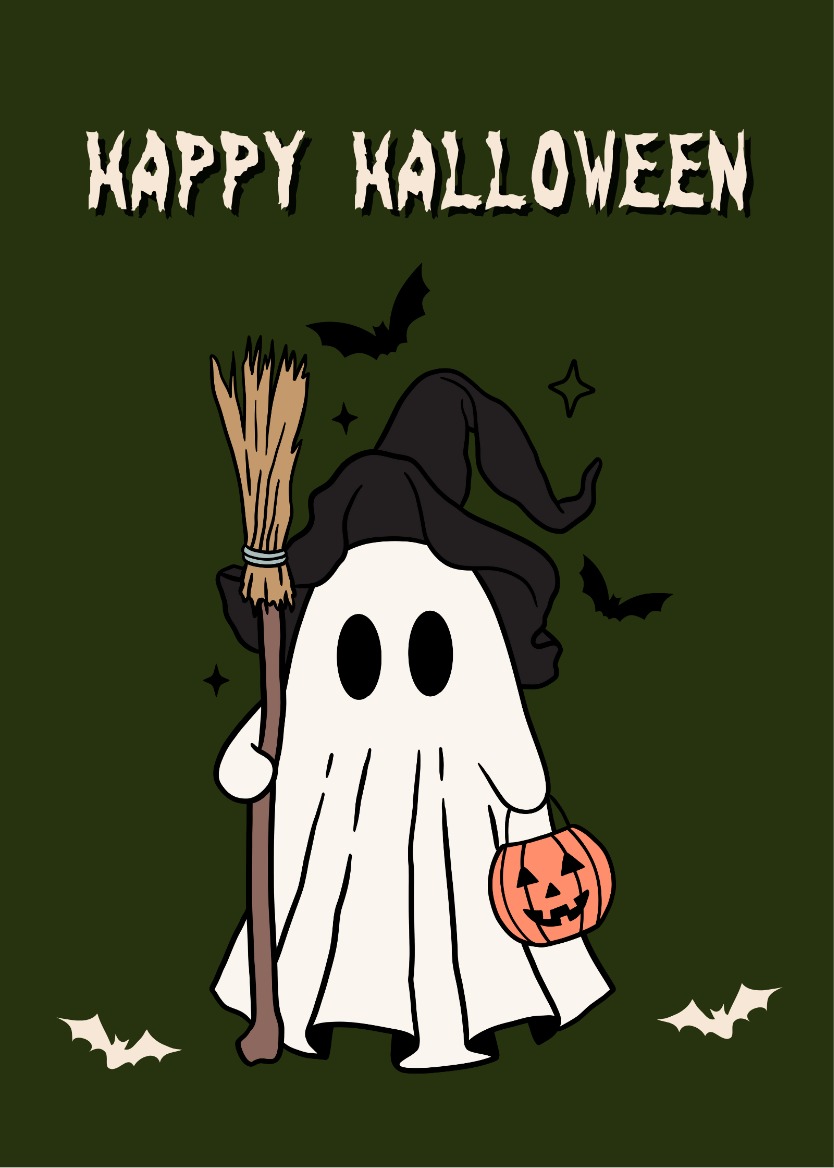
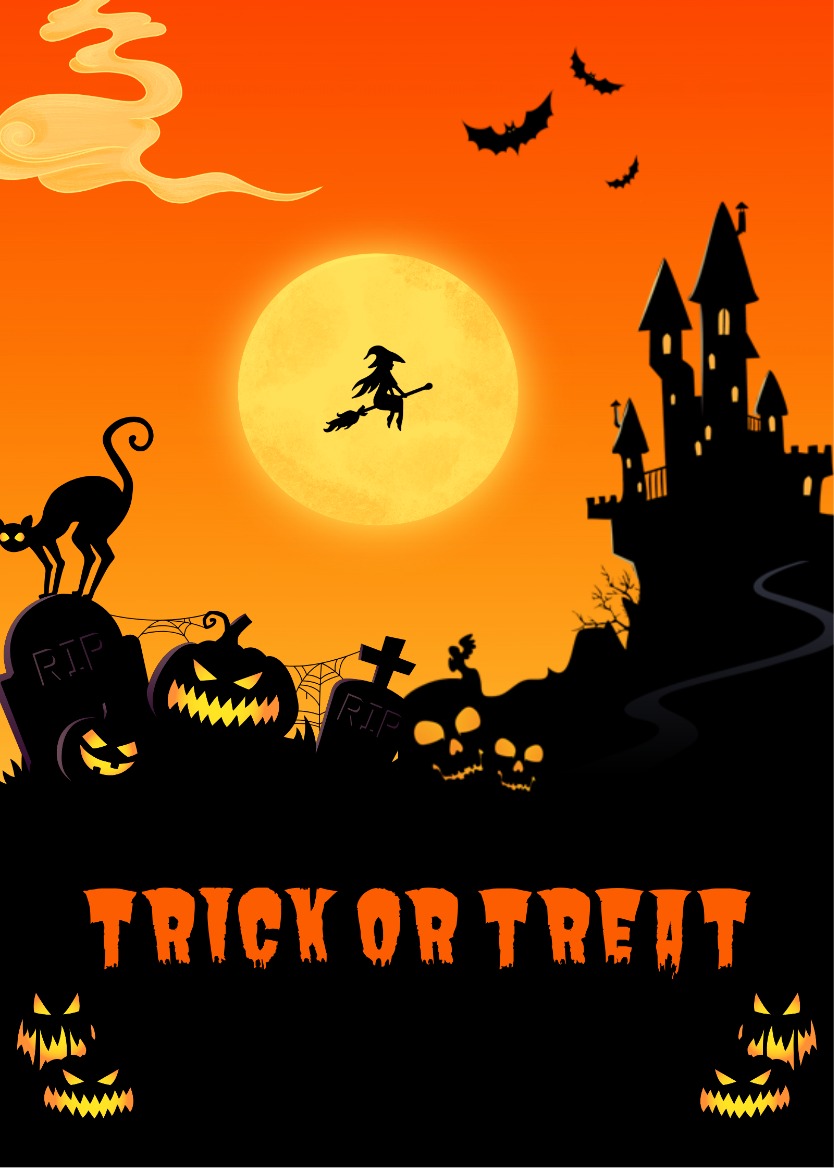
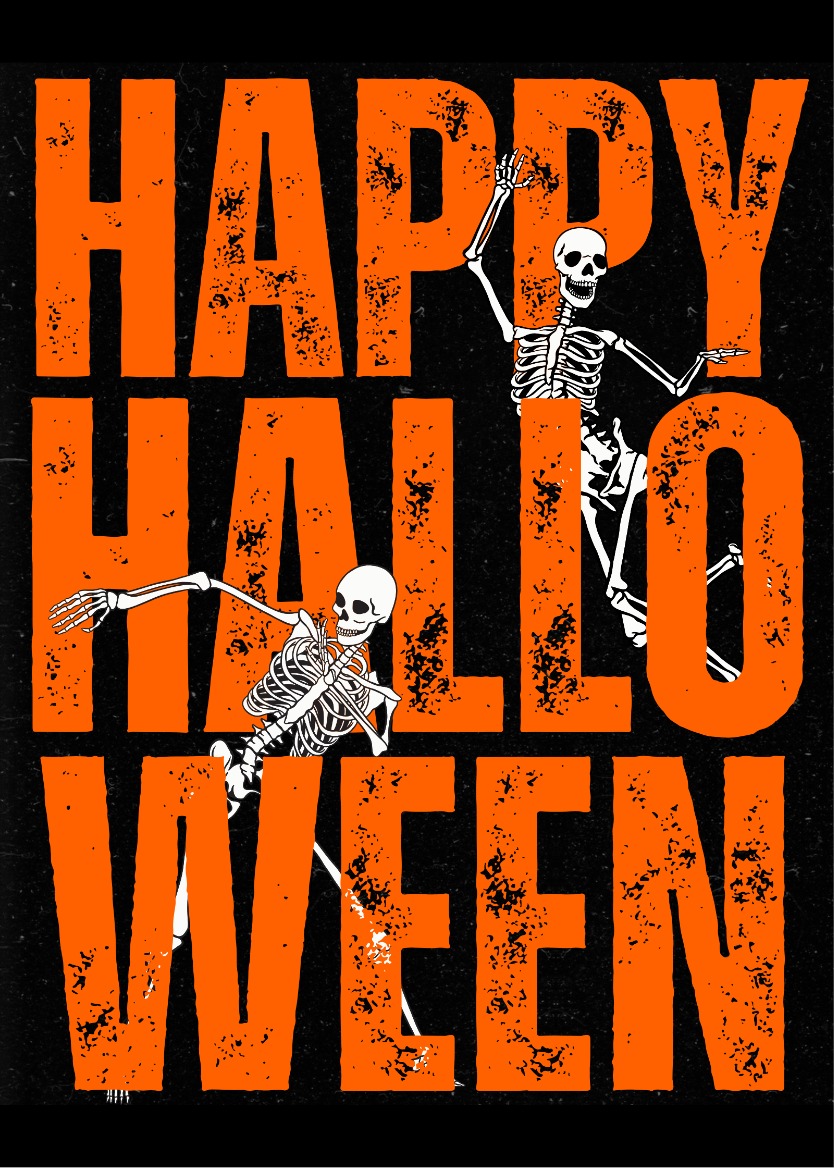
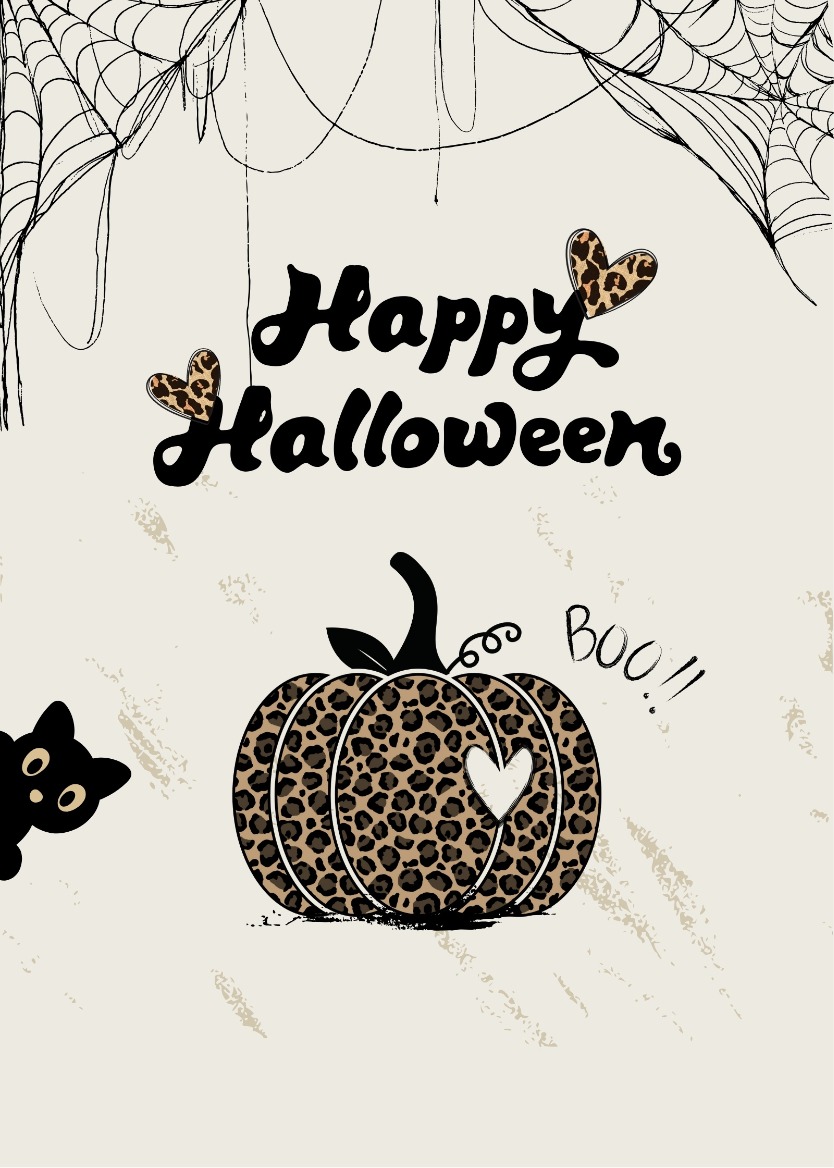
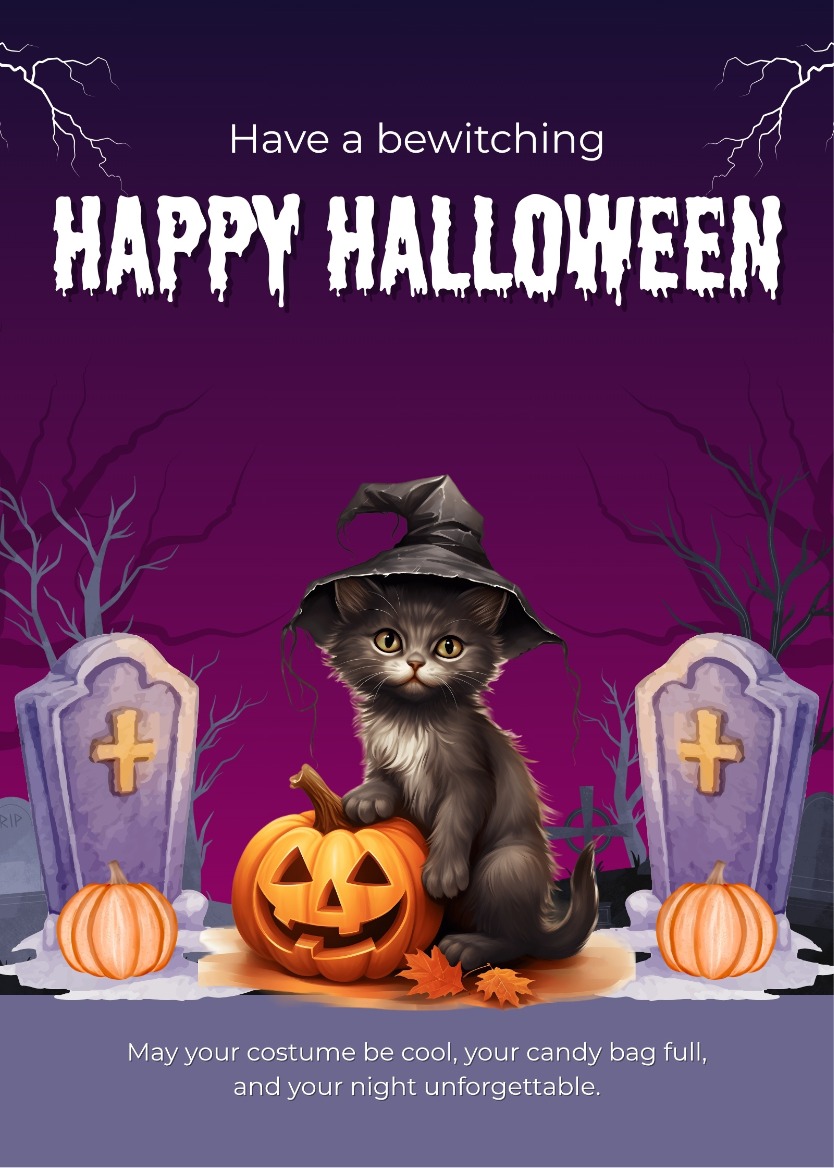
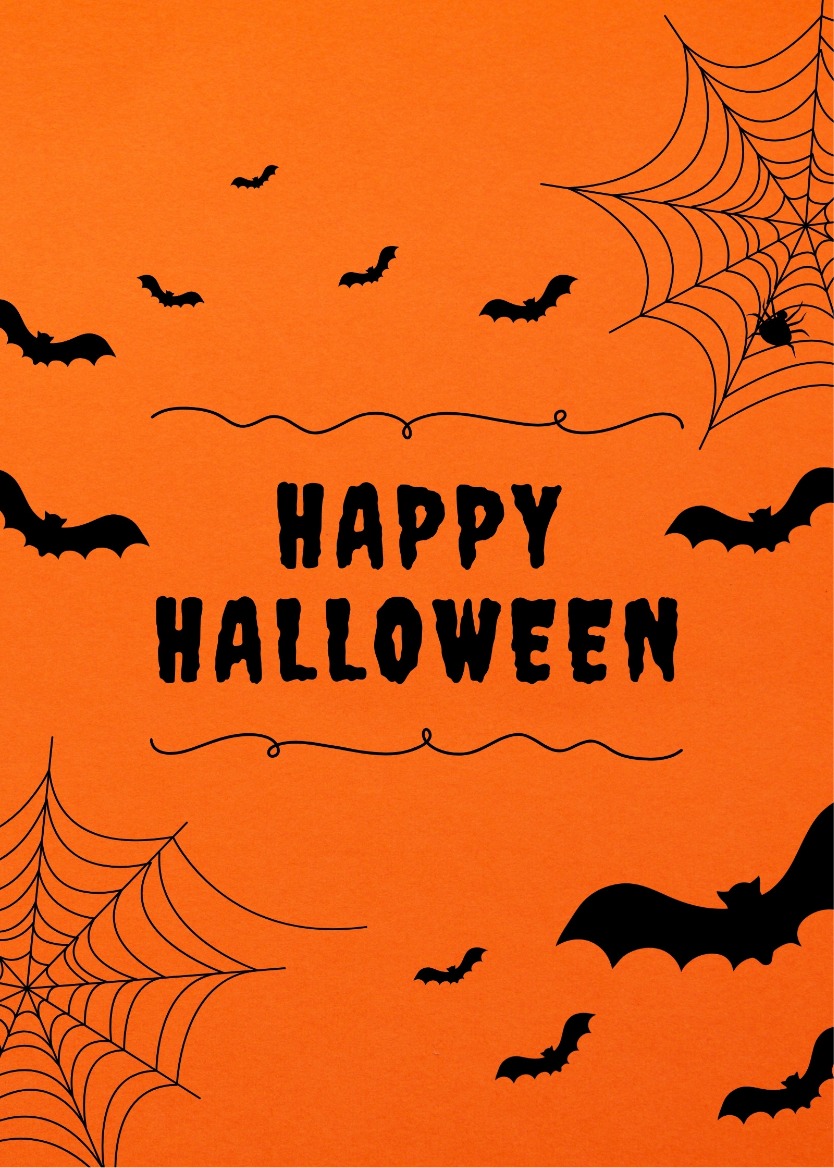
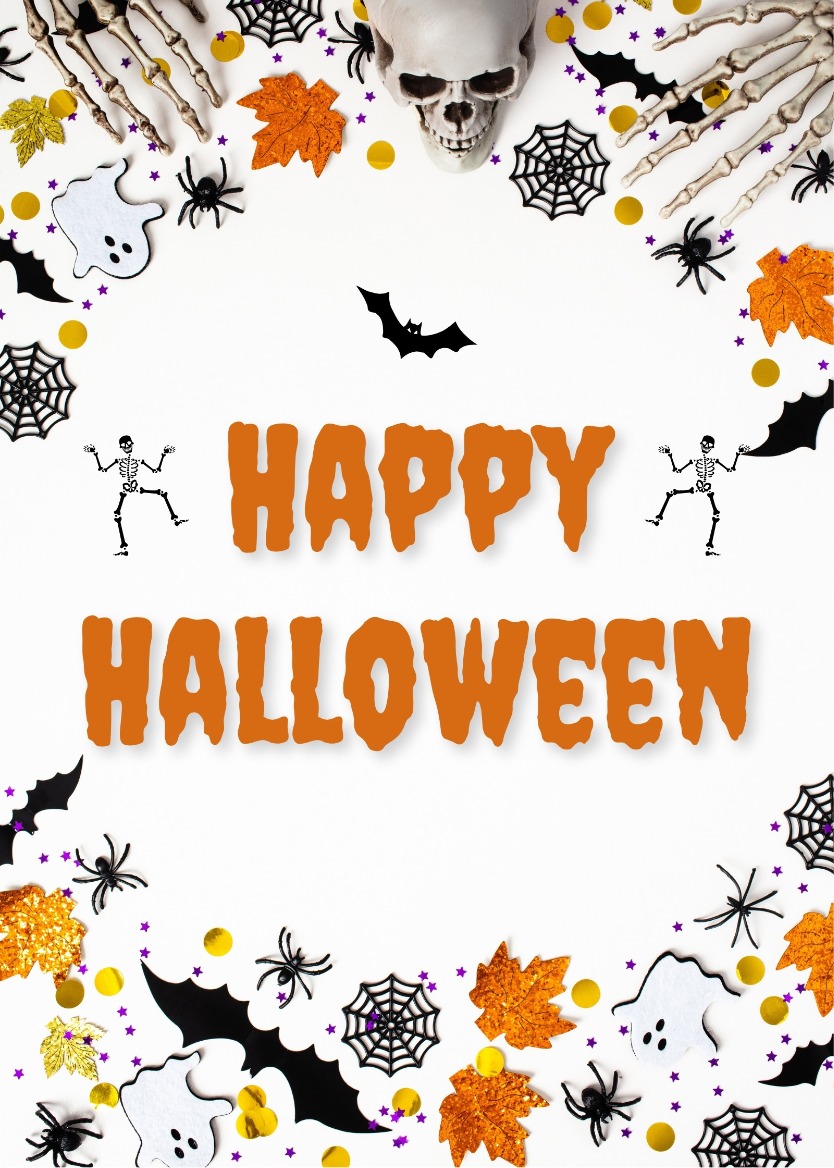
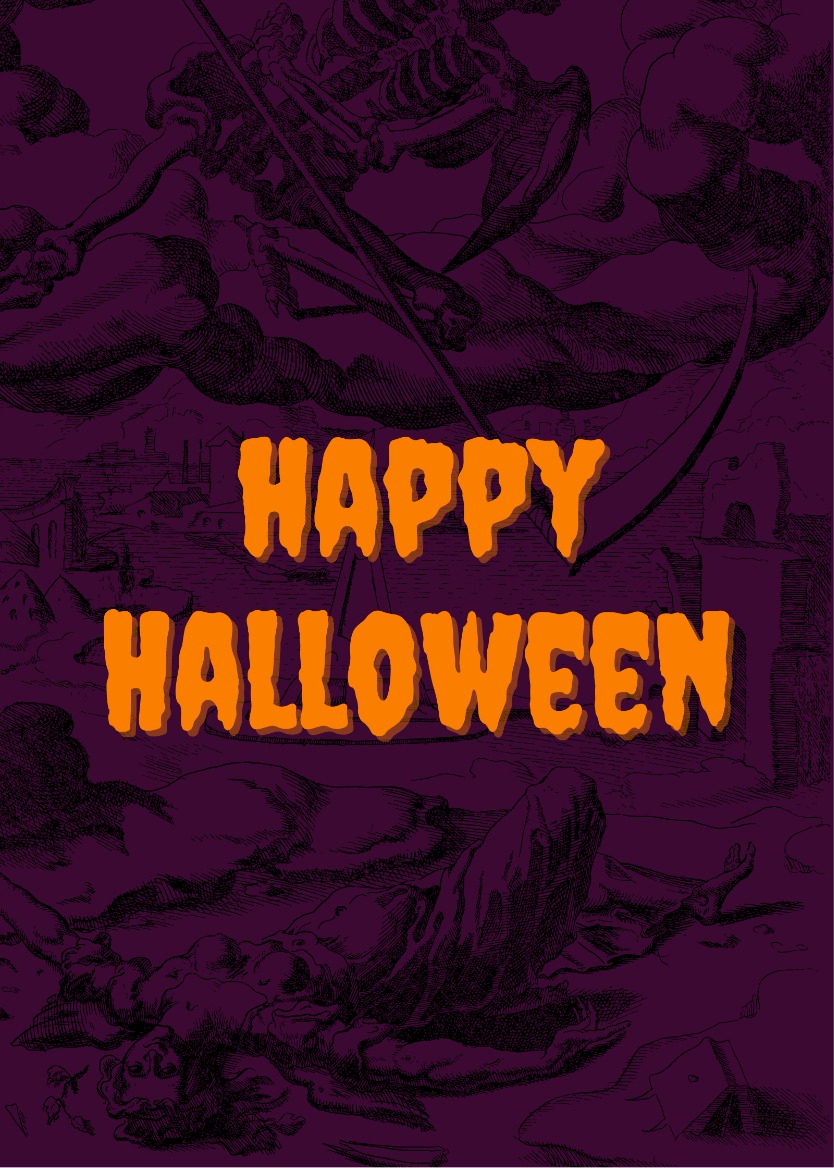

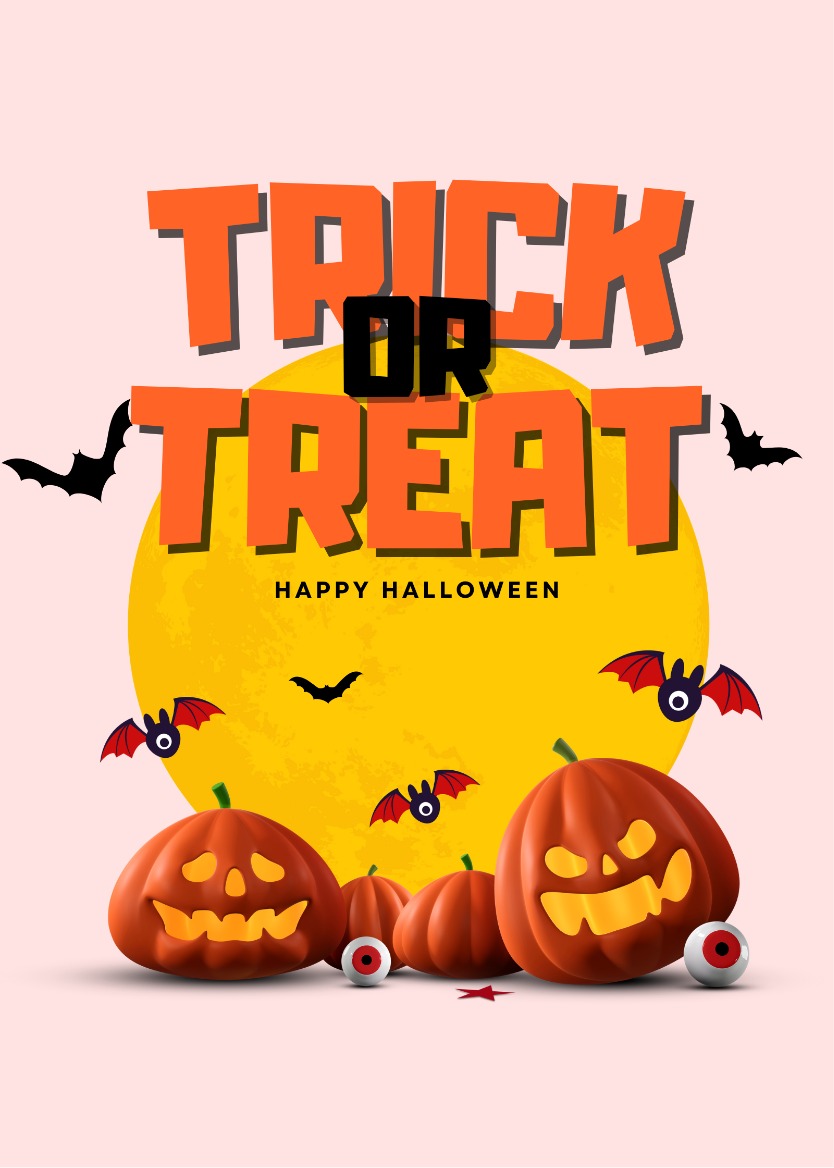
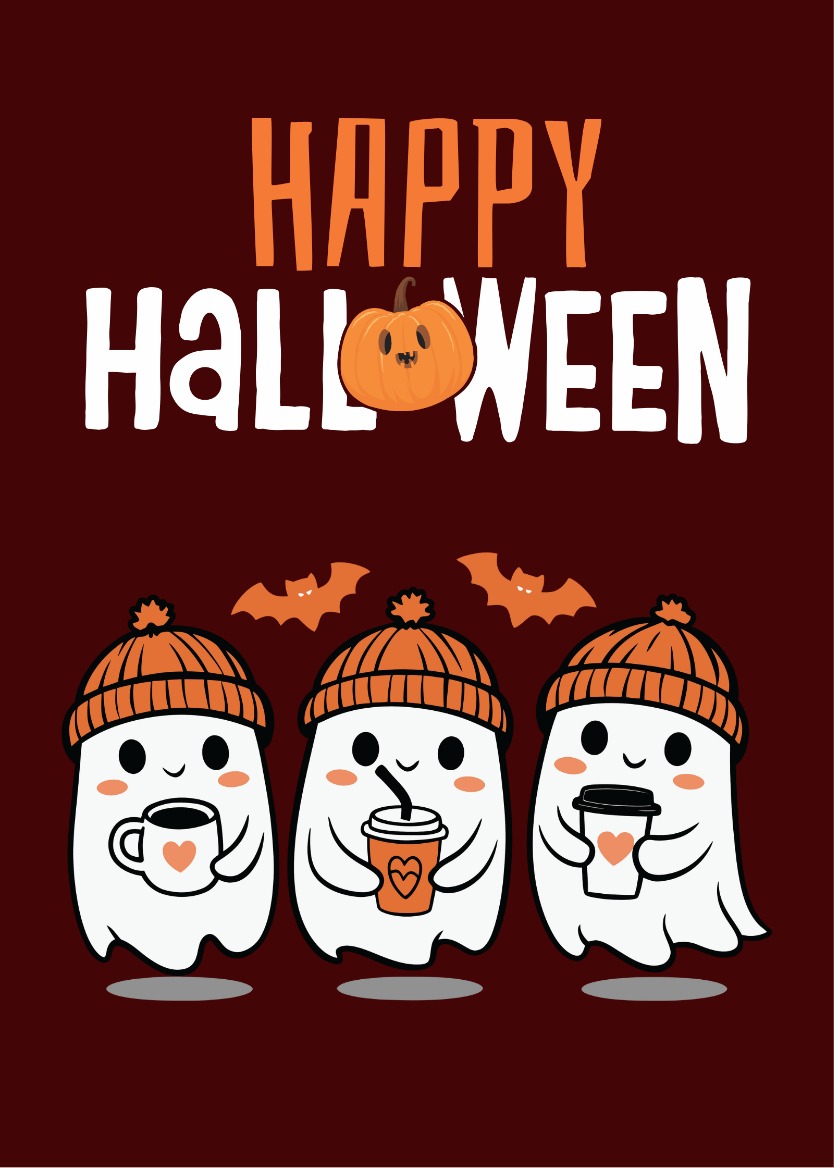
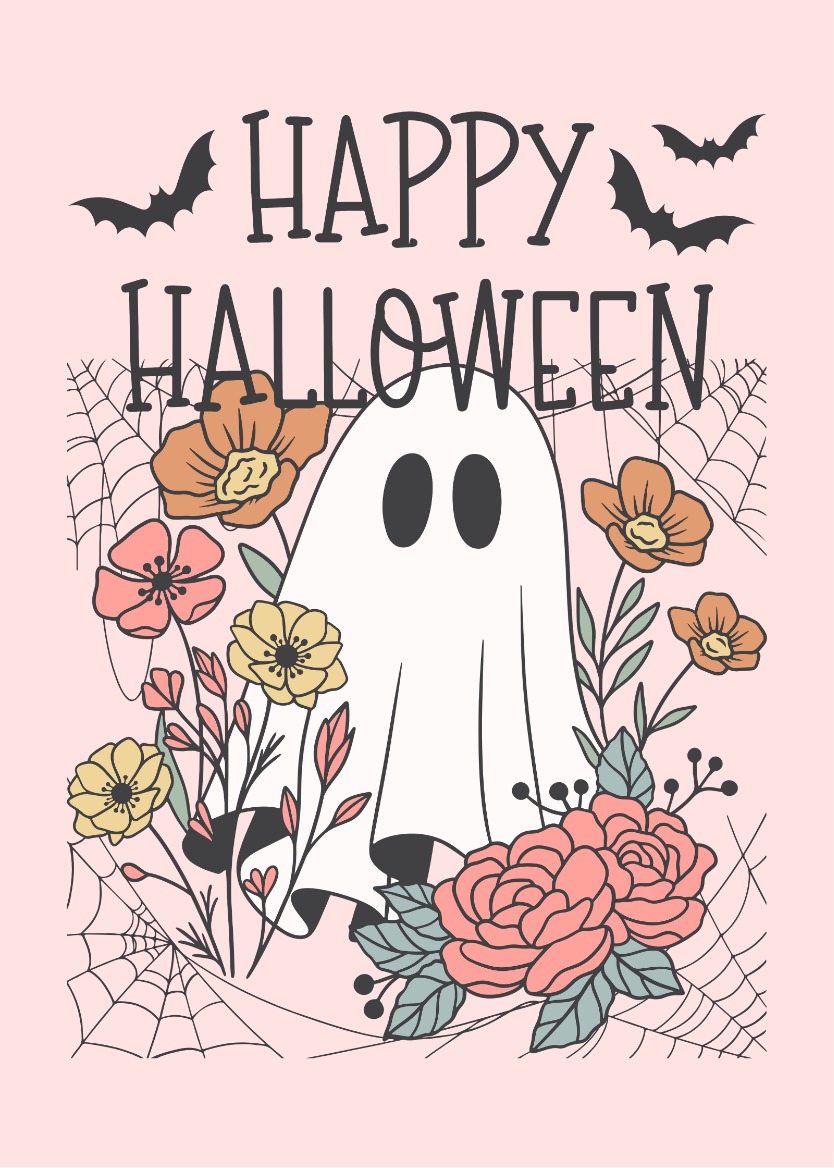
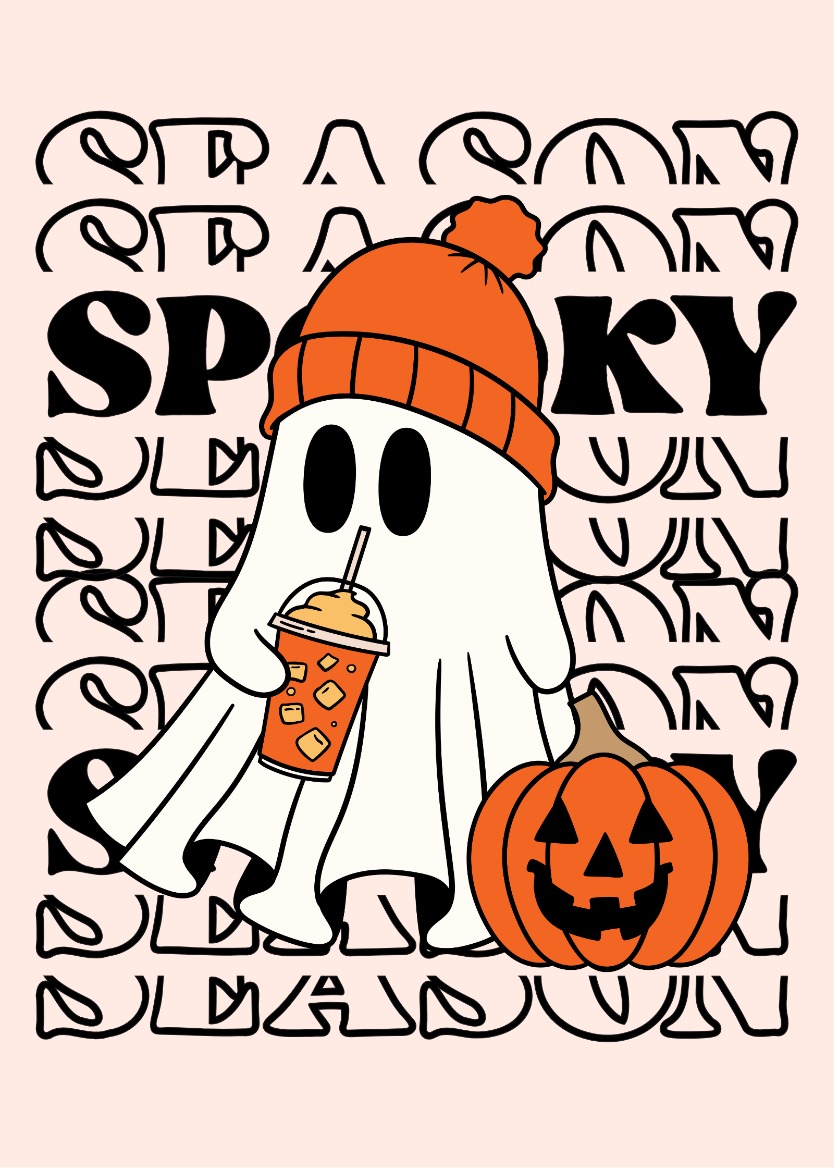
Sending a card before a Halloween party is a small gesture that lands well, whether you are wishing a host a great night, rallying friends before the festivities, or dropping something festive into a family thread. This collection covers the full range of Halloween moods, from genuinely unsettling to warmly decorative to outright silly, so you can find a design that suits the person receiving it rather than settling for something generic.
Matching the Design to Your Recipient
The twelve designs here split roughly into three groups, and knowing which group fits your recipient makes the choice straightforward.
- Dark and dramatic: The Skeleton, Dark, and Black cards lean into the theatrical side of Halloween. They work well for friends who take their costumes seriously or who appreciate a moodier aesthetic.
- Decorative and festive: The Floral, Flourish, and Purple cards use Halloween imagery without the scare factor. These are a natural fit for family members, neighbors, or anyone who prefers something that feels celebratory rather than creepy.
- Playful and lighthearted: The Cute, Boo, Pumpkin, and Cat cards are well suited to kids, coworkers, or anyone you want to make smile. The Tricky and Spooky designs sit in this range too, with enough Halloween character to feel seasonal without going full haunted house.
Writing a Message Worth Reading
A short note that references something specific, the party, the costume, the person's history with Halloween, will always feel more considered than a line that could appear on any card. Keep it brief and direct.
- For a close friend heading to a costume party: Hope the costume is everything you planned and the night is even better. Happy Halloween.
- For a family member hosting: Wishing you a house full of good company, zero disasters, and a candy bowl that actually lasts the night.
- For a coworker or group: Happy Halloween to the whole crew. Hope the party delivers on every promise the decorations made.
Previewing and Sharing Your Card
Once you have chosen a design and added your message, preview the card to confirm it reads the way you intended. You can then share the finished card as a link through WhatsApp, email, SMS, or any channel where your recipient will see it. Free access is available, though a watermark-free card requires the applicable paid plan.
Browse the designs above, pick the one that fits your recipient, and send something that actually feels like it was meant for them.
Frequently Asked Questions
Yes. Once your card is ready, you receive a shareable link that you can paste into a group chat, a family thread, or a group email. Each recipient opens the same card in their browser.
The Floral, Flourish, and Purple cards use Halloween themes in a decorative way without relying on skulls, skeletons, or dark imagery. The Pumpkin and Boo cards are also mild and festive rather than frightening.
Free access is available, but cards created under the free tier may include a watermark. A watermark-free card is available when your account has the applicable paid entitlement.