




Create a first birthday invitation link family and friends can open on WhatsApp. Choose a design, add the baby name, age, date, venue, photos, and party note, then collect RSVP replies in one dashboard instead of chasing confirmations across chats.
1st Birthday Invitations
Celebrate your baby’s first year with invitations that capture the joy and wonder of the day.
Choose your invitation
Showing 28–54 of 54 templates ready to customize, share on WhatsApp, and track replies
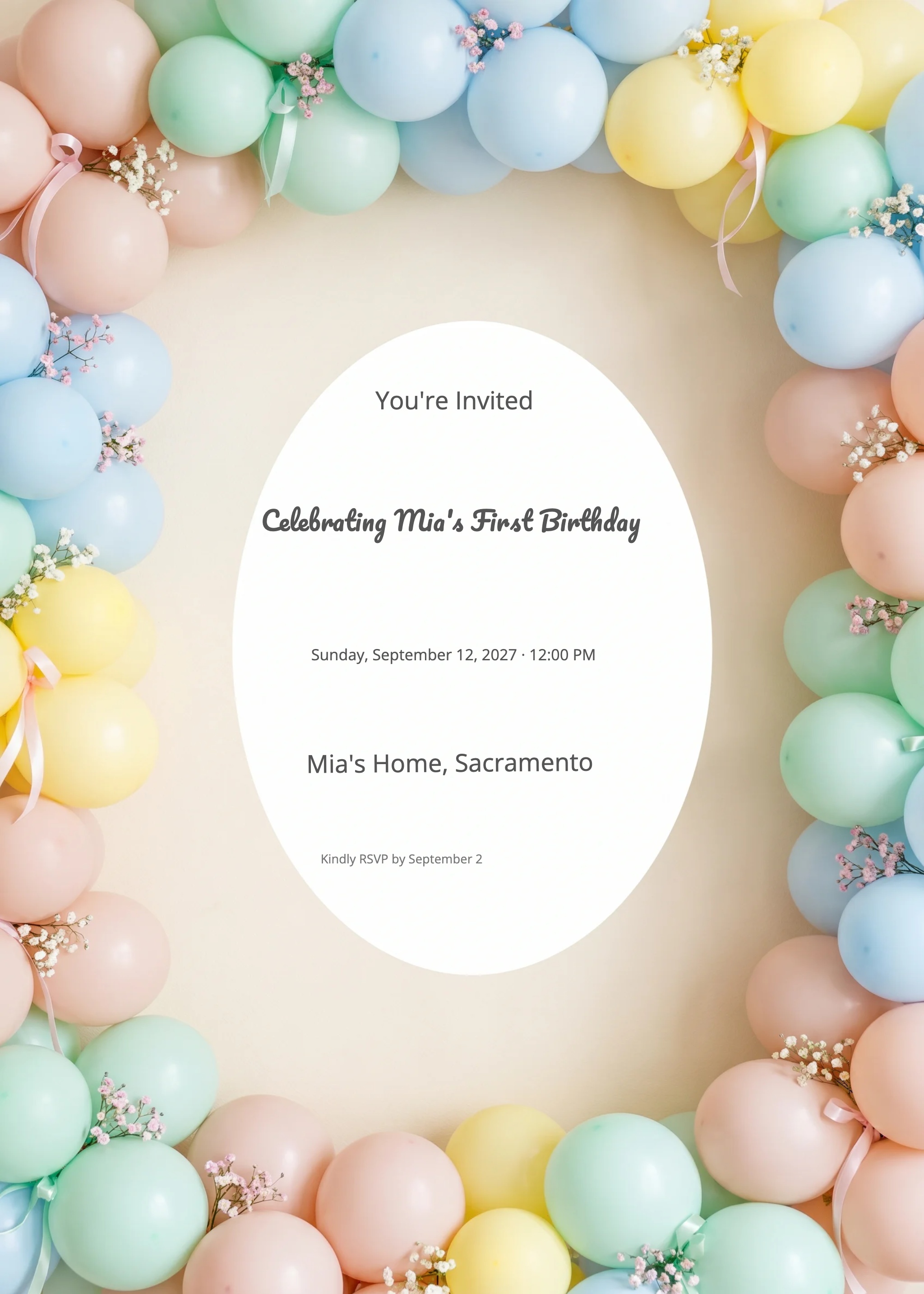
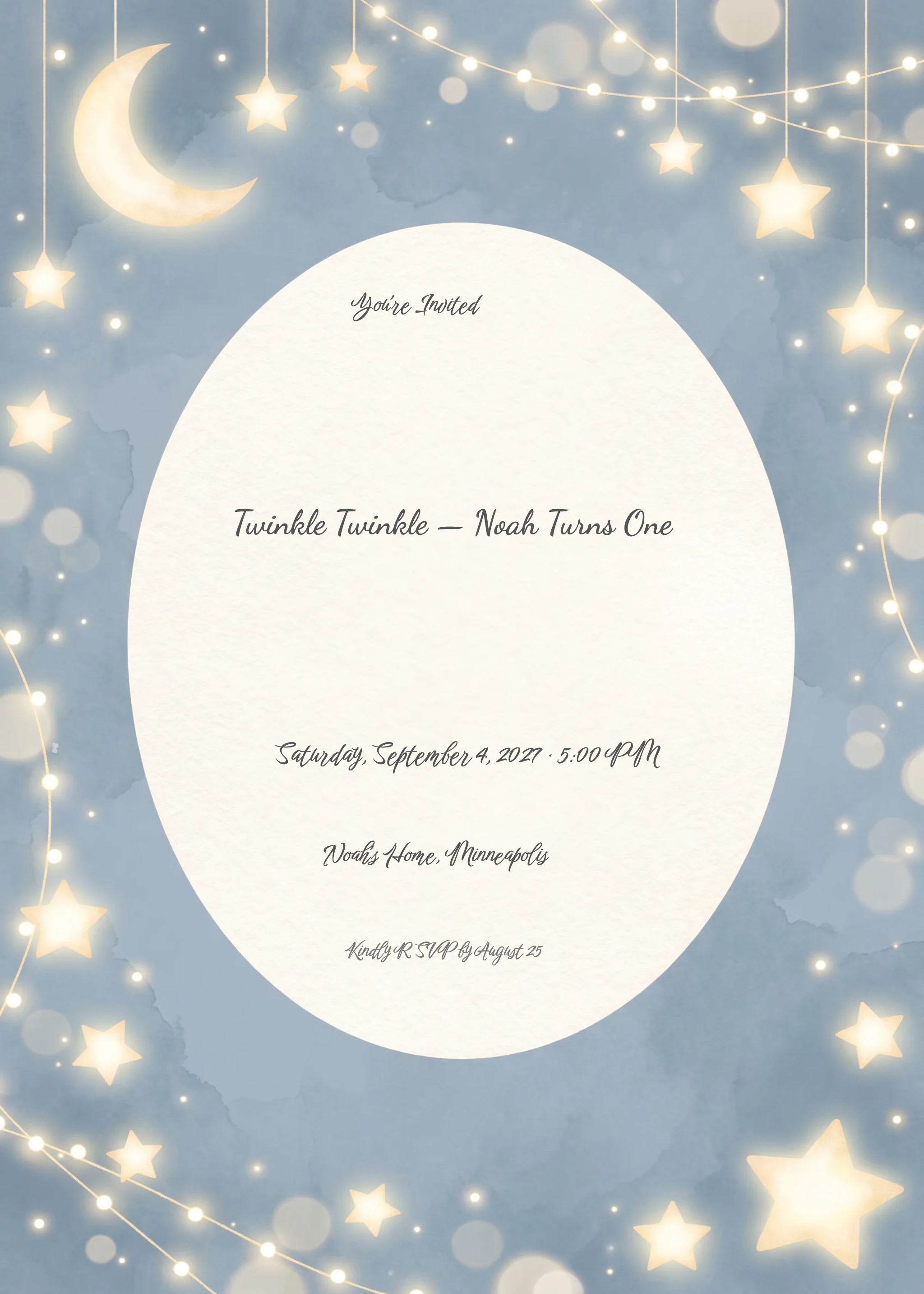
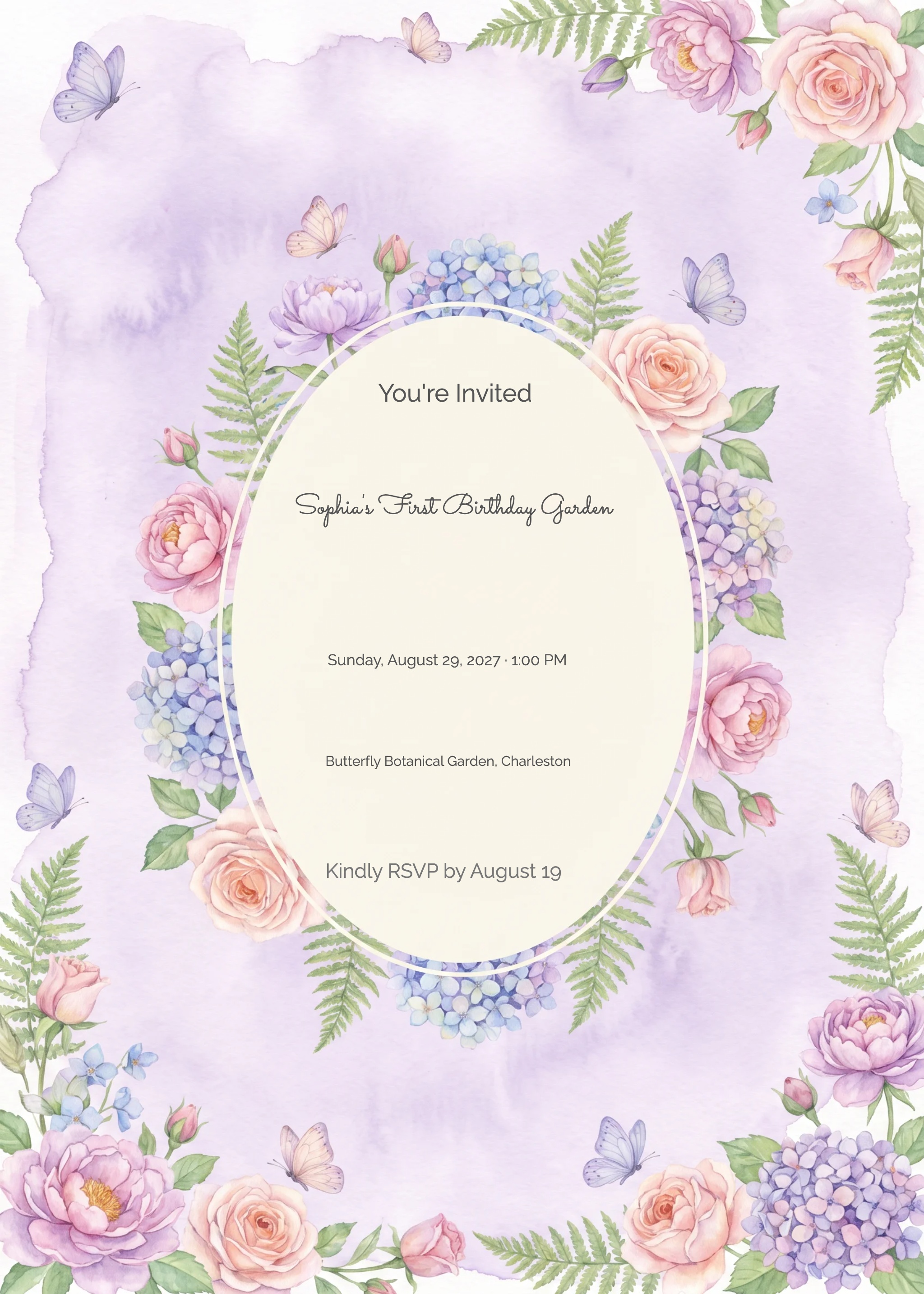
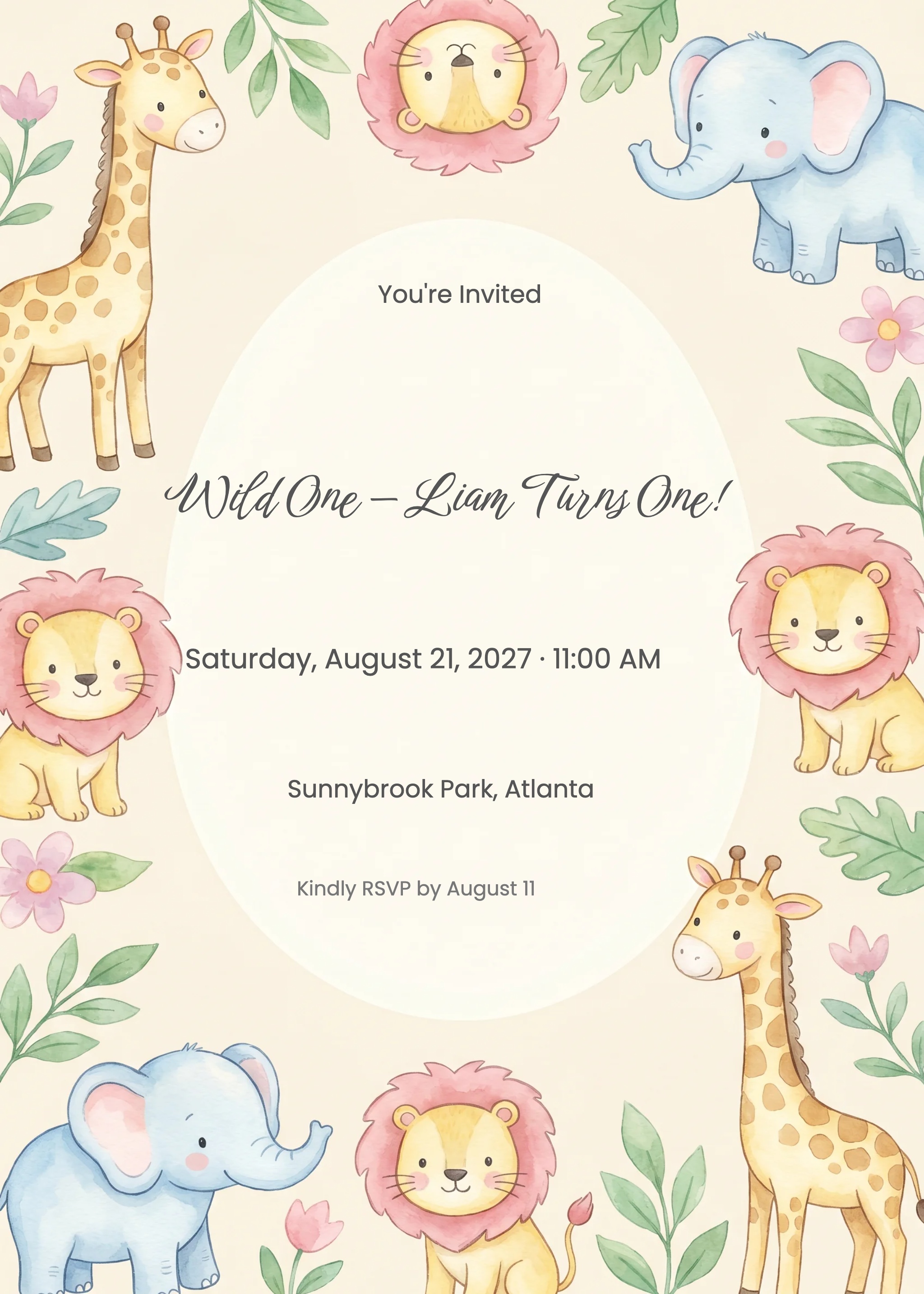
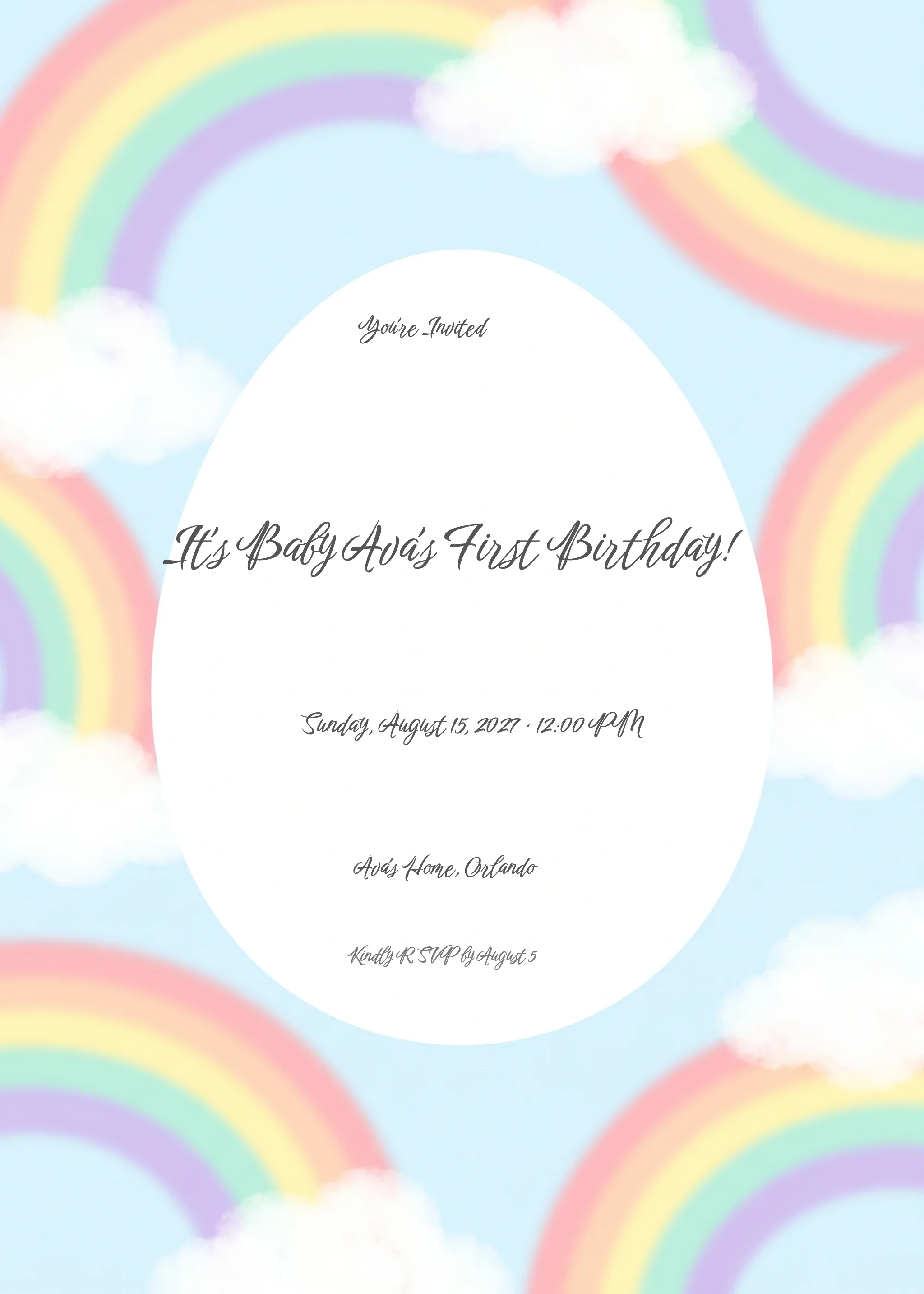

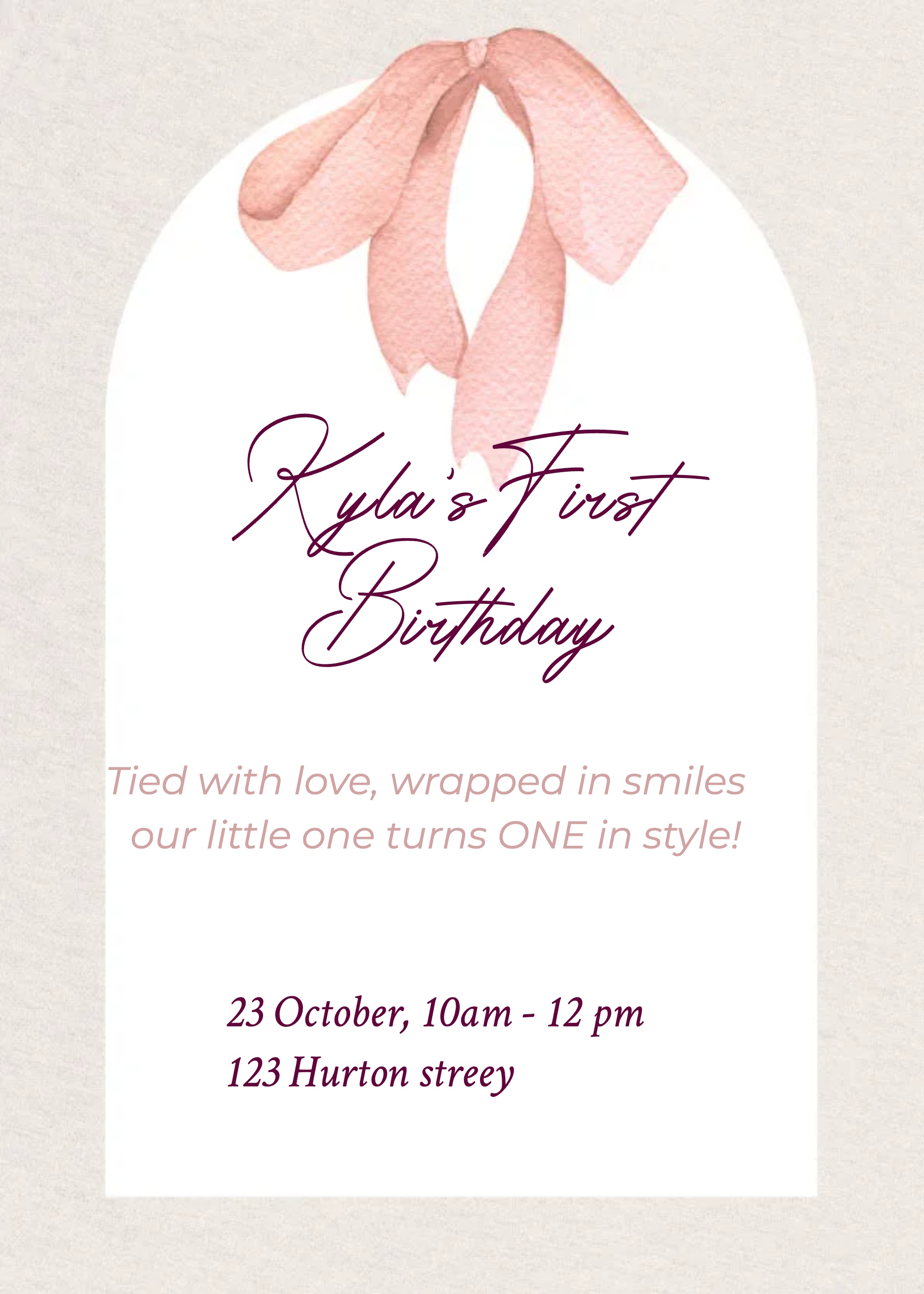
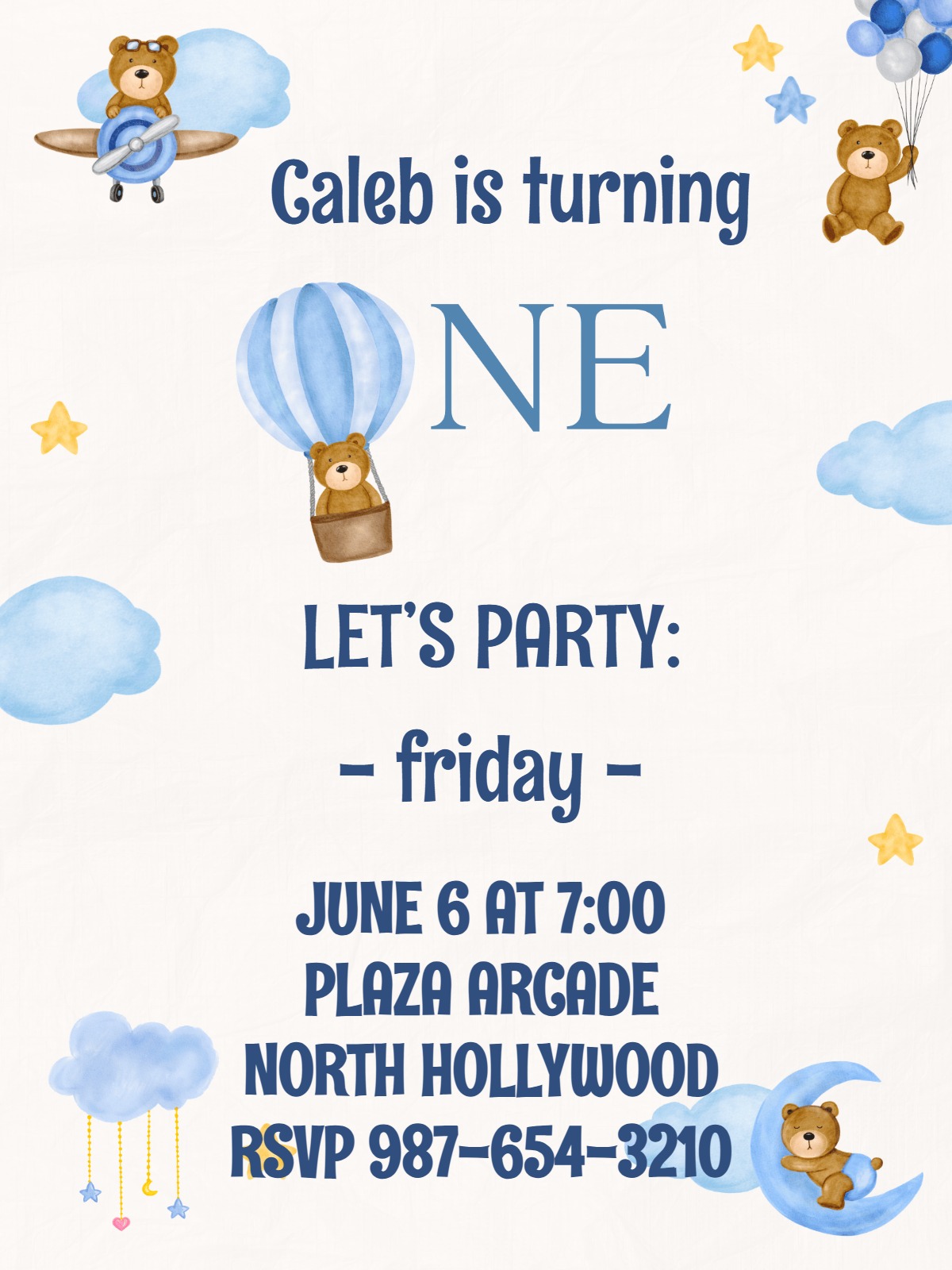
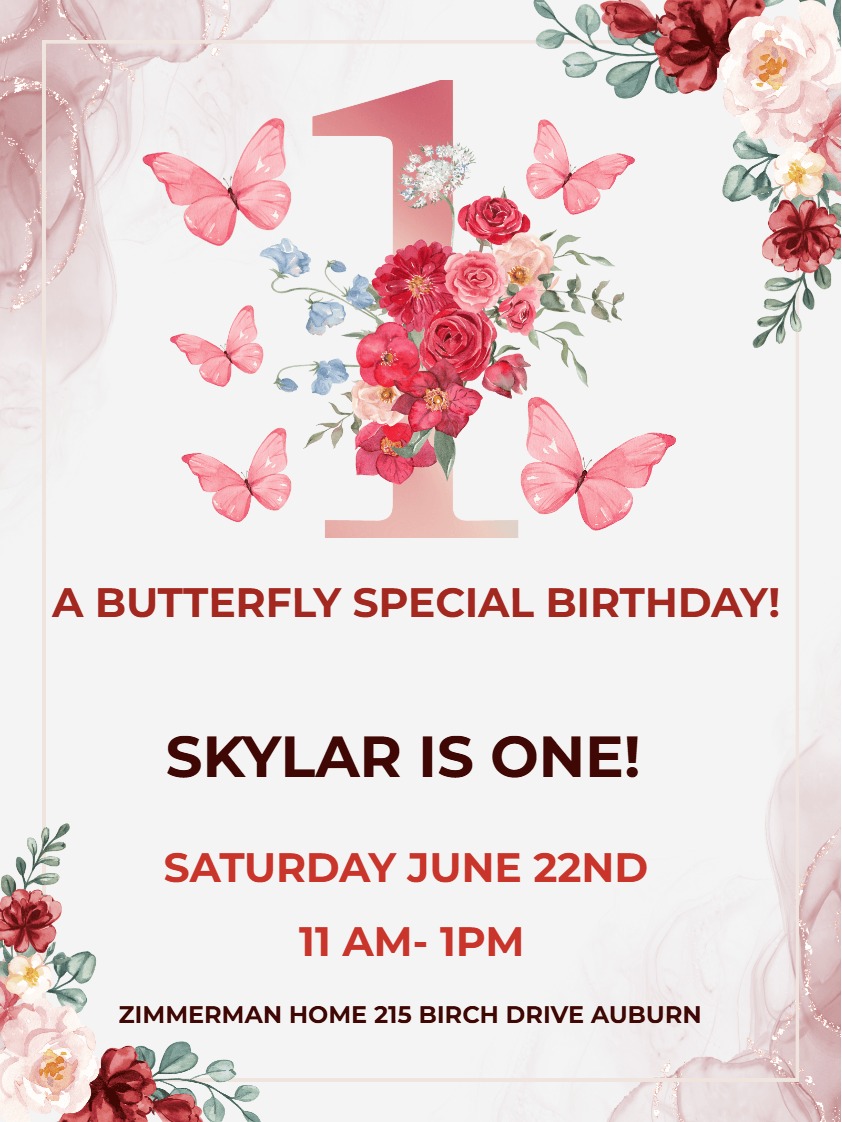
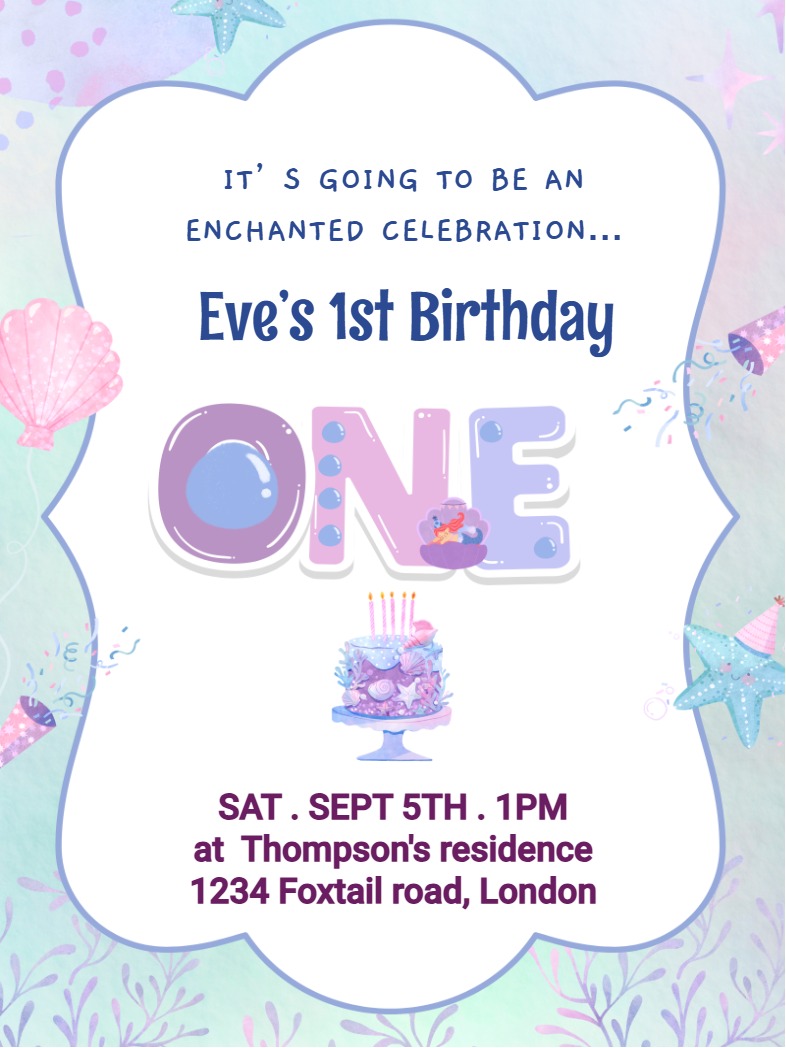
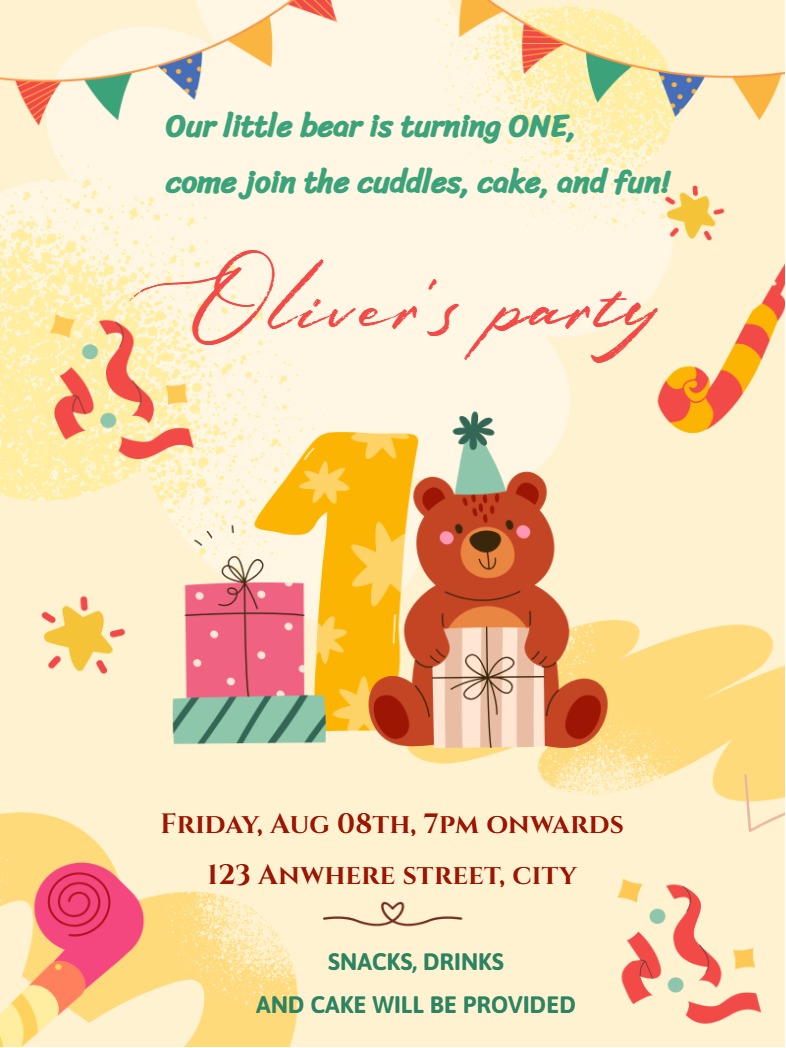
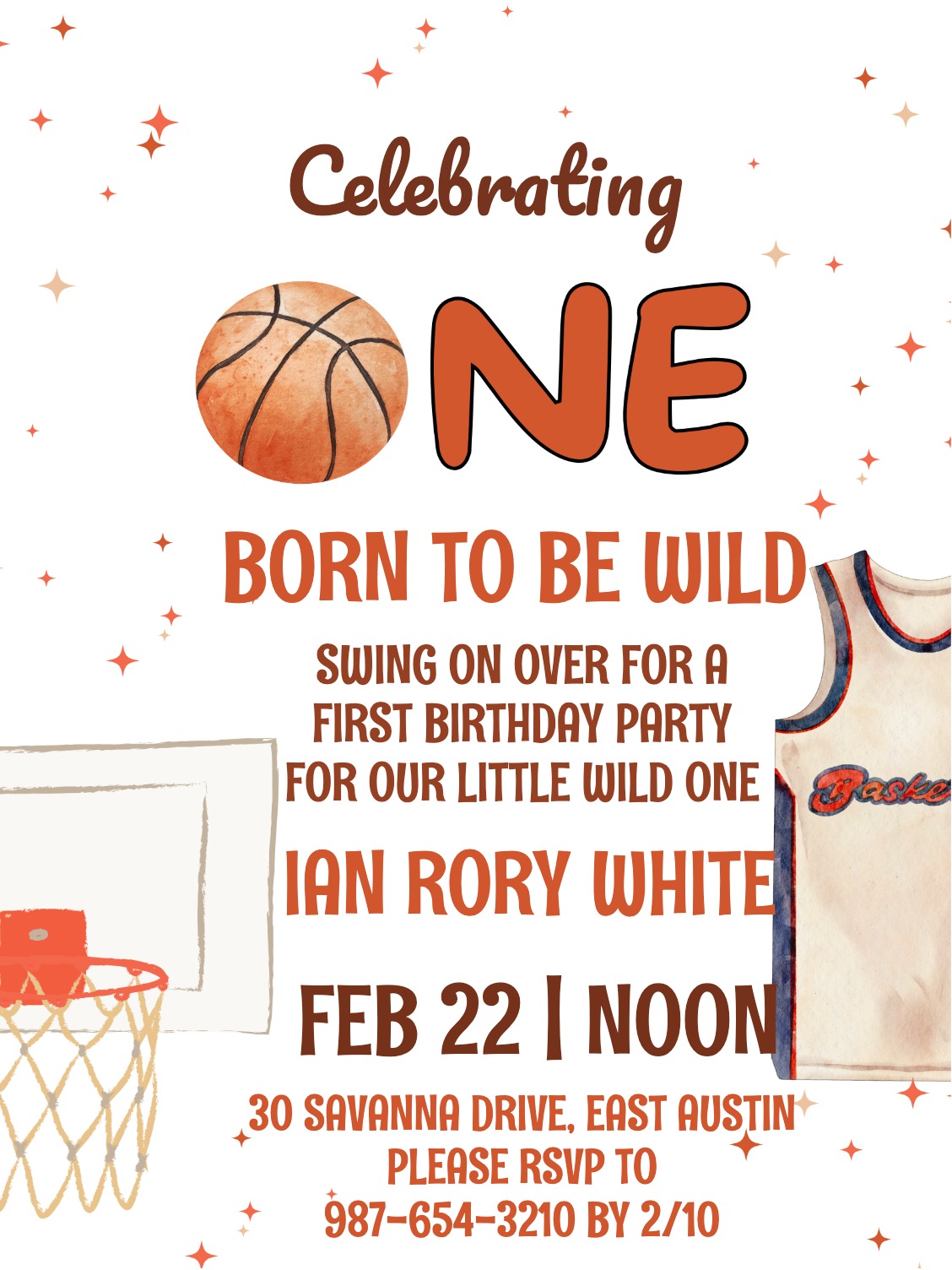
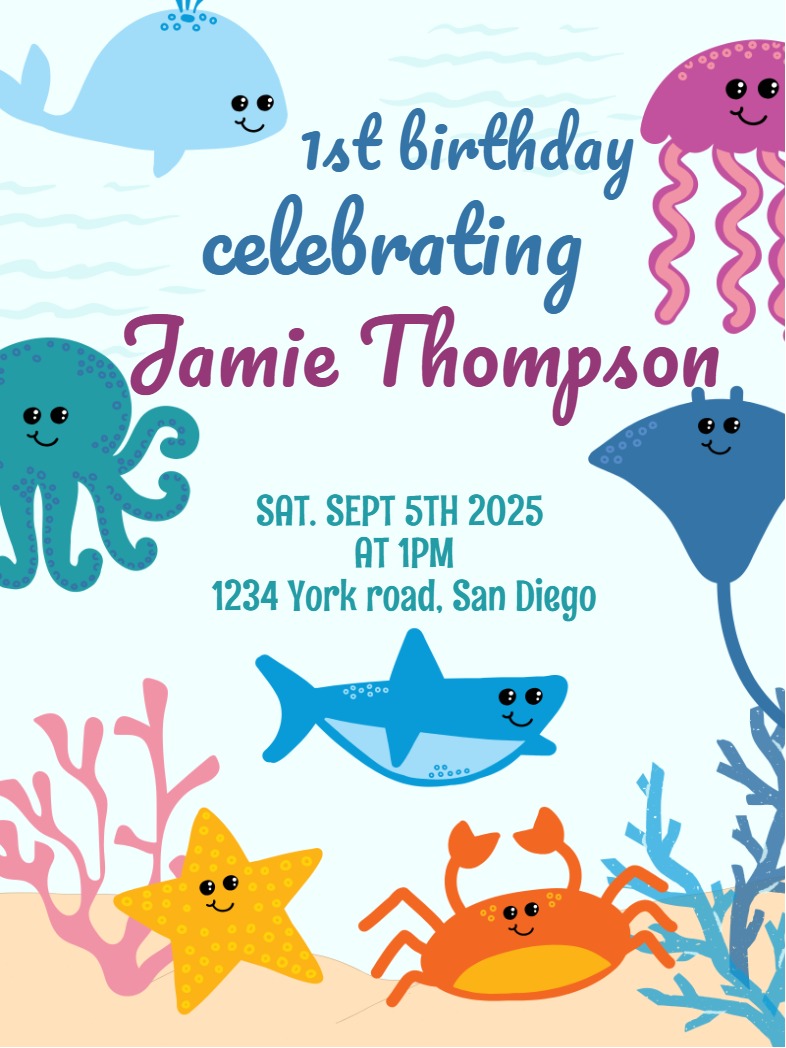
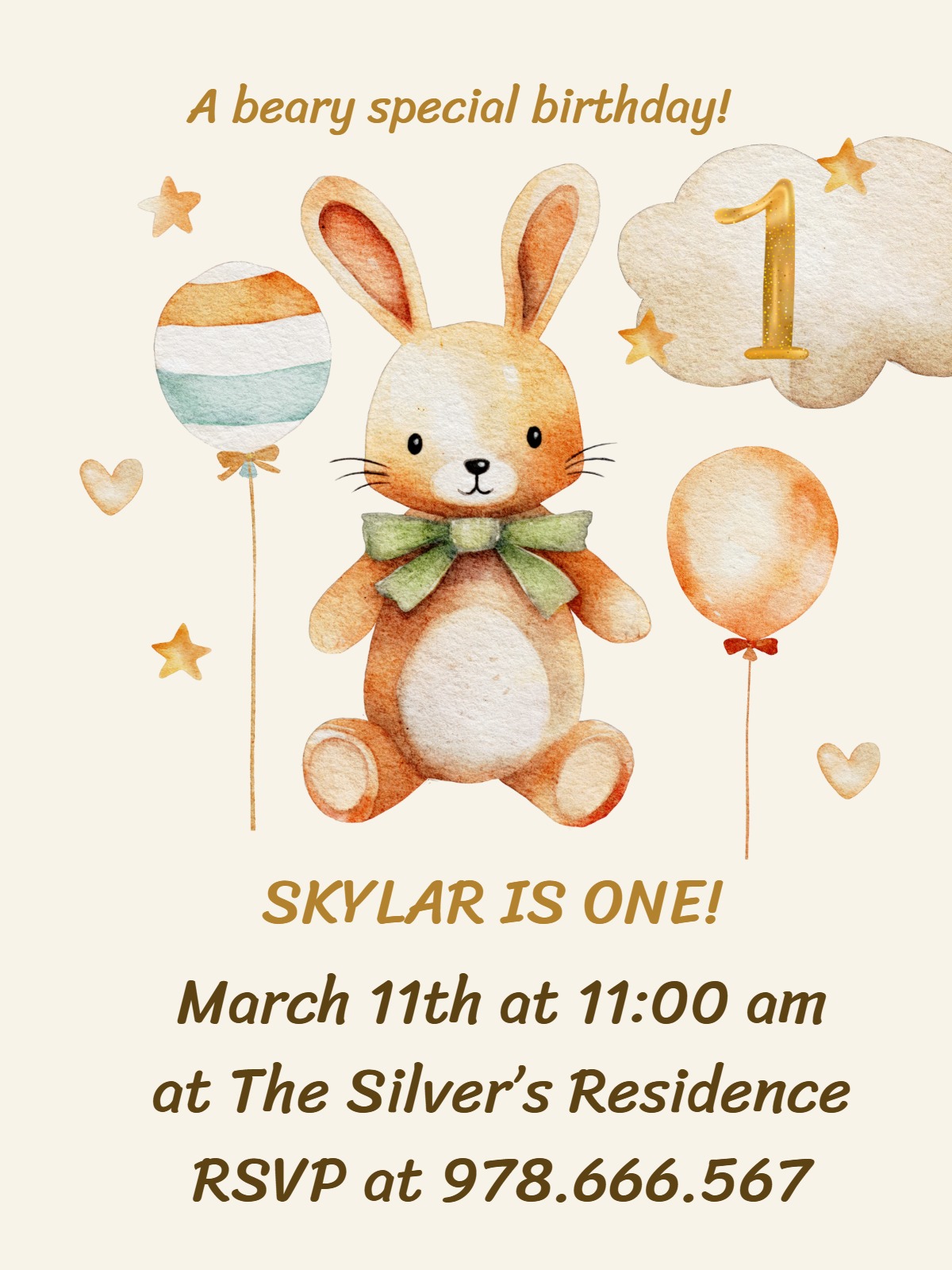
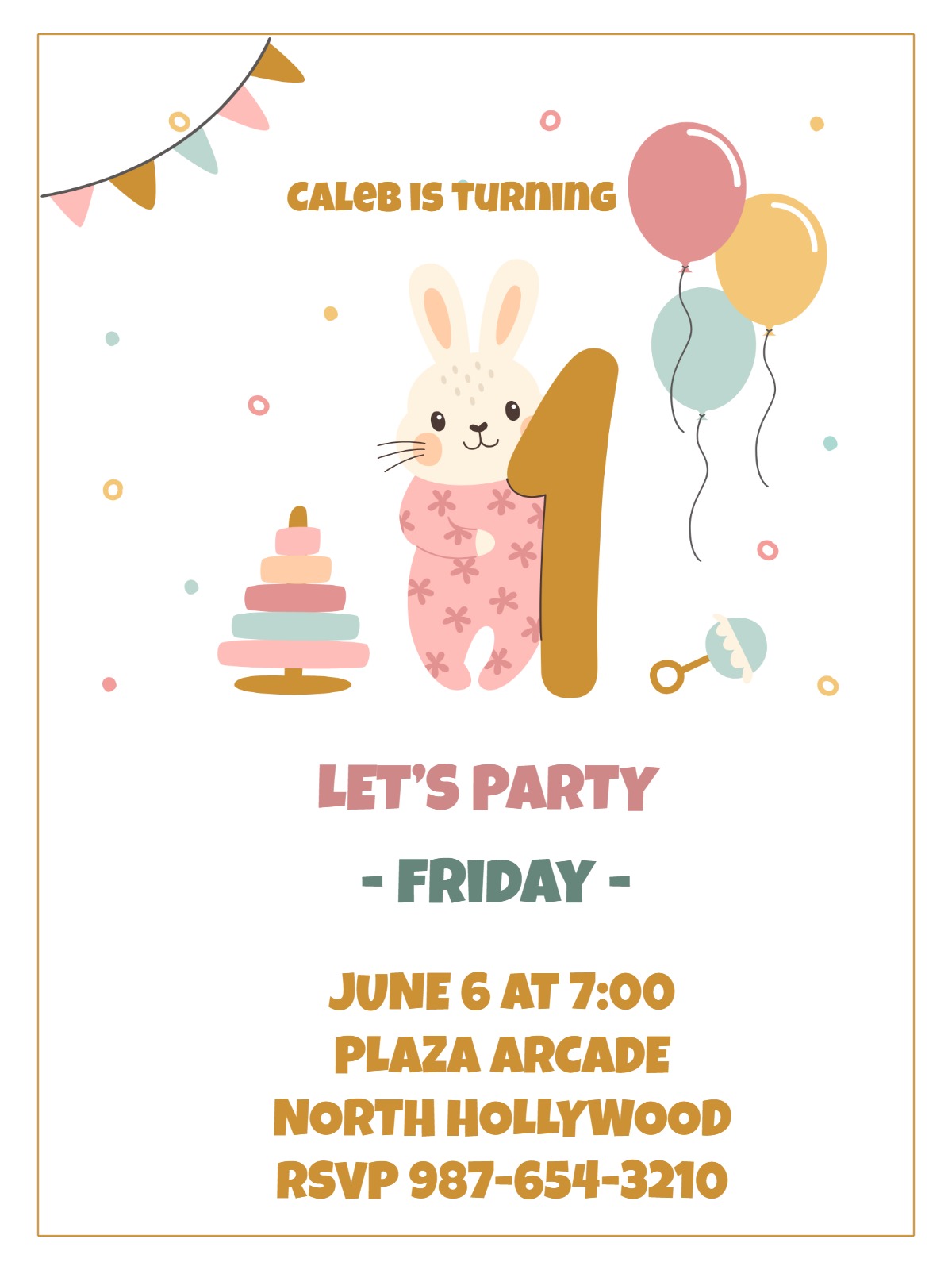
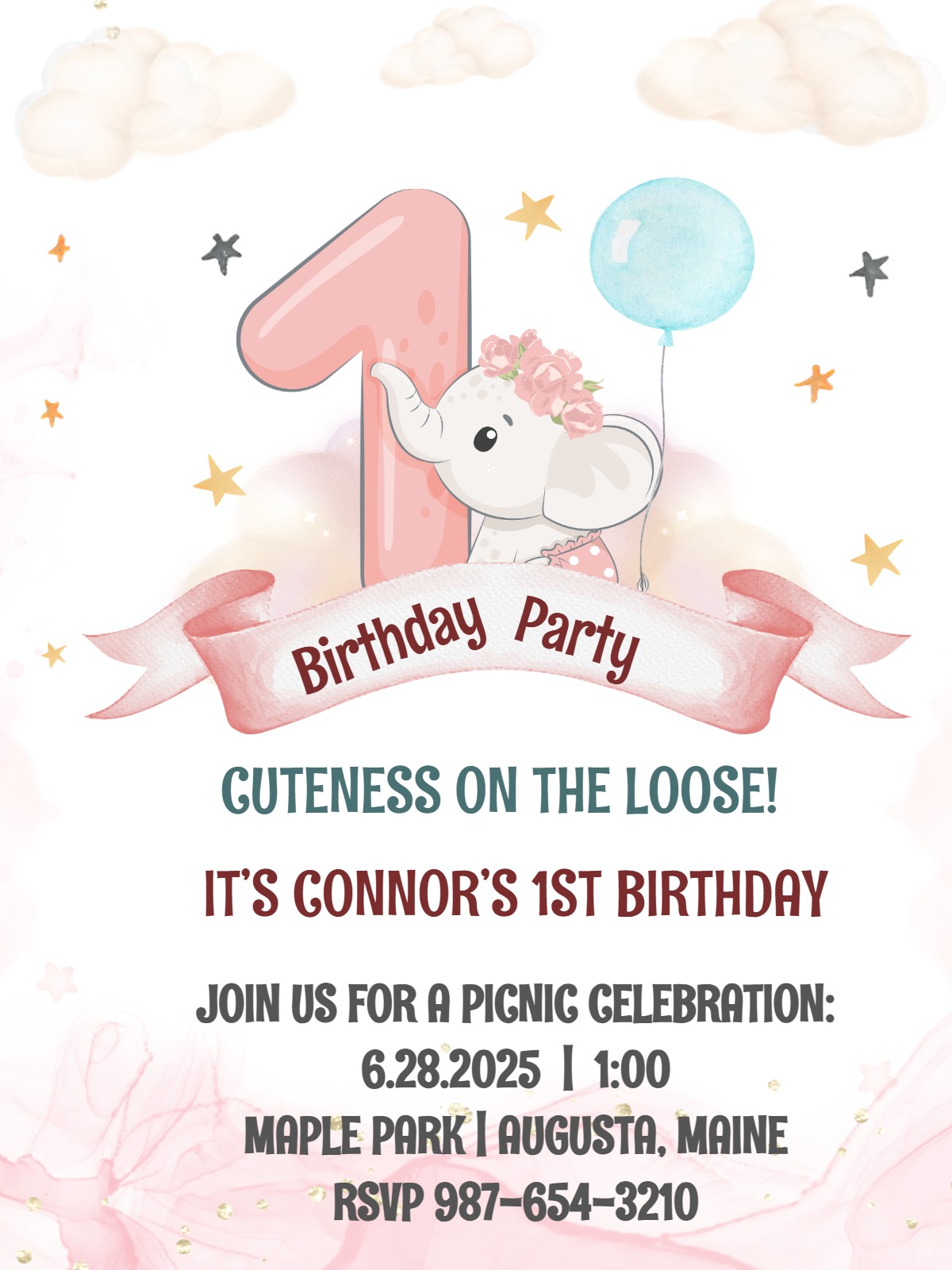

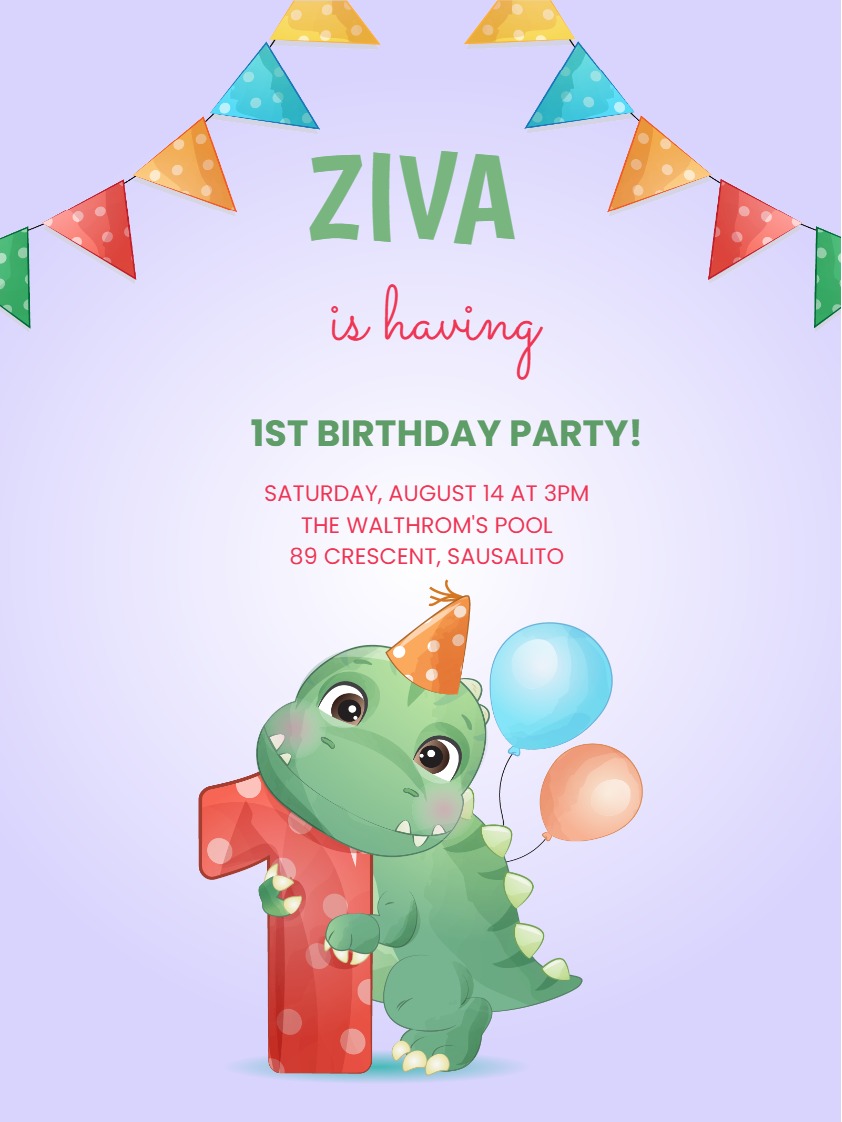
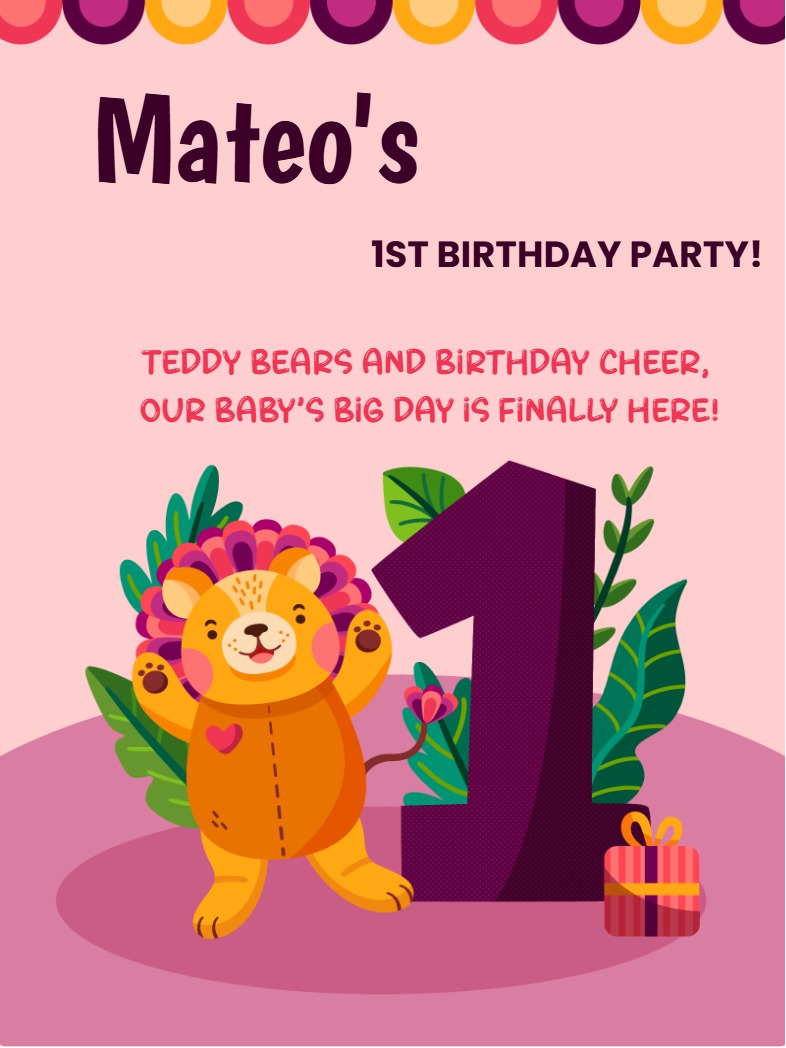
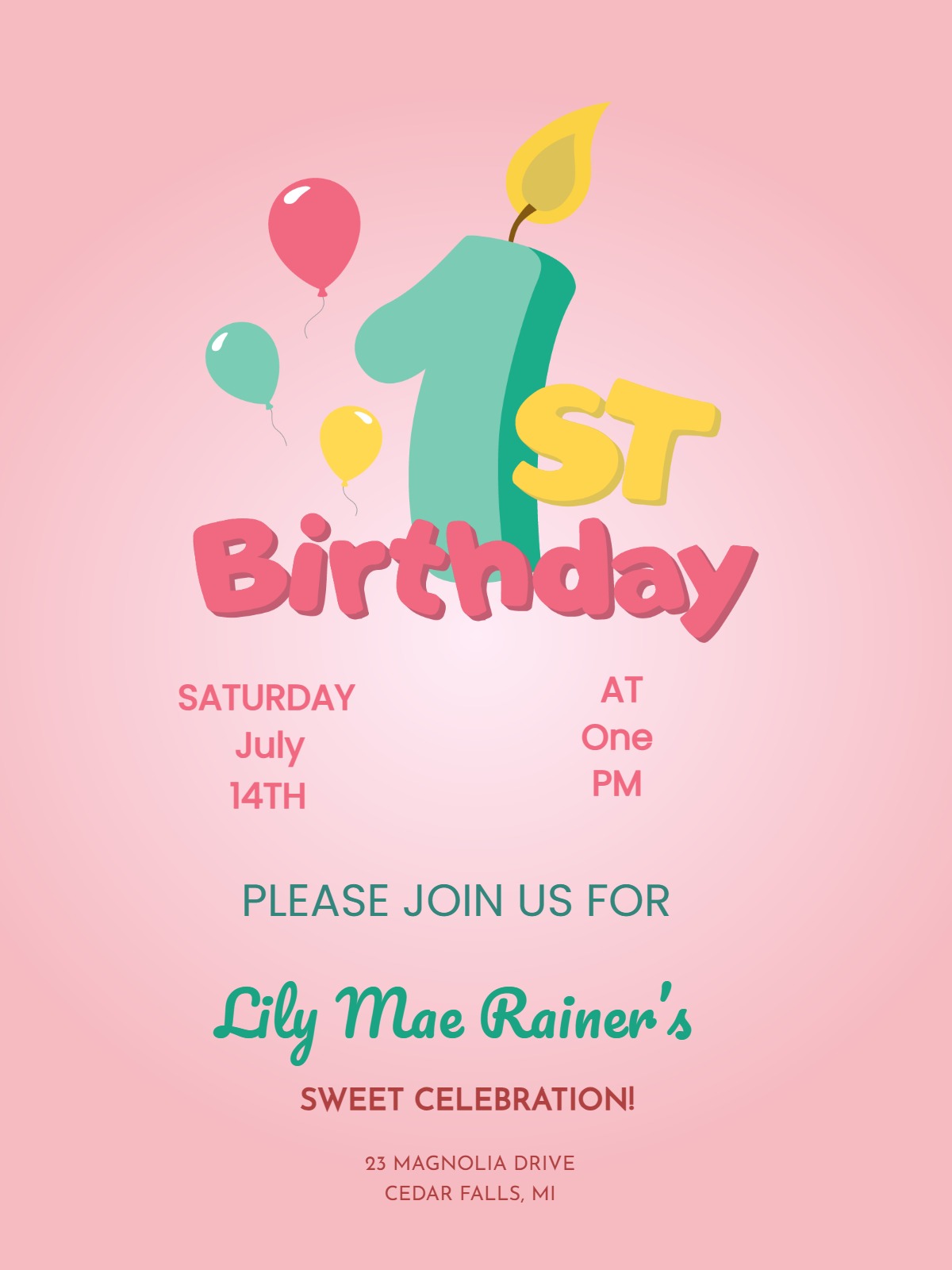
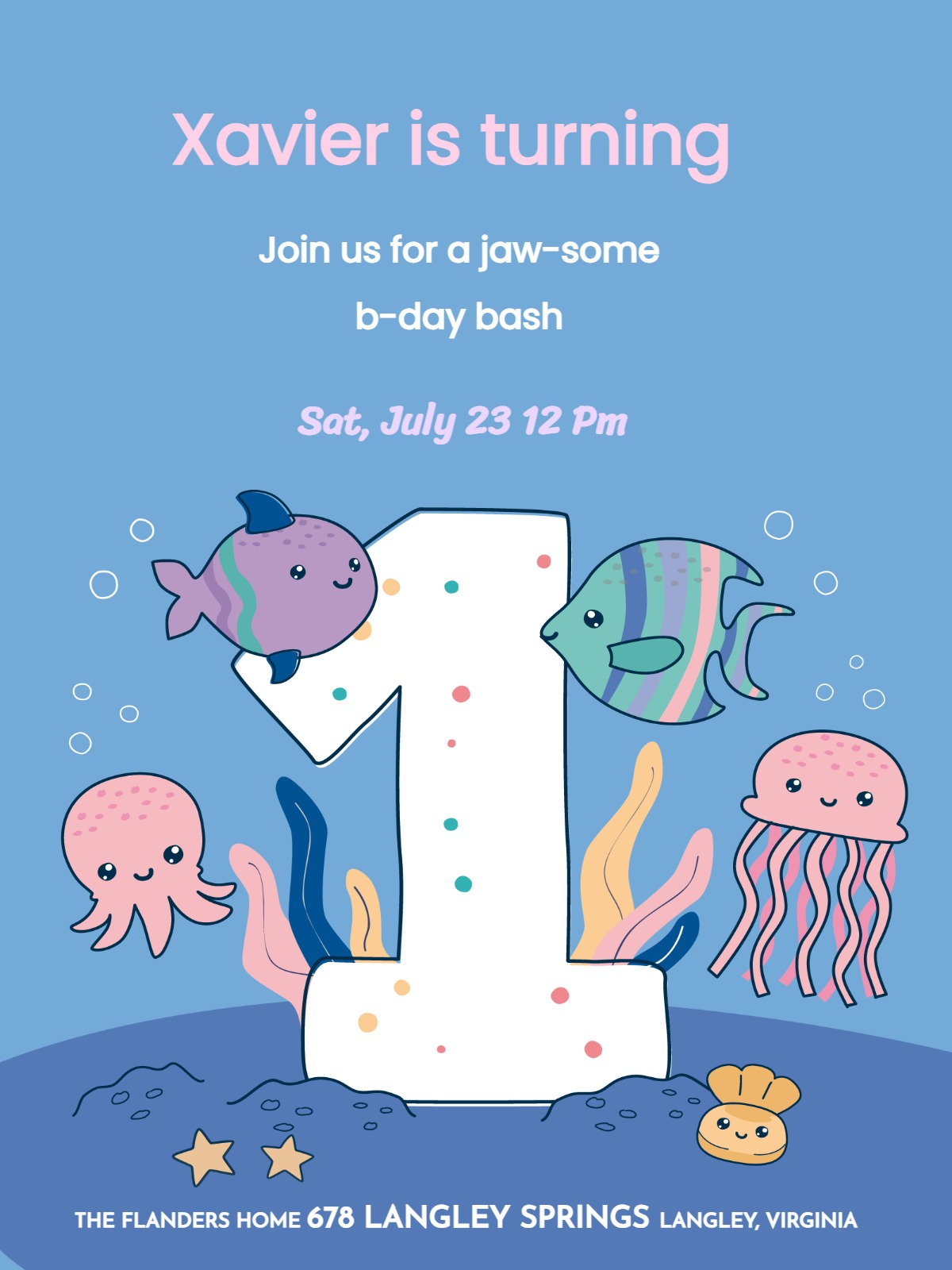

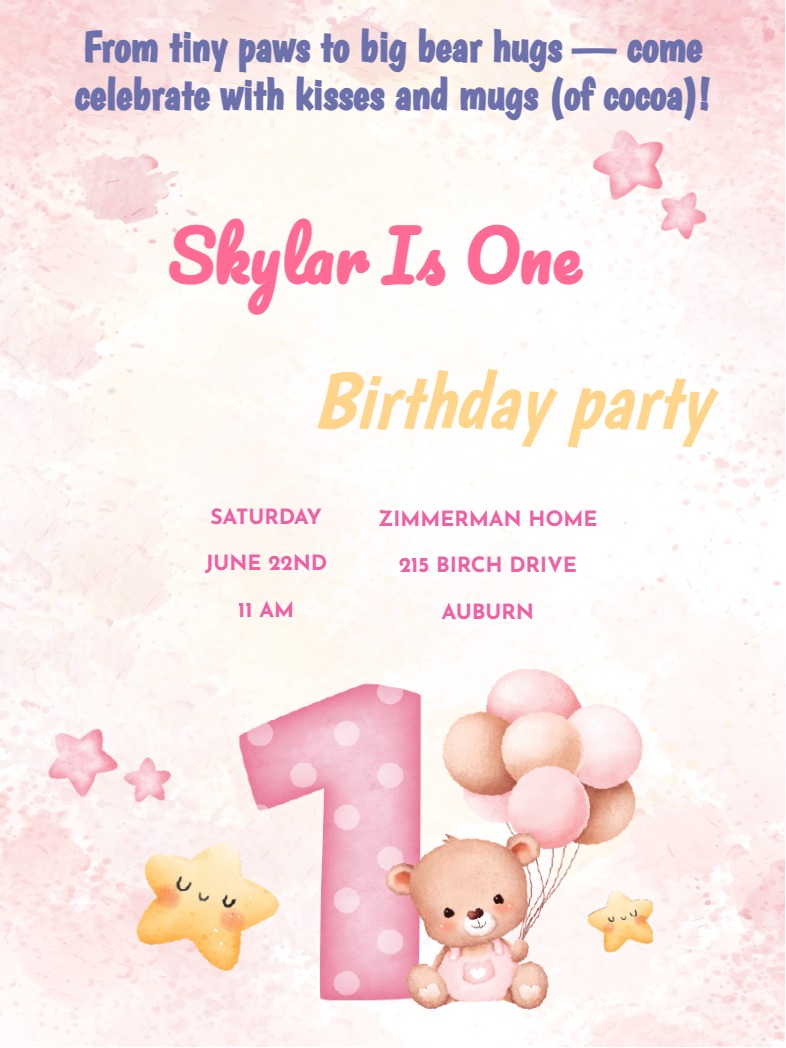
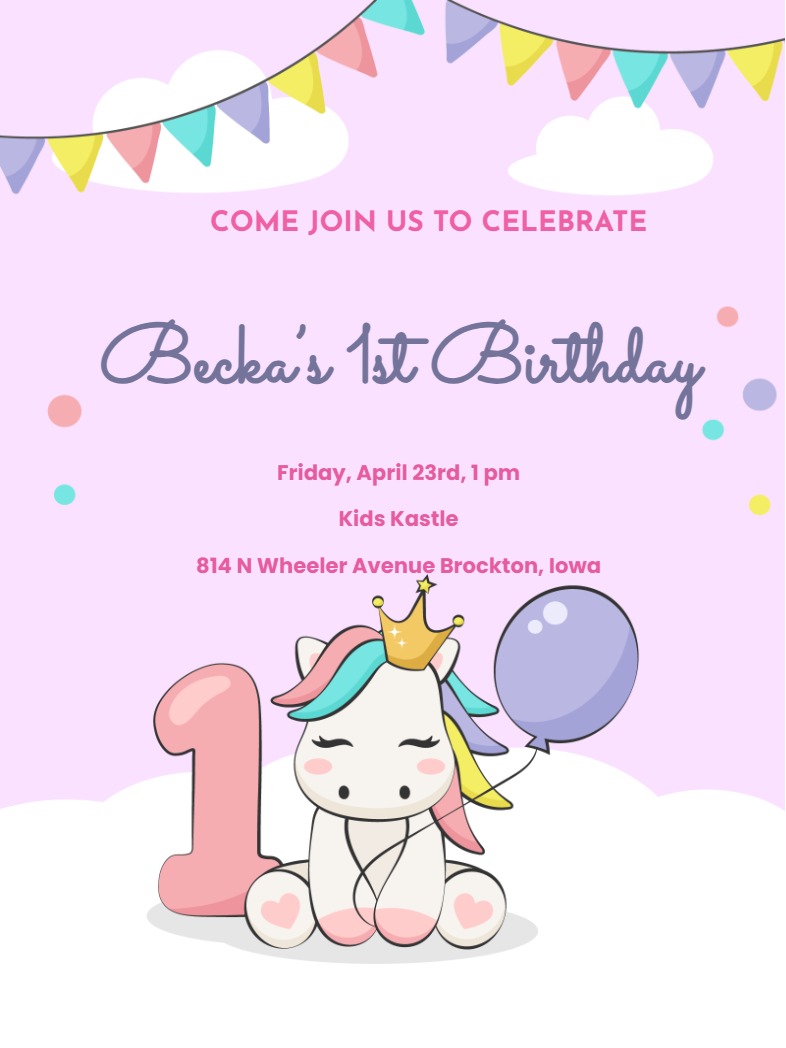
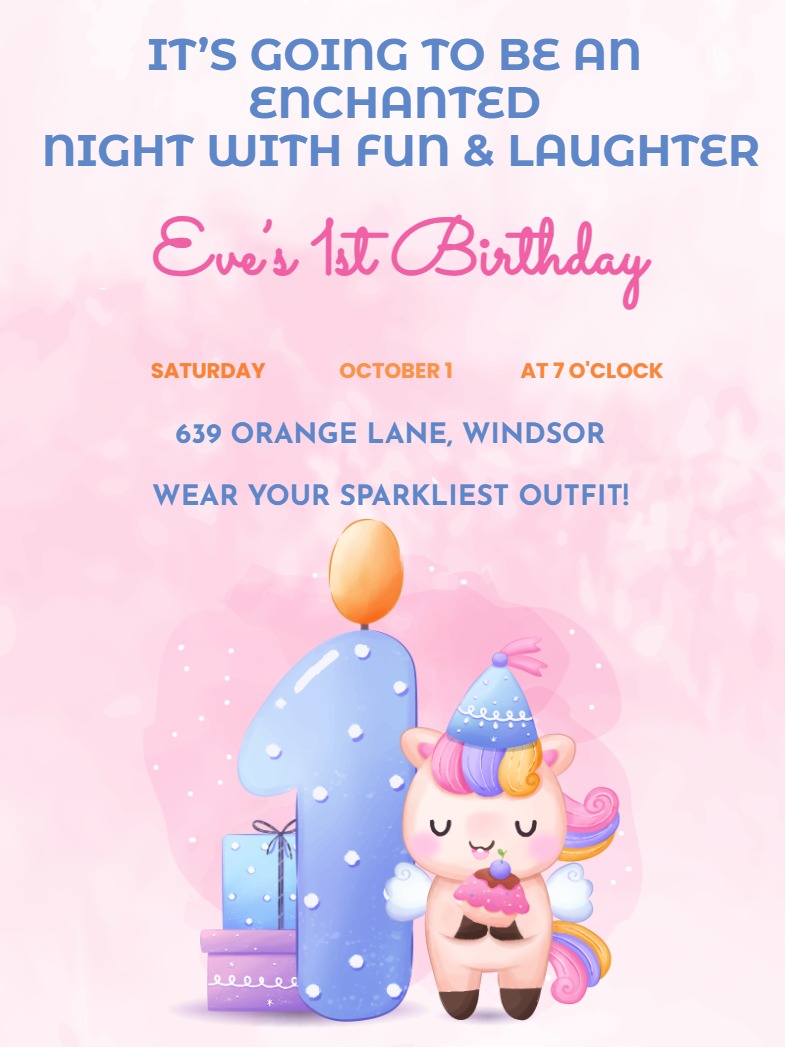
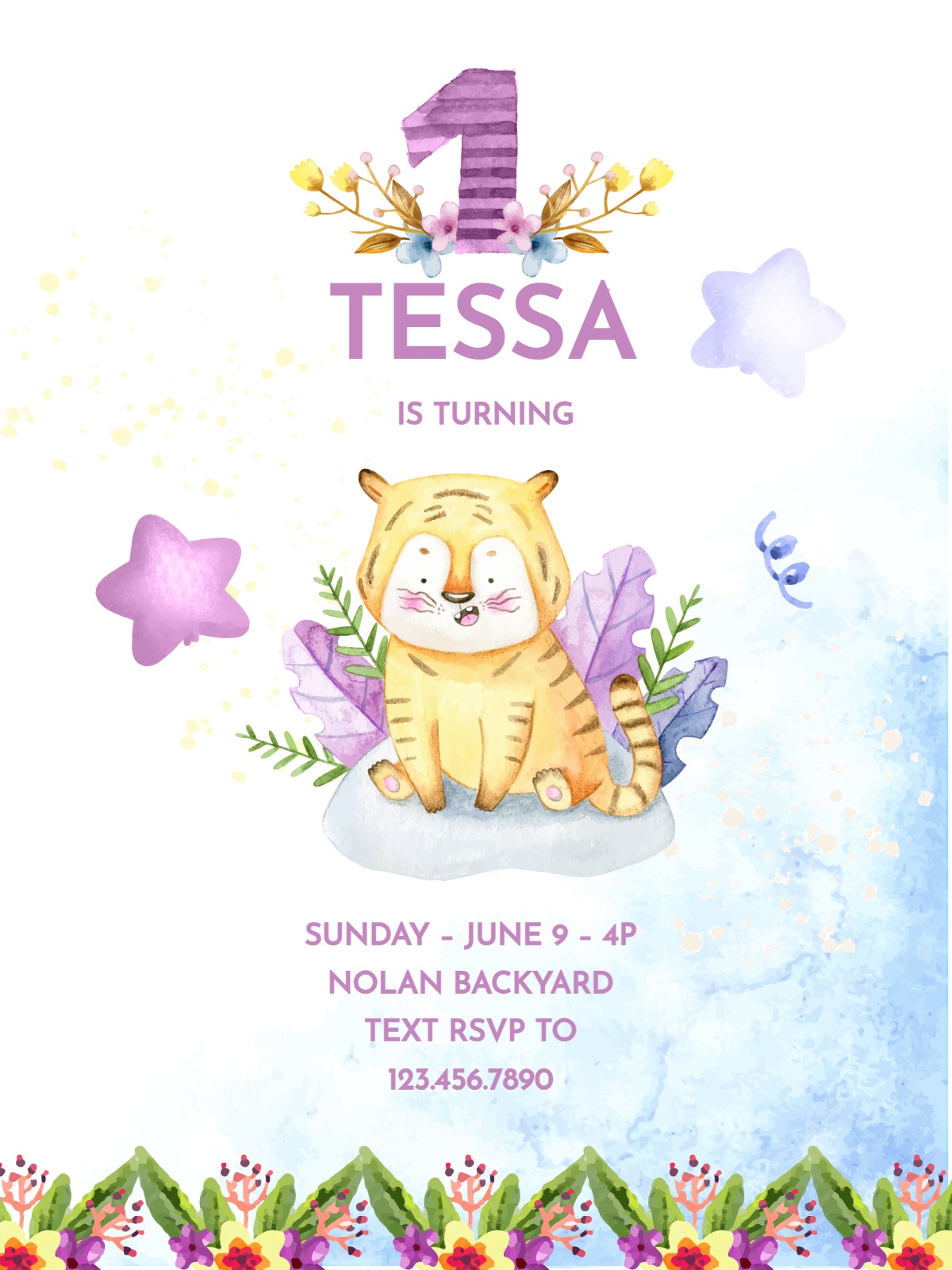
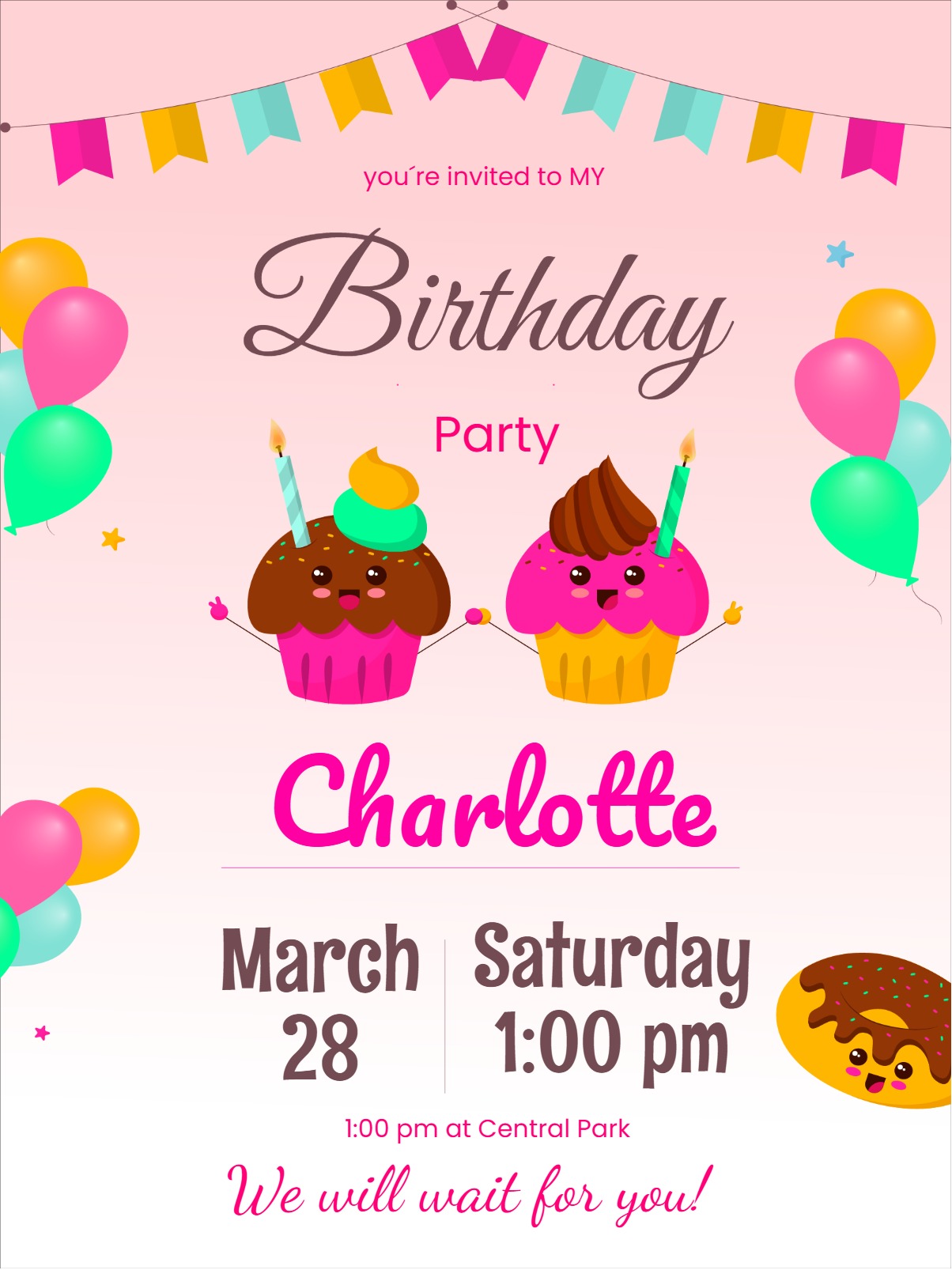
A first birthday is a milestone for your whole household, not just the one-year-old. The designs here cover the themes that work well at this age: soft animals like lions, rabbits, and giraffes; playful characters like unicorns and dinosaurs; and familiar symbols like cakes and clouds. Pick one that fits your party, fill in the details, and share a link with your guests.
Choosing the Right Design
At one year old, your child is not choosing the theme. You are, and you are probably also coordinating decorations, a cake, and a guest list at the same time. A few practical points to help you decide:
- Match what you have already planned. If your decorations are leaning jungle or pastel, choose a design that carries that palette through. Cohesion between the invitation and the party space makes both feel more intentional.
- Think about who is reading it. First birthday guests are mostly adults and older siblings. A clear, warm design reads better at a glance than something visually crowded.
- Keep the mood light. This occasion calls for cheerful rather than formal. All the designs in this collection reflect that.
What to Put in Your Invitation
First birthday parties tend to run two to three hours, which fits comfortably around nap schedules for the youngest guests. When you fill in your details, cover the following:
- Start and end time. Parents of toddlers and infants will appreciate knowing the window upfront.
- Location and any helpful directions. If parking is limited or the entrance is not obvious, a short note saves confusion on the day.
- Whether siblings are welcome. This is one of the most common questions at this age. Answering it in the invitation removes the need for follow-up messages.
- An RSVP deadline. Use InviteFlare's RSVP tracking to confirm your headcount before you finalize food and seating. Setting the deadline about a week before the party gives you enough time to adjust.
Sharing Your Invitation
Once you have previewed your design and confirmed the details are correct, you will receive a shareable link. Send it by email, drop it into a group chat, or share it individually by SMS or WhatsApp. Designs used on a free plan include a watermark. Watermark-free output is available with a paid plan.
Choose a design above, add your party details, and your invitation is ready to send.
Frequently Asked Questions
Two to three weeks ahead is usually enough for a first birthday. If you have guests traveling from out of town, sending closer to four weeks gives them time to arrange travel.
Yes. InviteFlare includes RSVP tracking so you can see who has responded before you finalize food and seating. Setting an RSVP deadline about a week before the party gives you time to follow up with anyone who has not replied.
Yes. After you preview and confirm your design, you receive a shareable link that you can send through WhatsApp, SMS, email, or any messaging channel your guests use.